Custom Butterfly Sticker Maker
Create butterfly stickers for nature notebooks and colorful gifts in Sticker Flux. Start with an original idea below, then choose an art style and a square, circle or die-cut shape in the advanced sticker maker.
Start designing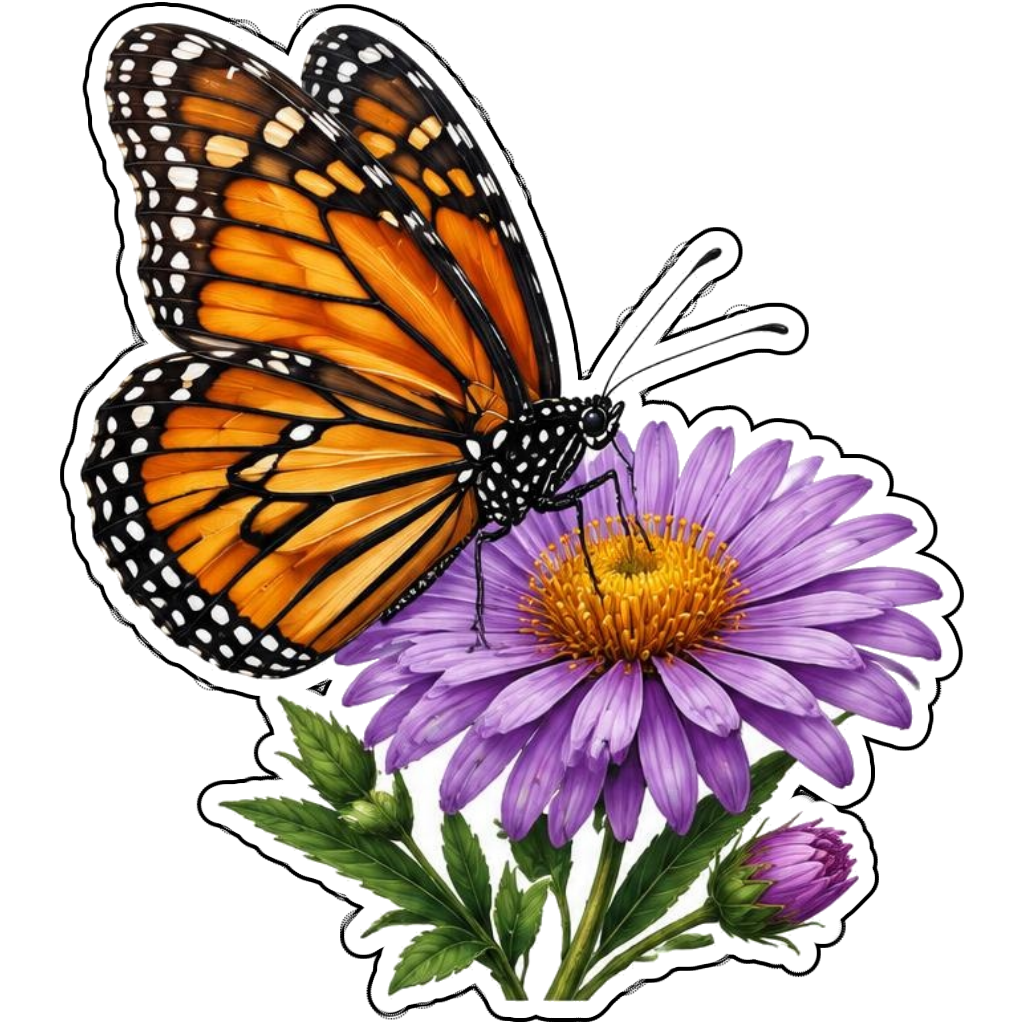
Ideas to try
An orange monarch resting on a purple flower
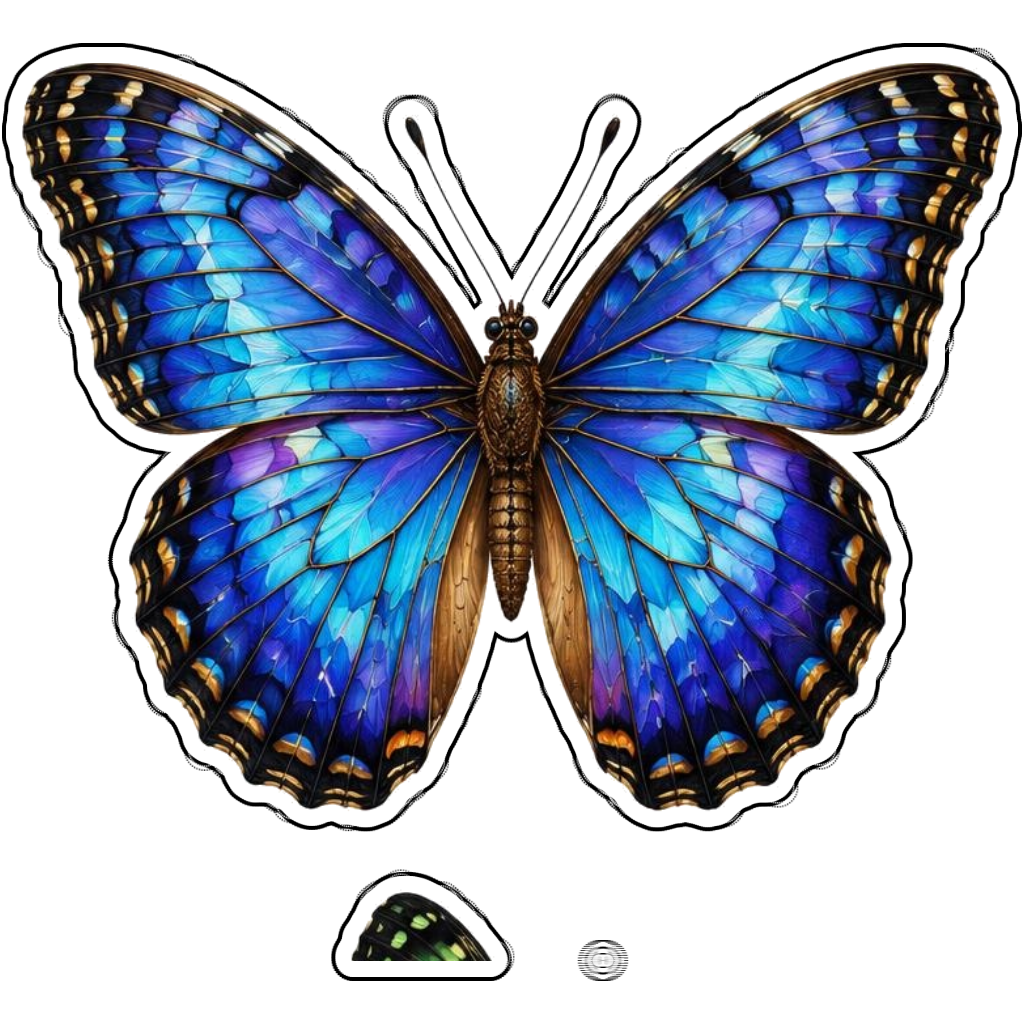
A blue morpho with jewel-toned open wings
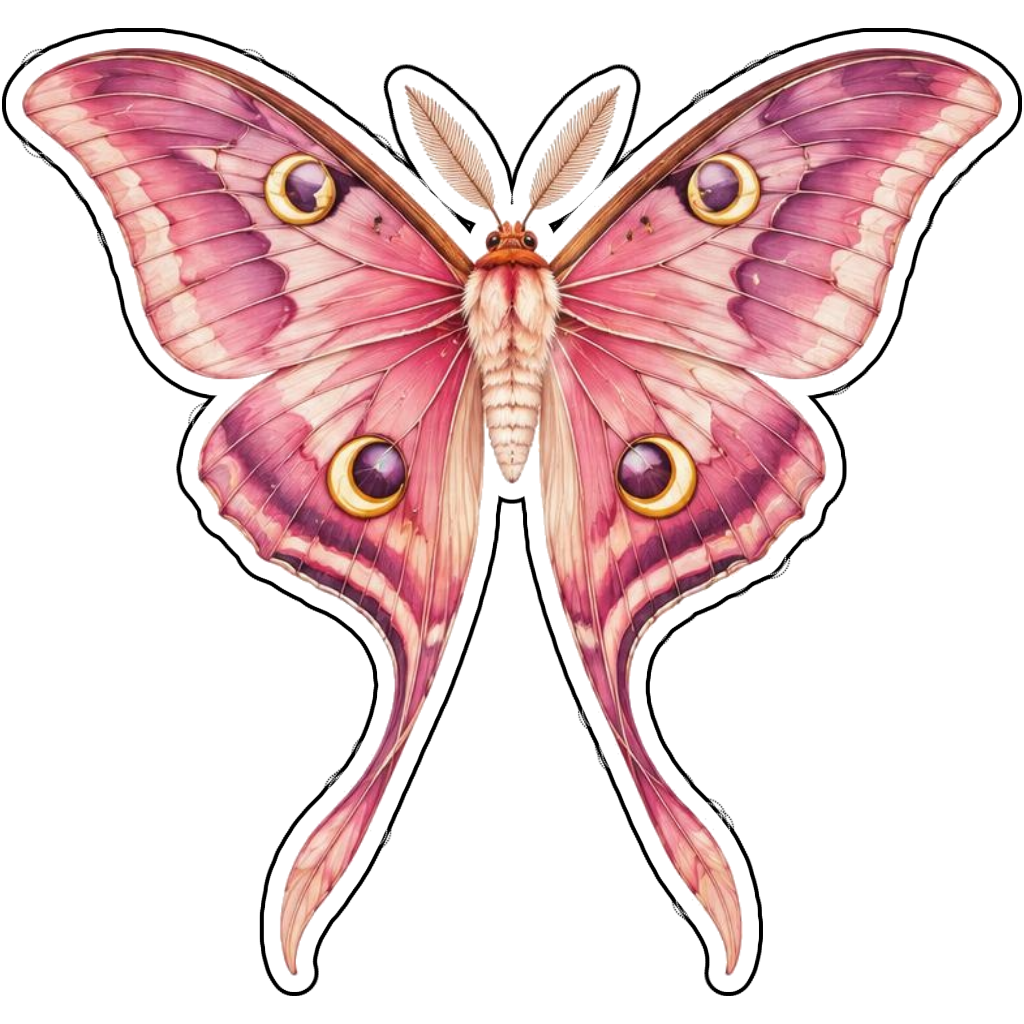
A pink butterfly with crescent accents
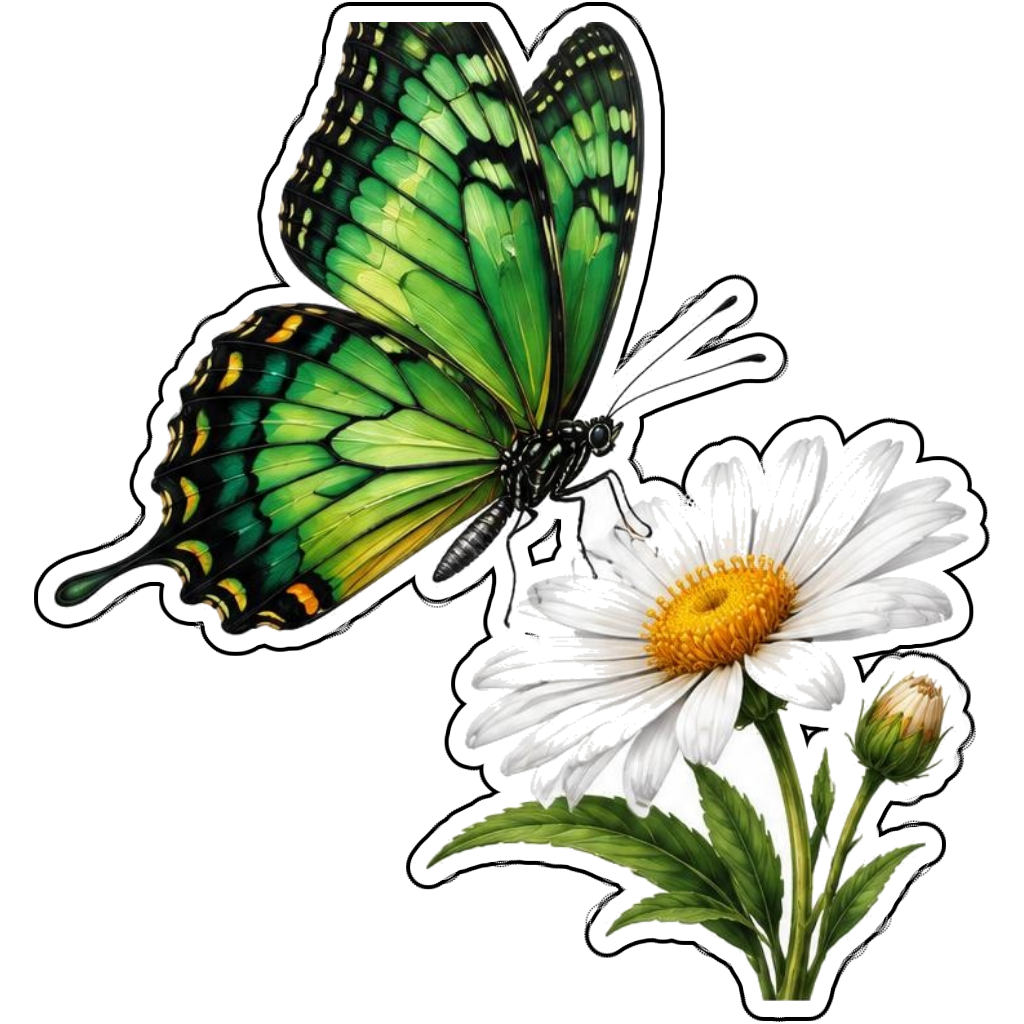
A green butterfly above a white daisy
How it works
Choose your motif
An orange monarch resting on a purple flower. Adapt the pose, colors and details to make the idea your own.
Set style and shape
Open the advanced maker with an idea below. Include a medium such as watercolor or cartoon in the prompt, then choose Square, Circle or Die-Cut.
Review your artwork
Check small details and any lettering. Downloads use the same finished artwork as the preview; print a test at your intended size before preparing a full sheet.
Design ideas for butterfly stickers
Choose open wings for a symmetrical motif or a side view resting on a flower. Wing colors, spots and vein patterns carry much of the identity, so include them in the prompt rather than relying only on a species name.
Build a personal butterfly collection
Pair one butterfly with a connected blossom to create a compact contour. Jewel-tone panels suit a stained-glass-inspired look; soft washes suit watercolor. If the design is educational, verify markings independently because AI artwork may invent patterns.
Tips
- Keep antennae thick enough for small prints.
- Leave all wing tips inside the selected shape.
- Verify species markings for educational use.
FAQ
Are butterfly illustrations scientifically exact?
Not necessarily. Sticker Flux creates decorative artwork. Verify wing patterns and anatomy against reliable references when accuracy is important.
How do I start a butterfly sticker design?
Tap an idea to open the advanced maker with that prompt filled in. Change the subject details, add optional text and choose a sticker shape before creating.
Which file should I use for contour cutting?
For circle or die-cut artwork, use the PNG to retain the transparent exterior. JPG fills that exterior with white. Import and check the outline in your cutting software; the app does not supply a machine-specific SVG path or registration marks.
Related sticker makers
Practical sticker guides
custom botanical sticker ideas