Custom Flower Sticker Maker
Create custom flower stickers for journals and floral gift labels in Sticker Flux. Start with an original idea below, then choose an art style and a square, circle or die-cut shape in the advanced sticker maker.
Start designing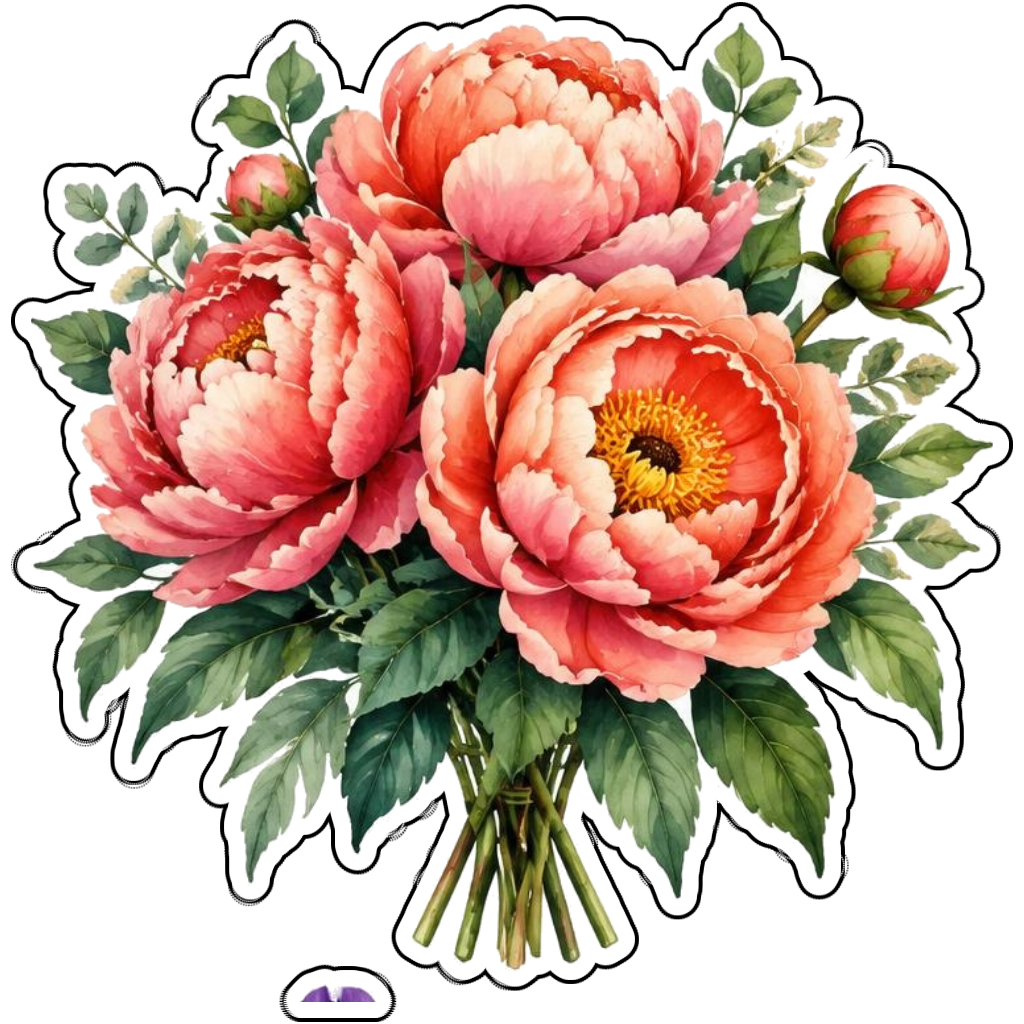
Ideas to try
A coral peony bouquet tied with ribbon
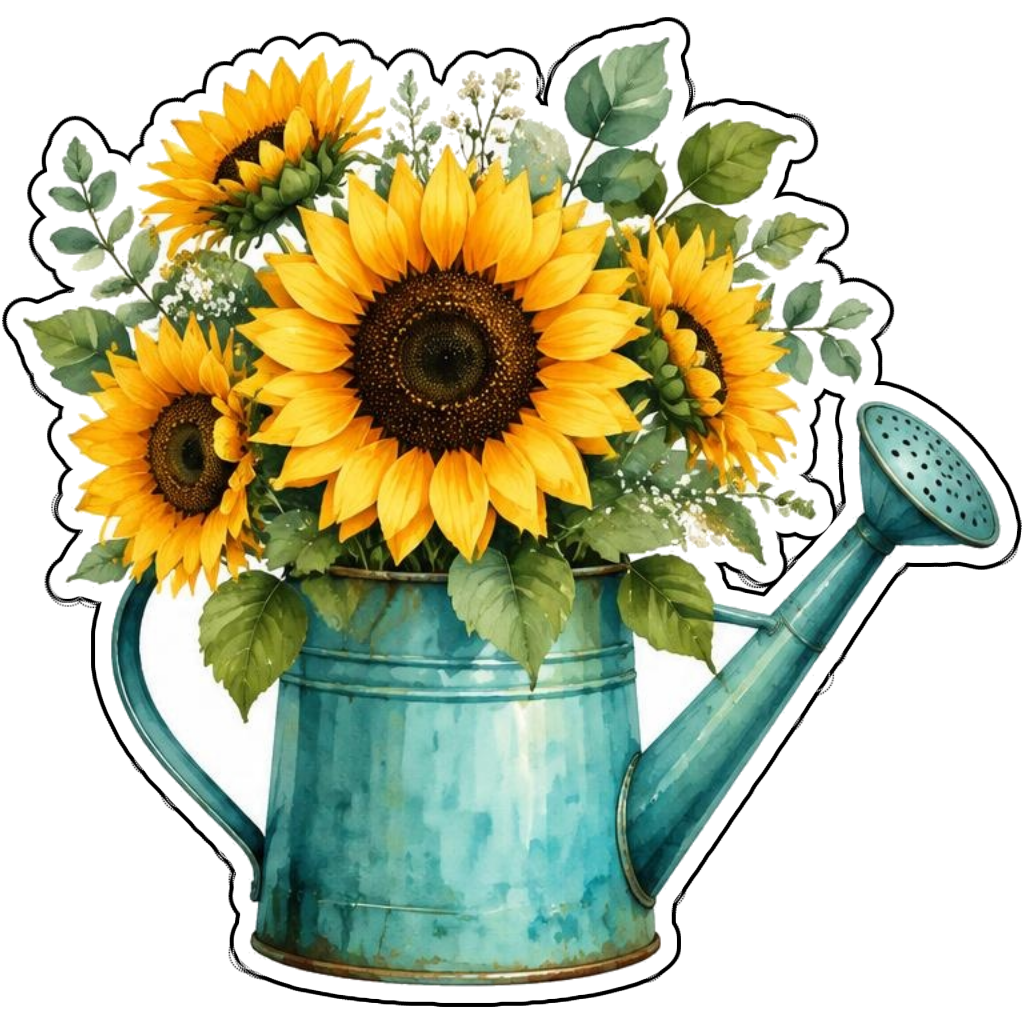
Golden sunflowers in a teal watering can
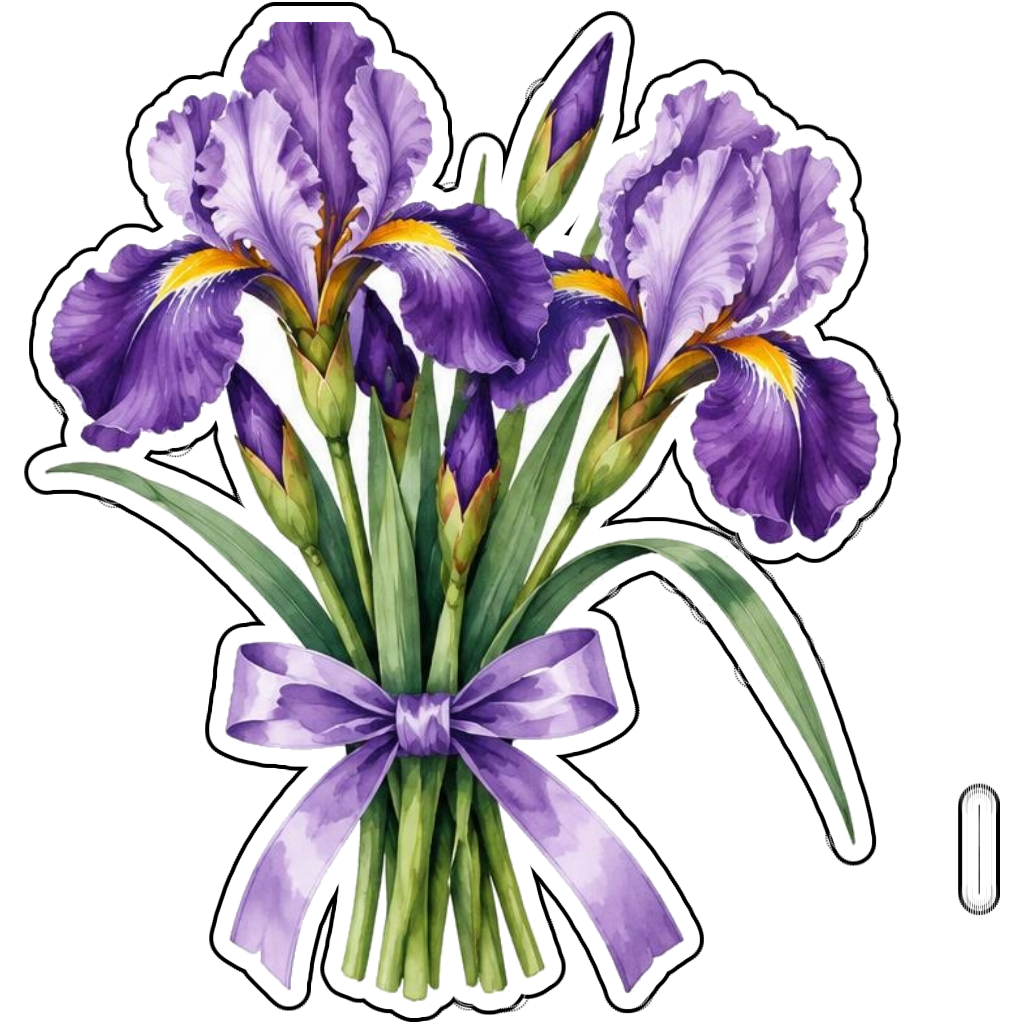
Purple iris stems with a lavender ribbon
How it works
Choose your motif
A coral peony bouquet tied with ribbon. Adapt the pose, colors and details to make the idea your own.
Set style and shape
Open the advanced maker with an idea below. Include a medium such as watercolor or cartoon in the prompt, then choose Square, Circle or Die-Cut.
Review your artwork
Check small details and any lettering. Downloads use the same finished artwork as the preview; print a test at your intended size before preparing a full sheet.
Design ideas for flower stickers
Name the flower and arrangement: a peony bouquet, a sunflower watering can or a single iris stem. Petal shape and leaf structure distinguish flowers more reliably than a vague instruction to make a pretty botanical design.
Build a personal flower collection
Coordinate floral artwork with a journal season or gift wrapping color. Watercolor creates soft washes; graphic illustration keeps petals bolder at small sizes. For die-cut designs, group stems and petals into a compact silhouette rather than disconnected decorative dots.
Tips
- Use contrast between petals and leaves.
- Keep thin stems attached to the bouquet.
- Test small prints so delicate petals remain visible.
FAQ
Can I choose a specific flower for my sticker?
Yes. Name the flower, colors and arrangement in your prompt. Review petal and leaf details if botanical accuracy matters to you.
How do I start a flower sticker design?
Tap an idea to open the advanced maker with that prompt filled in. Change the subject details, add optional text and choose a sticker shape before creating.
Which file should I use for contour cutting?
For circle or die-cut artwork, use the PNG to retain the transparent exterior. JPG fills that exterior with white. Import and check the outline in your cutting software; the app does not supply a machine-specific SVG path or registration marks.
Related sticker makers
Practical sticker guides
custom botanical sticker ideas