Custom Watercolor Sticker Maker
Create watercolor stickers with soft painted digital designs in Sticker Flux. Start with an original idea below, then choose an art style and a square, circle or die-cut shape in the advanced sticker maker.
Start designing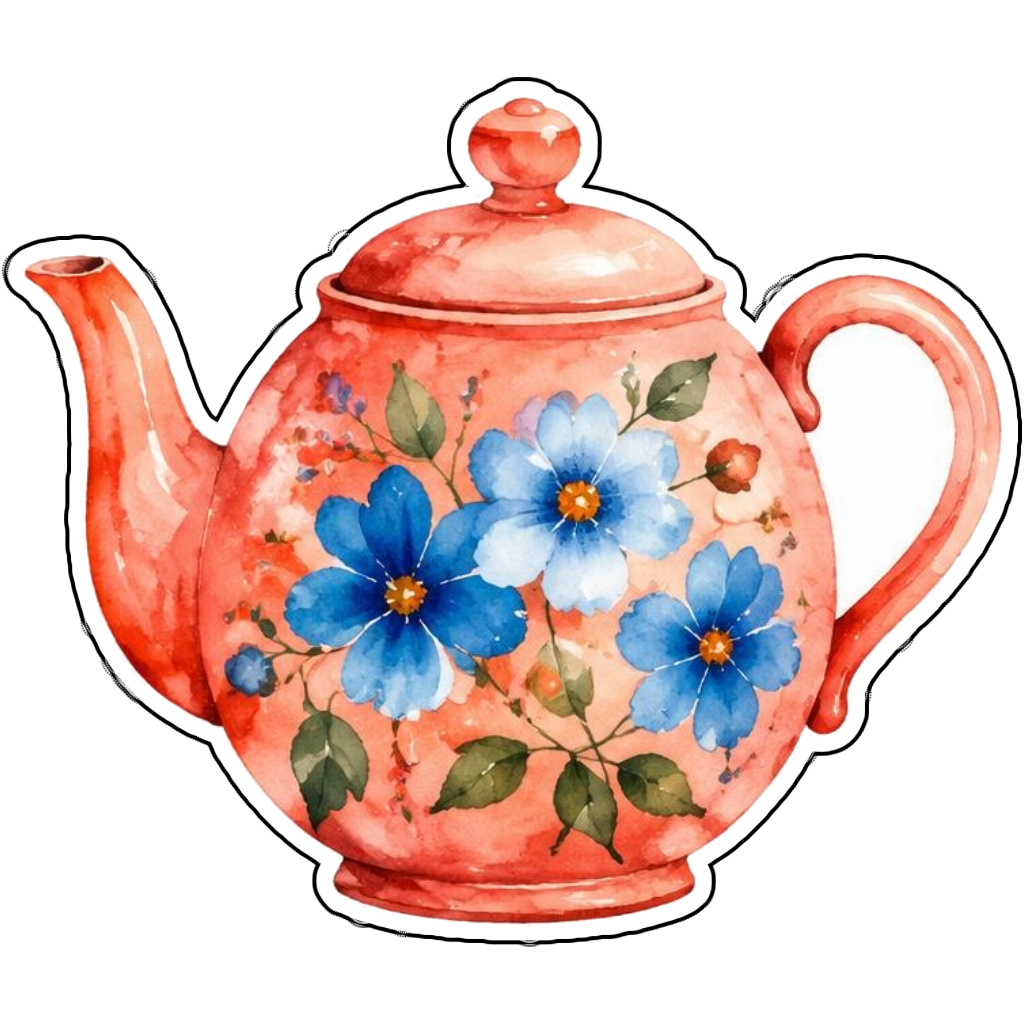
Ideas to try
A coral teapot with blue flowers in watercolor
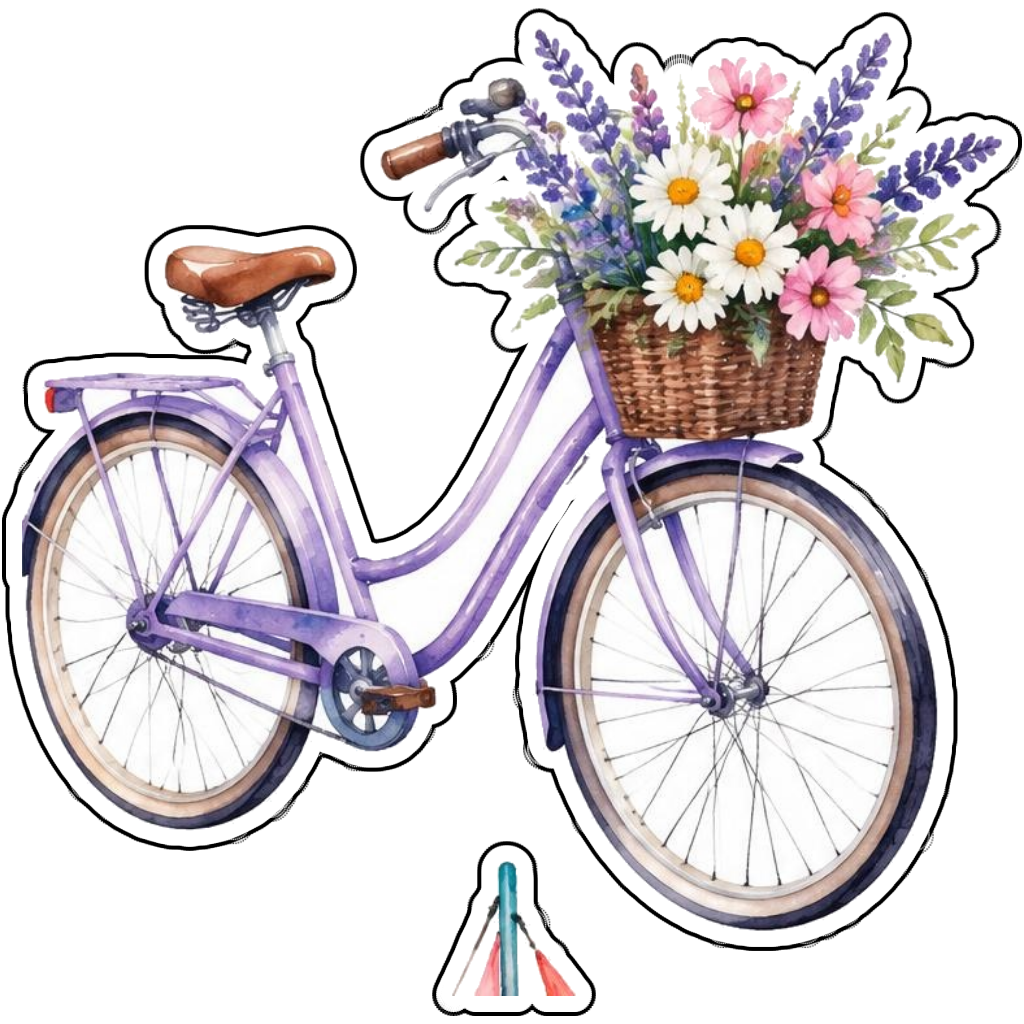
A lavender bicycle with a basket of flowers in watercolor
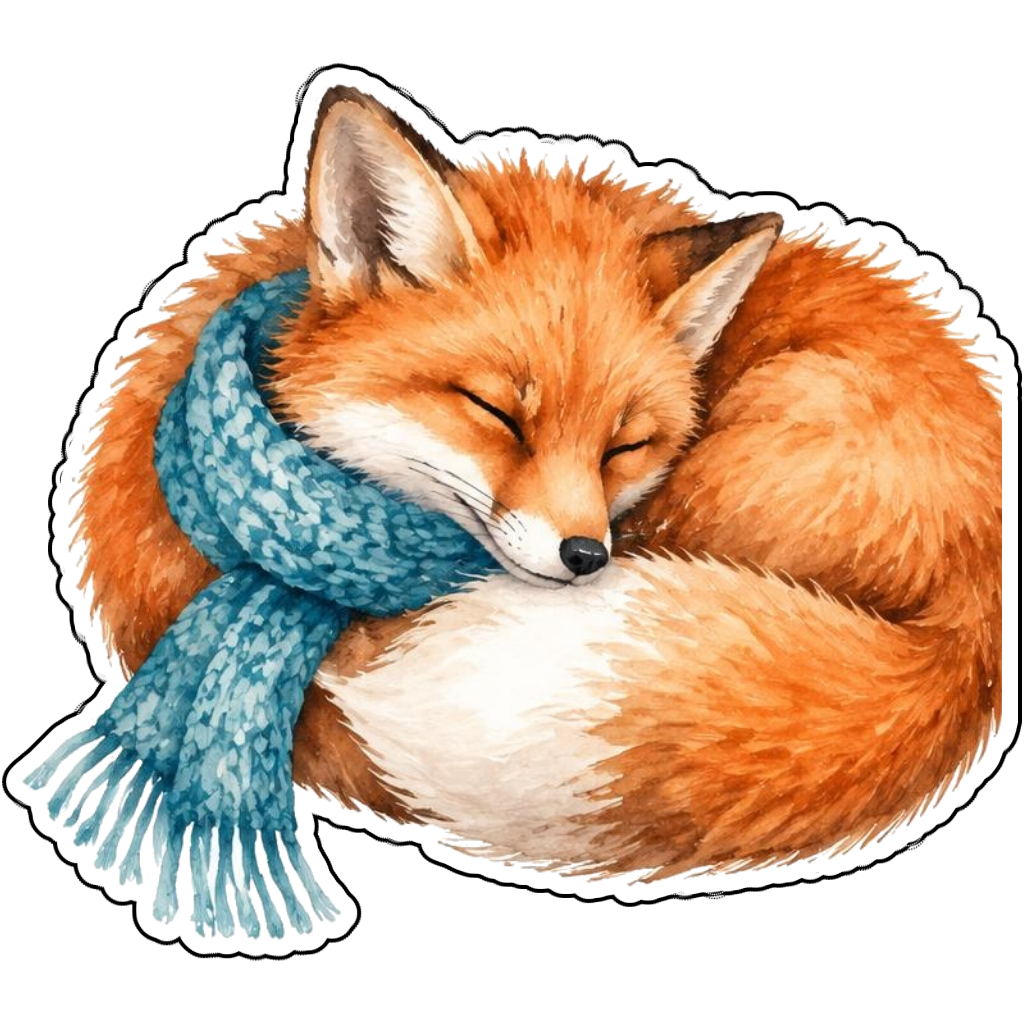
An orange fox sleeping in a scarf in watercolor
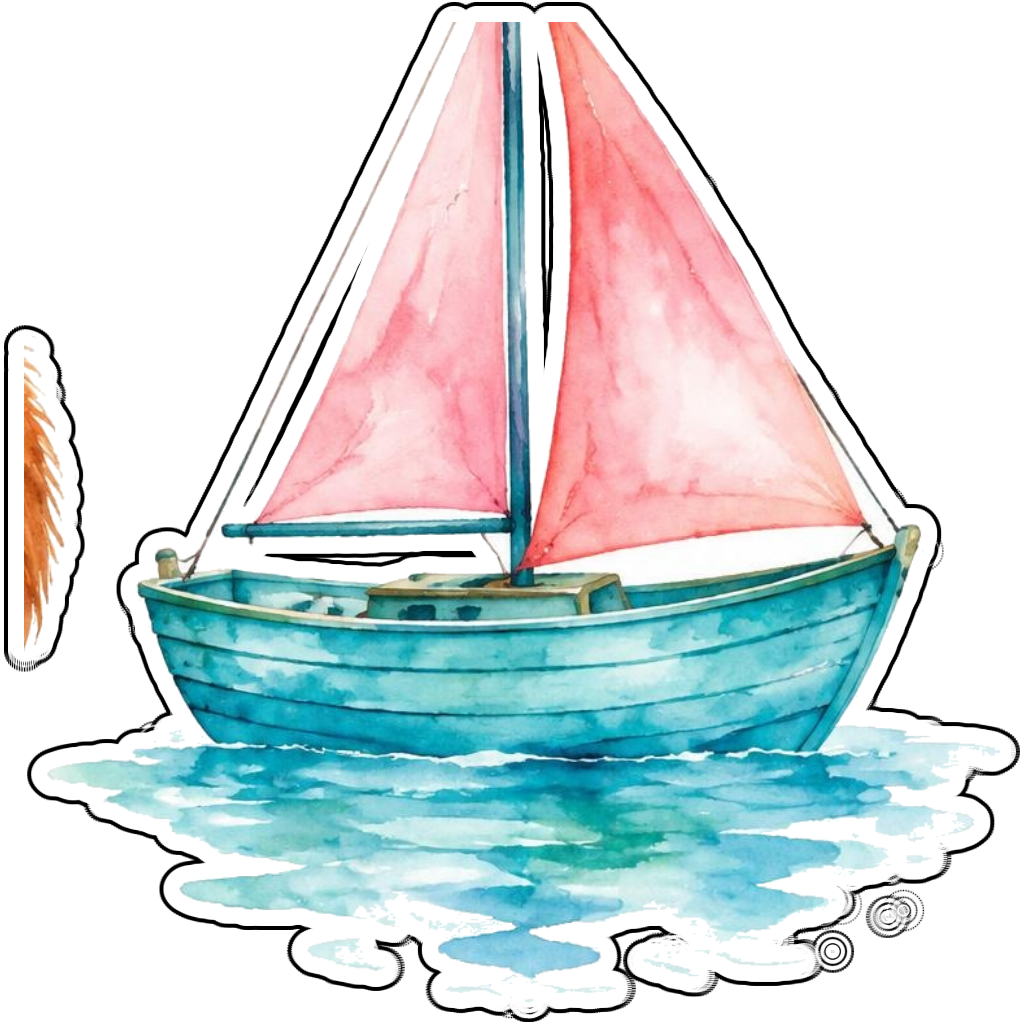
A teal sailboat with pink sails in watercolor
How it works
Choose your motif
A coral teapot with blue flowers in watercolor. Adapt the pose, colors and details to make the idea your own.
Set style and shape
Open the advanced maker with an idea below. Include a medium such as watercolor or cartoon in the prompt, then choose Square, Circle or Die-Cut.
Review your artwork
Check small details and any lettering. Downloads use the same finished artwork as the preview; print a test at your intended size before preparing a full sheet.
Design ideas for watercolor stickers
Specify translucent washes, gentle color blending and a recognizable subject. A teapot, bicycle or resting fox gives the soft texture a clear shape. Avoid asking for a large pale paper border when you want a compact die-cut result.
Build a personal watercolor collection
Balance painterly detail with a readable silhouette. Coral and teal can stay visible at small sizes even with soft edges. The Scanner Watercolor option restyles an uploaded image; a written watercolor prompt creates new artwork. Neither means actual hand-painted paper is supplied.
Tips
- Ask for saturated focal colors and soft secondary washes.
- Keep outer edges defined enough to follow the subject.
- Test delicate textures at the intended print size.
FAQ
Can Magic Scanner turn my drawing into watercolor stickers?
Yes. Upload and crop your drawing, choose Watercolor and adjust the Magic Level. The result applies a digital painted look to the image, not a physical watercolor process.
How do I start a watercolor sticker design?
Tap an idea to open the advanced maker with that prompt filled in. Change the subject details, add optional text and choose a sticker shape before creating.
Which file should I use for contour cutting?
For circle or die-cut artwork, use the PNG to retain the transparent exterior. JPG fills that exterior with white. Import and check the outline in your cutting software; the app does not supply a machine-specific SVG path or registration marks.
Related sticker makers
Practical sticker guides
custom botanical sticker ideas