Custom Stained Glass Sticker Maker
Create stained-glass-inspired stickers with jewel-tone digital artwork in Sticker Flux. Start with an original idea below, then choose an art style and a square, circle or die-cut shape in the advanced sticker maker.
Start designing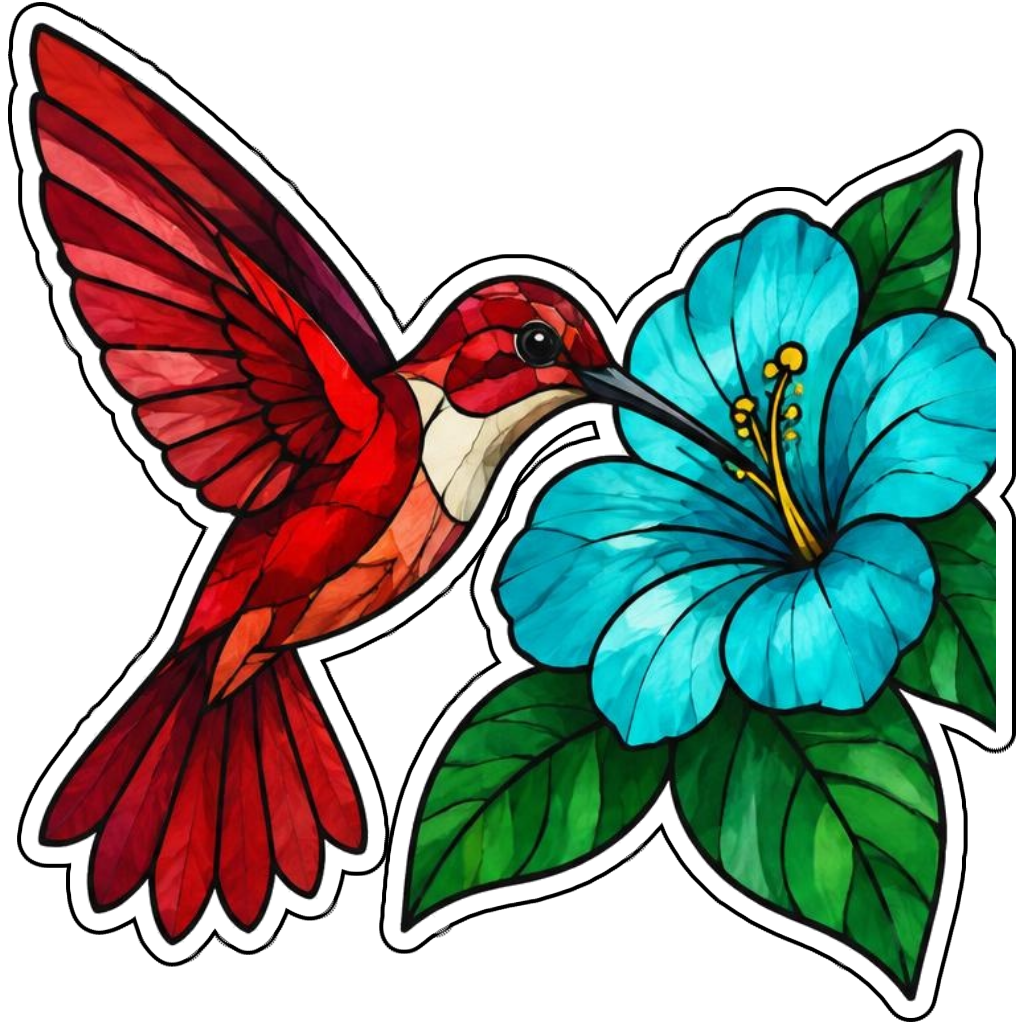
Ideas to try
A ruby hummingbird with a turquoise flower in stained glass style
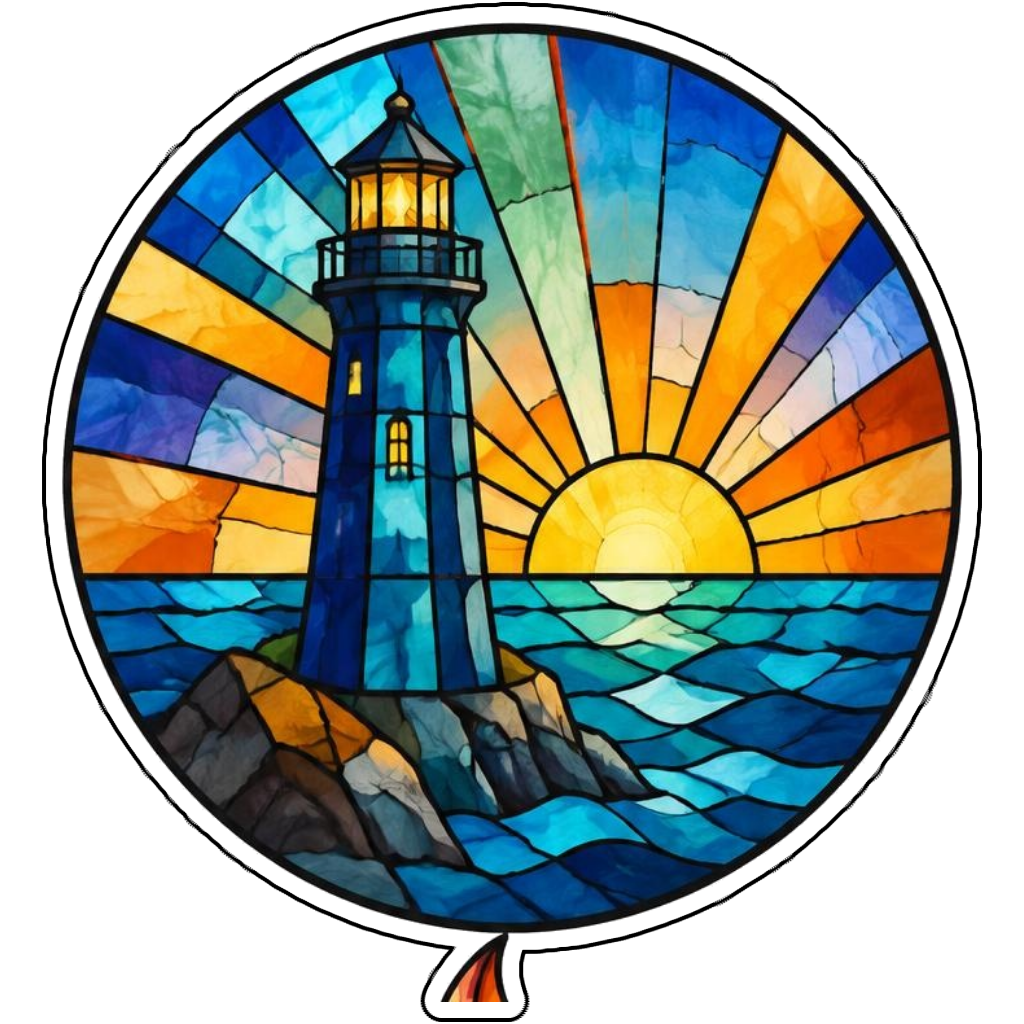
A blue lighthouse with sunrise glass panels
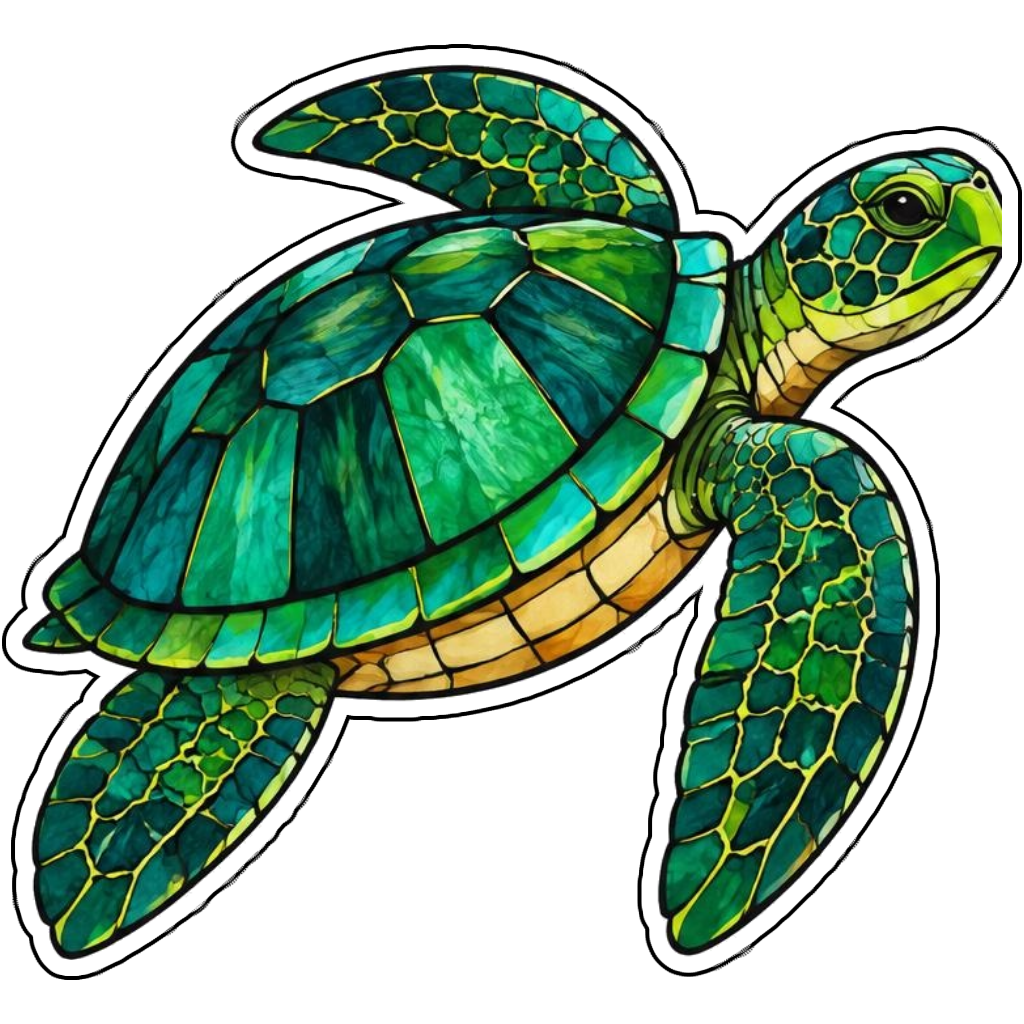
An emerald sea turtle in jewel-tone mosaic style
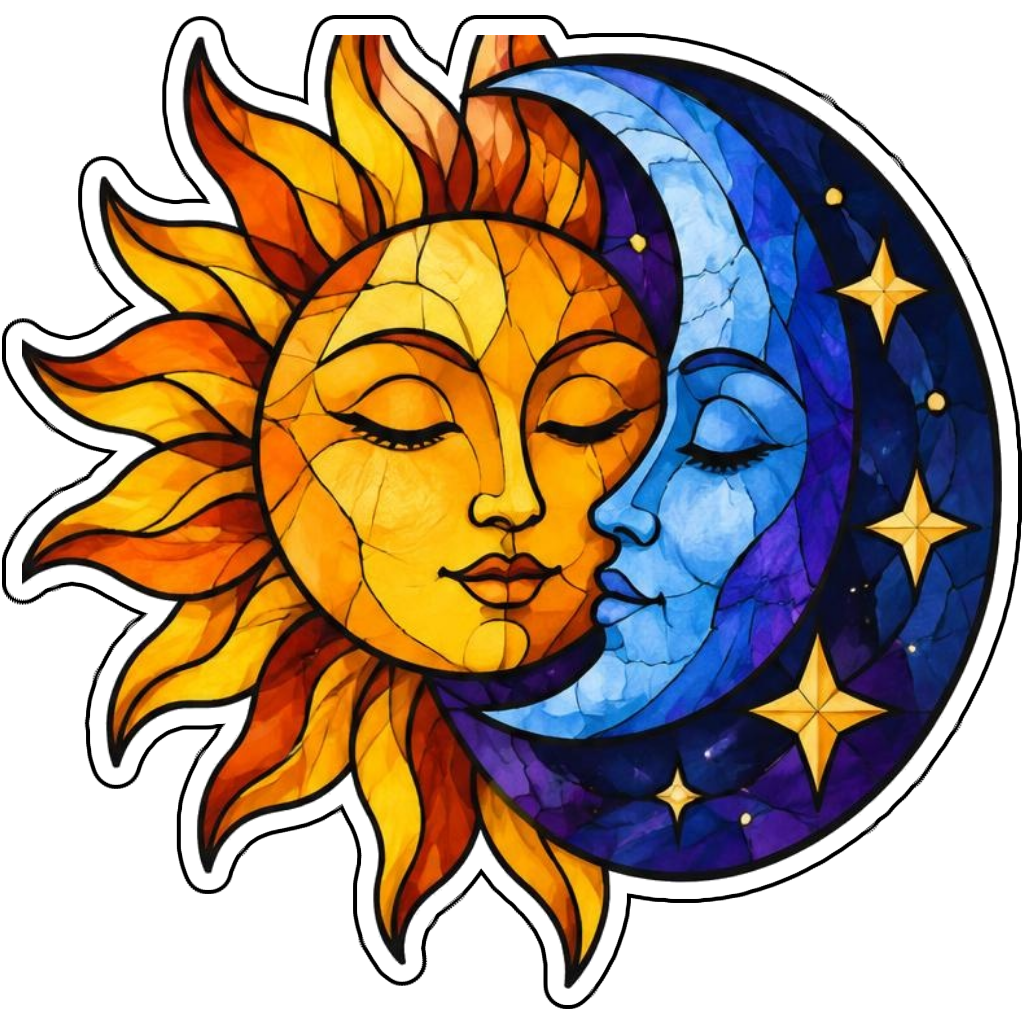
An amber sun and indigo moon in stained glass style
How it works
Choose your motif
A ruby hummingbird with a turquoise flower in stained glass style. Adapt the pose, colors and details to make the idea your own.
Set style and shape
Open the advanced maker with an idea below. Include a medium such as watercolor or cartoon in the prompt, then choose Square, Circle or Die-Cut.
Review your artwork
Check small details and any lettering. Downloads use the same finished artwork as the preview; print a test at your intended size before preparing a full sheet.
Design ideas for stained glass stickers
Ask for dark lead-like lines separating jewel-tone color panels. A simple bird, turtle or celestial motif works better than a detailed scene with hundreds of tiny pieces when the finished design is small.
Build a personal stained glass collection
This is a stained-glass-inspired illustration style, not glass or a light-transmitting window film. Describe the visual effect in the advanced prompt or custom Scanner style. Choose bold panels and a compact silhouette to keep the mosaic readable on paper or screen.
Tips
- Use larger panels rather than tiny mosaic fragments.
- Request dark lines between jewel-tone areas.
- Remember that printed artwork is not real stained glass.
FAQ
Will these stickers behave like real stained glass?
No. They are digital illustrations inspired by stained glass. Transparency, light transmission and physical finish depend on printing materials and are not created by the artwork itself.
How do I start a stained glass sticker design?
Tap an idea to open the advanced maker with that prompt filled in. Change the subject details, add optional text and choose a sticker shape before creating.
Which file should I use for contour cutting?
For circle or die-cut artwork, use the PNG to retain the transparent exterior. JPG fills that exterior with white. Import and check the outline in your cutting software; the app does not supply a machine-specific SVG path or registration marks.
Related sticker makers
Practical sticker guides
choose colors for custom stickers