Custom Wedding Sticker Maker
Create wedding stickers with elegant designs for weddings and favors in Sticker Flux. Start with an idea below, then choose an art style and a square, circle or die-cut shape in the advanced sticker maker.
Start designing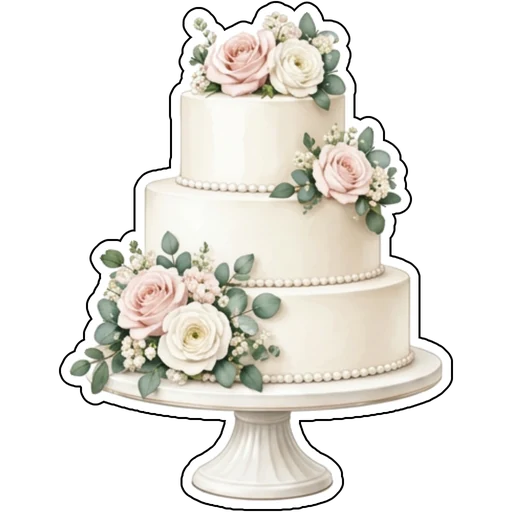

Ideas to try
A three-tier white cake decorated with blush roses
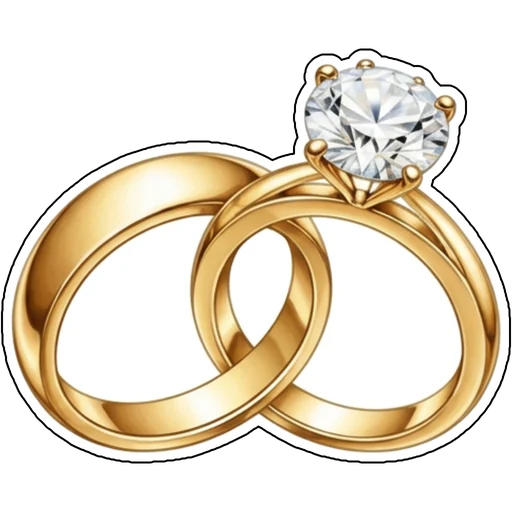
Two interlocked gold rings with a diamond
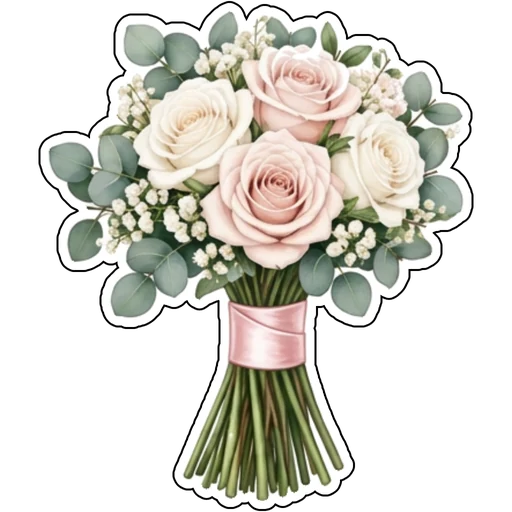
A bouquet of blush and ivory roses with eucalyptus
Two champagne flutes clinking in a toast
How it works
Describe your idea
A three-tier white cake decorated with blush roses. Change colors, poses and details to make it yours.
Pick a style
Open the advanced maker, choose an art style, then select Square, Circle or Die-Cut.
Download and print
Review details and any lettering, then download a PNG or print a test at 2, 3 or 4 inches.
Design ideas for wedding stickers
Wedding stickers decorate invitations, welcome bags and favor boxes. Cakes, rings, bouquets and toasts are timeless motifs that fit almost any theme.
Make your wedding stickers print well
Keep a consistent color story so pieces feel like a set. Add names or a date as text in your prompt, then check spelling closely before printing.
Tips
- Match your wedding palette in every prompt.
- Use soft realistic or watercolor styles for an elegant feel.
- Print favors at 2 or 3 inches for envelopes and boxes.
FAQ
Can I add text to wedding stickers?
Yes. Include the exact words in your prompt and check spelling before printing.
What size works best for wedding stickers?
2, 3 and 4 inch sizes are available for printing; choose based on where the sticker goes.
Can I cut these with a Cricut?
Die-cut designs use one connected outline with a thin white edge, which suits print-then-cut workflows.