Custom Mushroom Sticker Maker
Create mushroom stickers for cottagecore journals and fantasy art in Sticker Flux. Start with an original idea below, then choose an art style and a square, circle or die-cut shape in the advanced sticker maker.
Start designing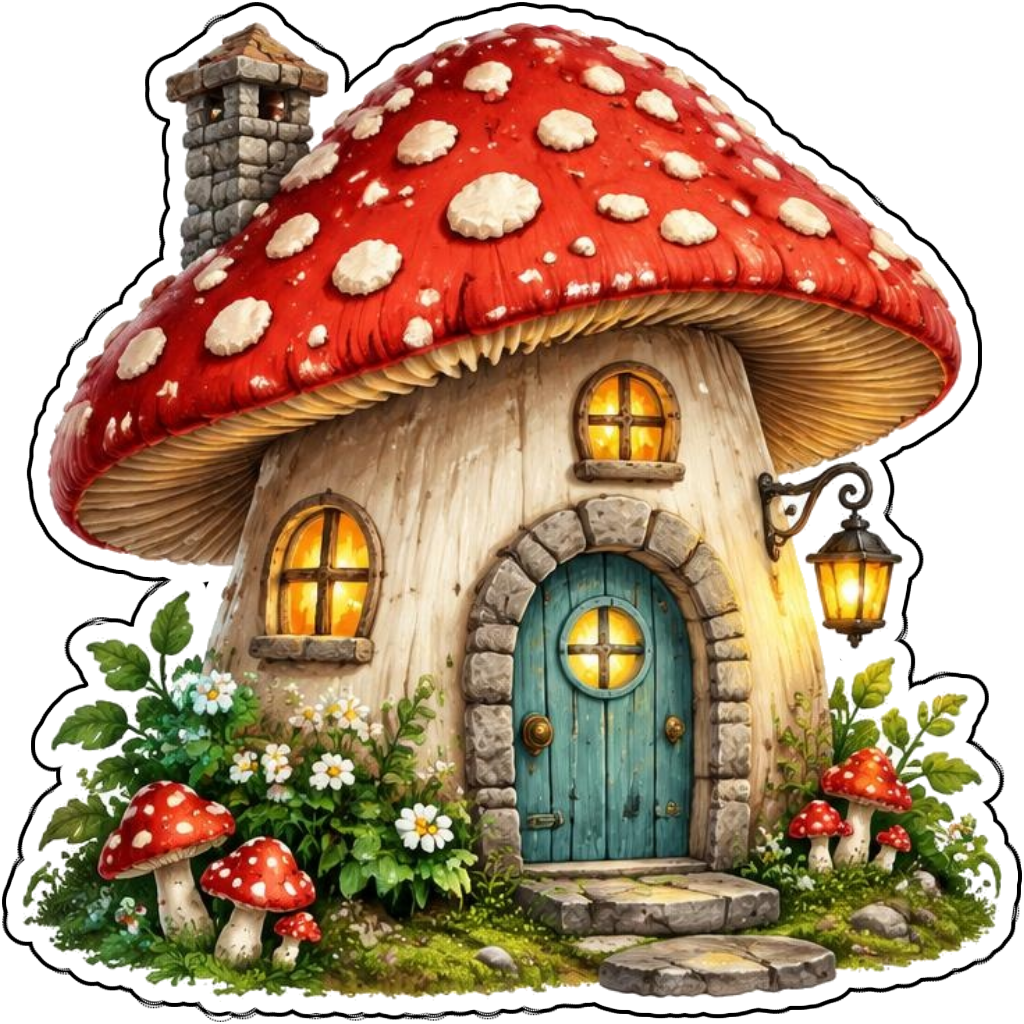
Ideas to try
A red spotted mushroom cottage with a teal door
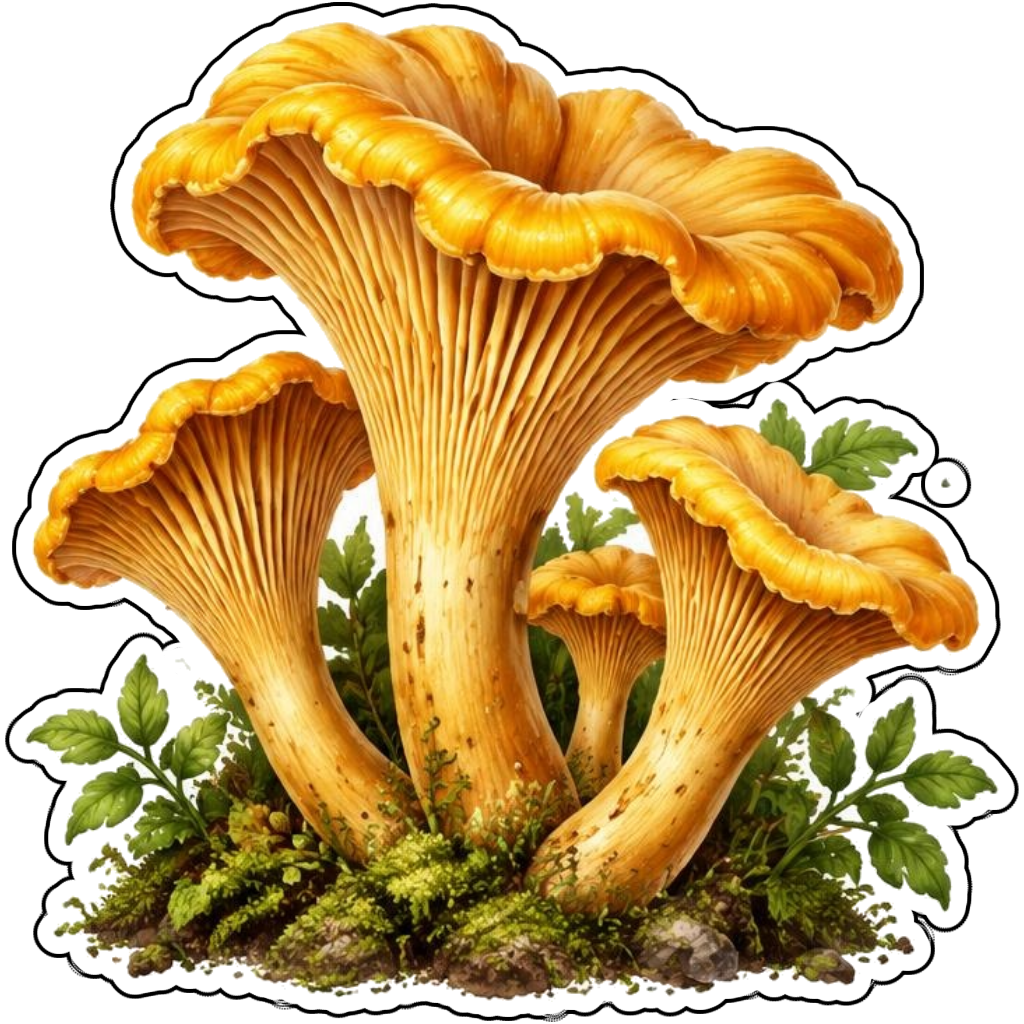
A cluster of amber chanterelles and ferns
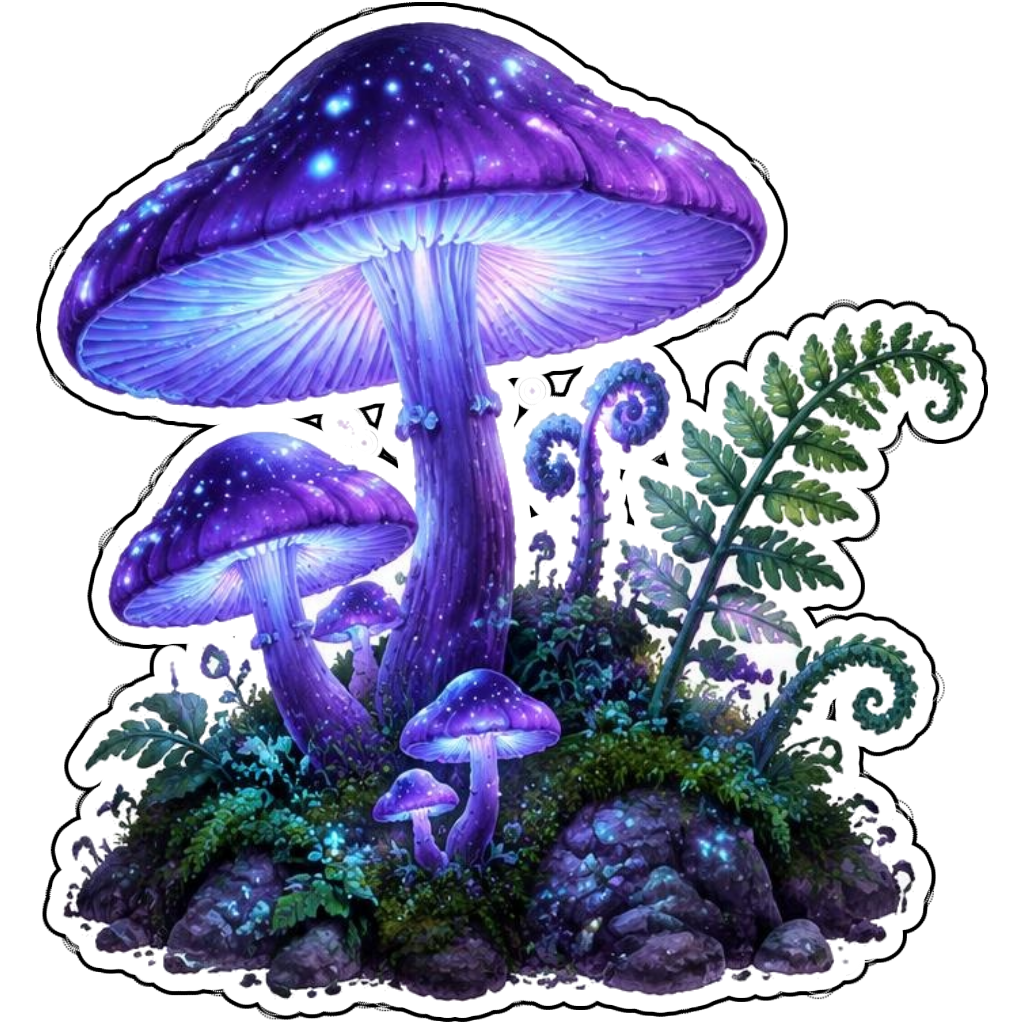
Glowing purple fantasy mushrooms
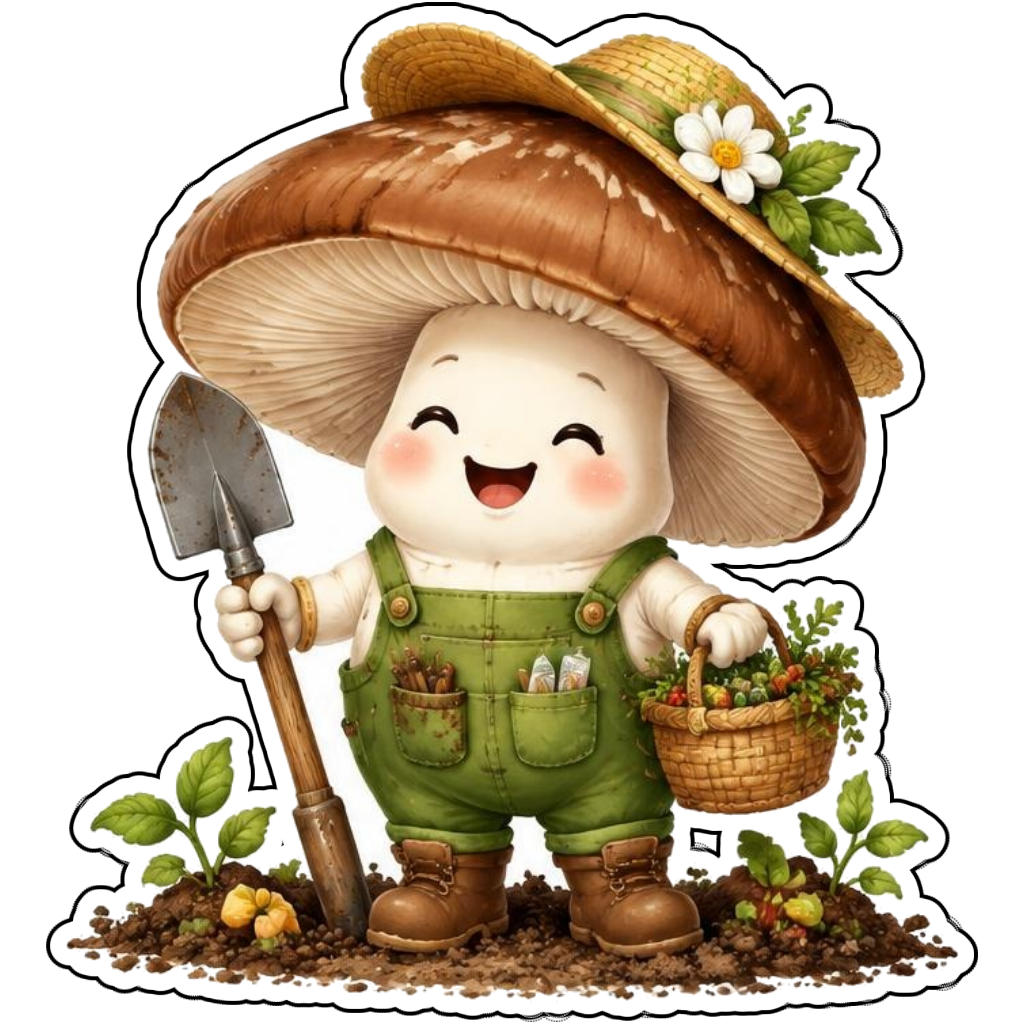
A cheerful mushroom gardener carrying a spade
How it works
Choose your motif
A red spotted mushroom cottage with a teal door. Adapt the pose, colors and details to make the idea your own.
Set style and shape
Open the advanced maker with an idea below. Include a medium such as watercolor or cartoon in the prompt, then choose Square, Circle or Die-Cut.
Review your artwork
Check small details and any lettering. Downloads use the same finished artwork as the preview; print a test at your intended size before preparing a full sheet.
Design ideas for mushroom stickers
A red toadstool cottage, amber chanterelle cluster and glowing fantasy mushroom each suggest a different story. Describe the cap shape, stem and surrounding props so the maker has a clear subject to work with.
Build a personal mushroom collection
For cottagecore sticker designs, pair mushrooms with tiny ferns, a doorway or gardening tools. Keep props touching the main motif when using die-cut. The result is imaginative decoration and must never be used to identify edible mushrooms.
Tips
- Choose cap colors that contrast with the stem.
- Group small plants close to the central motif.
- Never use generated mushrooms as a foraging guide.
FAQ
Can I make cottagecore mushroom stickers?
Yes. Describe woodland props, soft colors and a mushroom motif. These illustrations are decorative, not reliable species-identification or foraging references.
How do I start a mushroom sticker design?
Tap an idea to open the advanced maker with that prompt filled in. Change the subject details, add optional text and choose a sticker shape before creating.
Which file should I use for contour cutting?
For circle or die-cut artwork, use the PNG to retain the transparent exterior. JPG fills that exterior with white. Import and check the outline in your cutting software; the app does not supply a machine-specific SVG path or registration marks.