Custom Frog Sticker Maker
Create cute frog stickers for journals and playful gifts in Sticker Flux. Start with an original idea below, then choose an art style and a square, circle or die-cut shape in the advanced sticker maker.
Start designing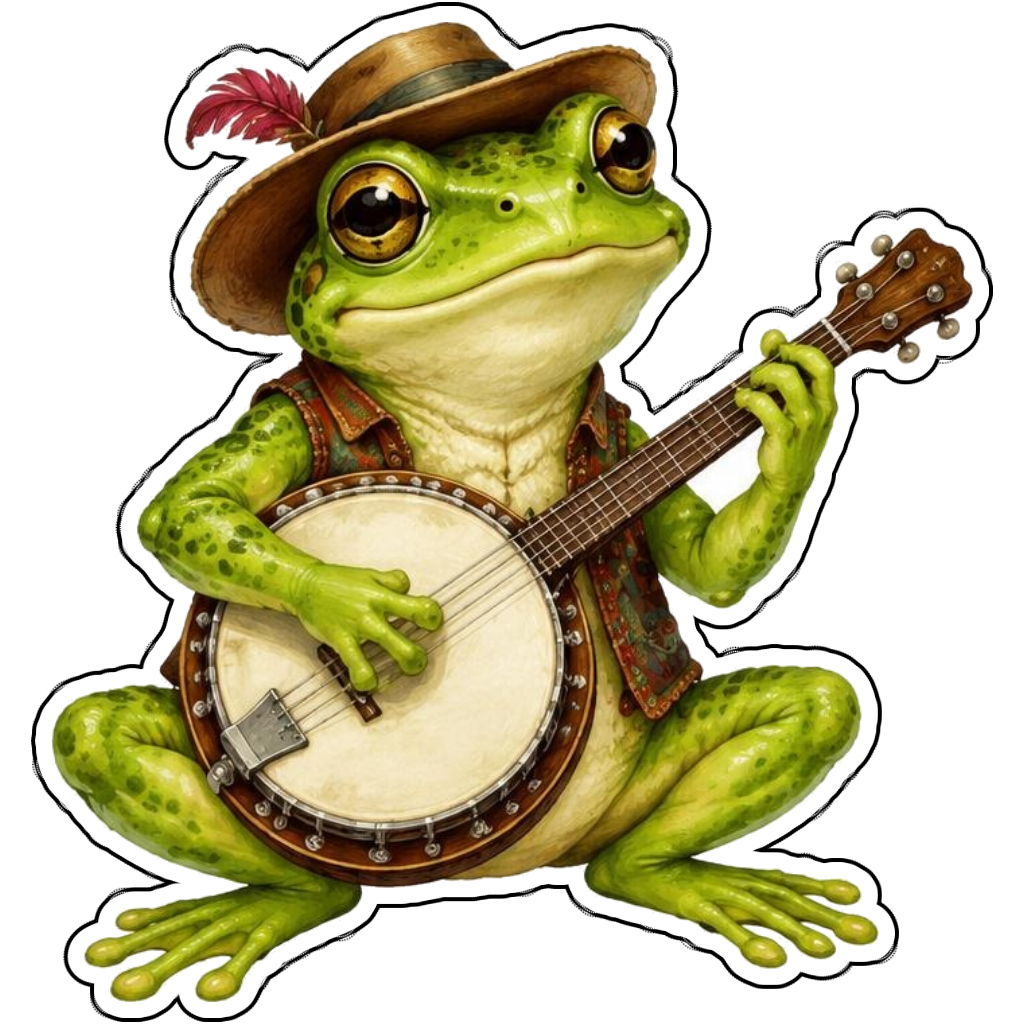
Ideas to try
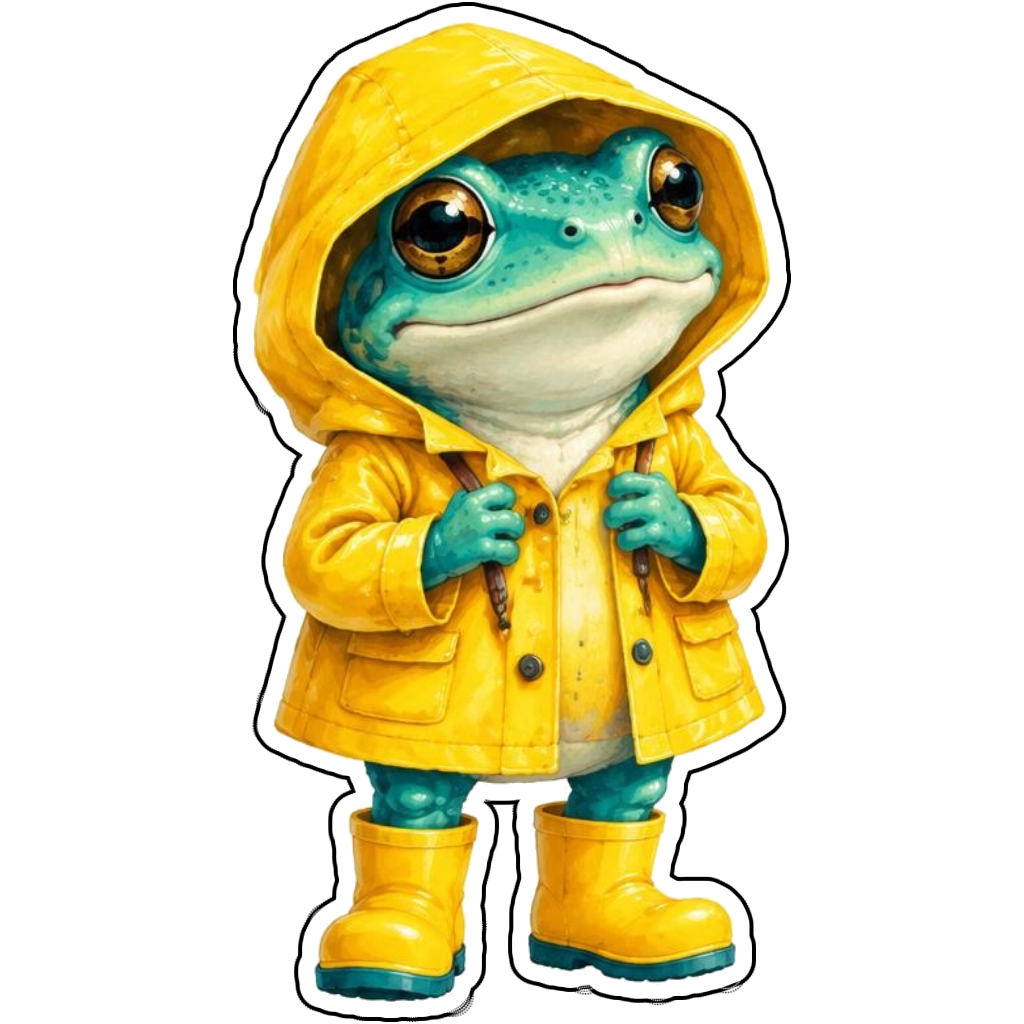
A turquoise frog wearing a yellow raincoat
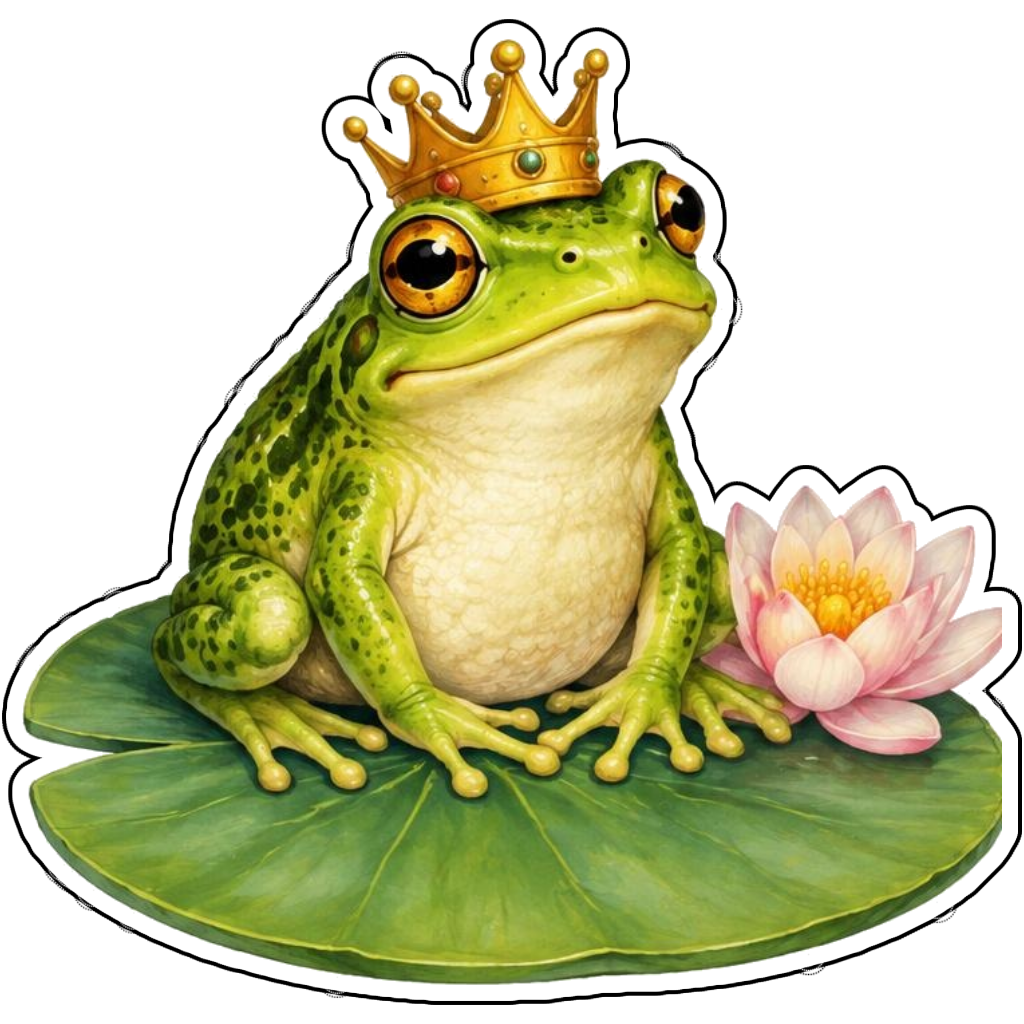
A frog prince sitting on a lily pad
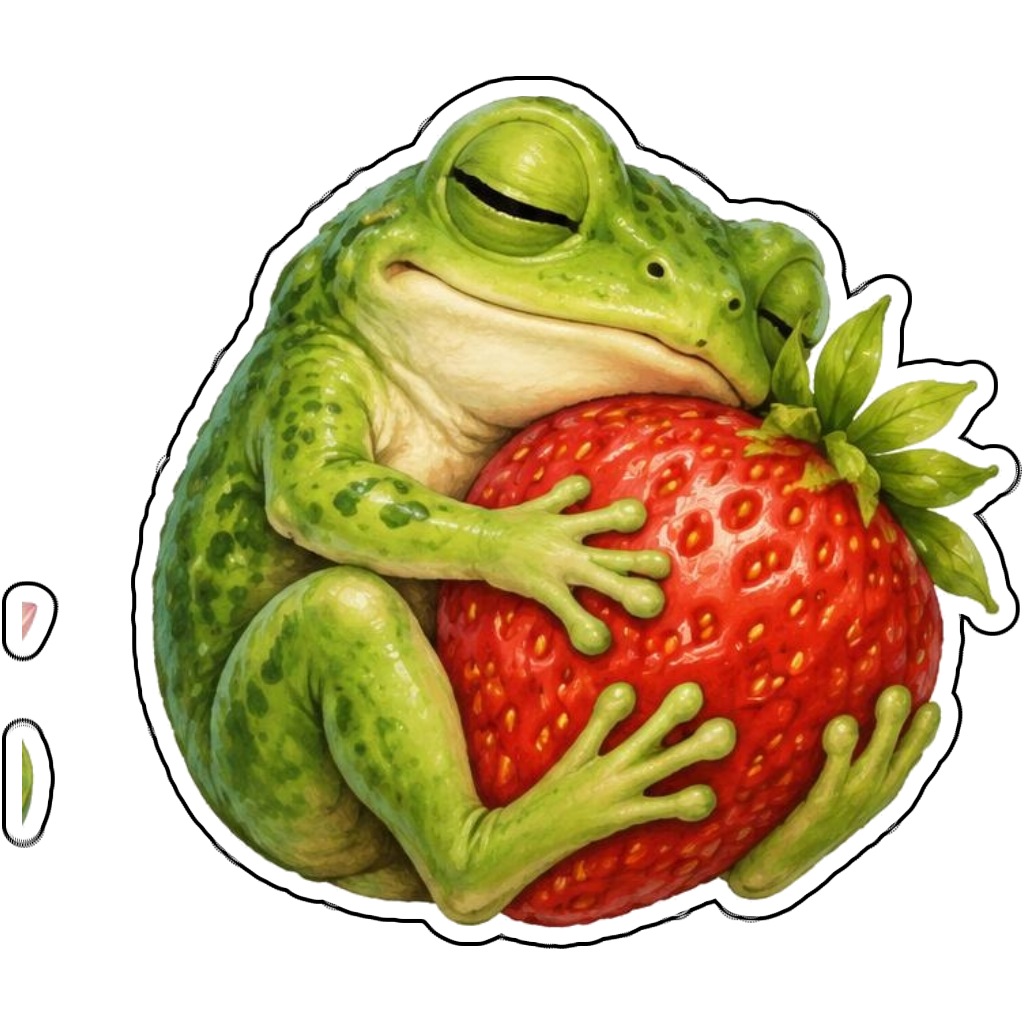
A sleepy frog hugging a strawberry
How it works
Choose your motif
A green frog playing a banjo. Adapt the pose, colors and details to make the idea your own.
Set style and shape
Open the advanced maker with an idea below. Include a medium such as watercolor or cartoon in the prompt, then choose Square, Circle or Die-Cut.
Review your artwork
Check small details and any lettering. Downloads use the same finished artwork as the preview; print a test at your intended size before preparing a full sheet.
Design ideas for frog stickers
Choose an activity that gives the frog personality: playing a banjo, wearing a raincoat or snoozing beside a berry. Include a simple prop and an expression instead of crowding the scene with unrelated objects.
Build a personal frog collection
A lily pad makes a useful connected base for die-cut frog art. Cartoon and kawaii looks emphasize large eyes; watercolor gives a gentler painted result. Ask for a complete body and inspect the feet so the pose stays believable.
Tips
- Make eyes distinct against the head color.
- Keep lily pads connected to the frog.
- Check legs and toes before printing.
FAQ
How do I make a frog sticker look cute?
Describe a friendly expression, rounded shapes and one playful prop. Add a specific pose so the result is more personal than a generic frog icon.
How do I start a frog sticker design?
Tap an idea to open the advanced maker with that prompt filled in. Change the subject details, add optional text and choose a sticker shape before creating.
Which file should I use for contour cutting?
For circle or die-cut artwork, use the PNG to retain the transparent exterior. JPG fills that exterior with white. Import and check the outline in your cutting software; the app does not supply a machine-specific SVG path or registration marks.