Custom Kindle Sticker Maker
Create kindle stickers with cozy reading designs for e-readers in Sticker Flux. Start with an idea below, then choose an art style and a square, circle or die-cut shape in the advanced sticker maker.
Start designing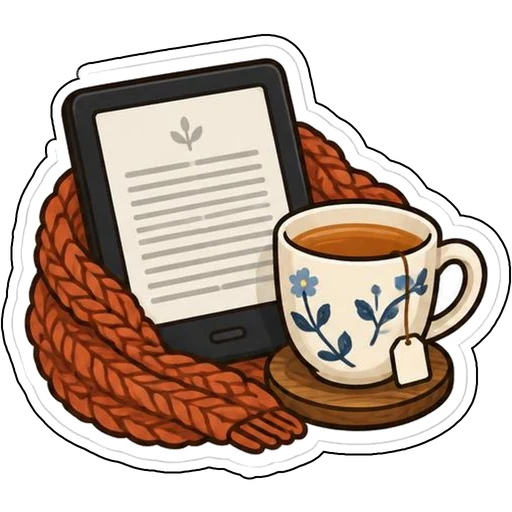



Ideas to try
An e-reader beside a floral teacup and knitted scarf
A sleeping cat on a stack of books
A crescent moon reading lamp with a hanging star
An open book with stars swirling out
How it works
Describe your idea
An e-reader beside a floral teacup and knitted scarf. Change colors, poses and details to make it yours.
Pick a style
Open the advanced maker, choose an art style, then select Square, Circle or Die-Cut.
Download and print
Review details and any lettering, then download a PNG or print a test at 2, 3 or 4 inches.
Design ideas for kindle stickers
Readers personalize e-readers and cases with cozy symbols: tea, cats, moons and starry books capture the feeling of a late-night chapter.
Make your kindle stickers print well
Measure your case before printing; 2-inch stickers usually fit without covering edges. Gather a theme, like night reading, for a cohesive look.
Tips
- Design for the back of an e-reader or its case.
- Lean into cozy colors such as rust, navy and cream.
- Keep stickers small enough to avoid buttons and ports.
FAQ
Can I add text to kindle stickers?
Yes. Include the exact words in your prompt and check spelling before printing.
What size works best for kindle stickers?
2, 3 and 4 inch sizes are available for printing; choose based on where the sticker goes.
Can I cut these with a Cricut?
Die-cut designs use one connected outline with a thin white edge, which suits print-then-cut workflows.