Custom Bookish Sticker Maker
Create bookish stickers for reading journals and book-club gifts in Sticker Flux. Start with an original idea below, then choose an art style and a square, circle or die-cut shape in the advanced sticker maker.
Start designing


Ideas to try
An open book releasing golden stars
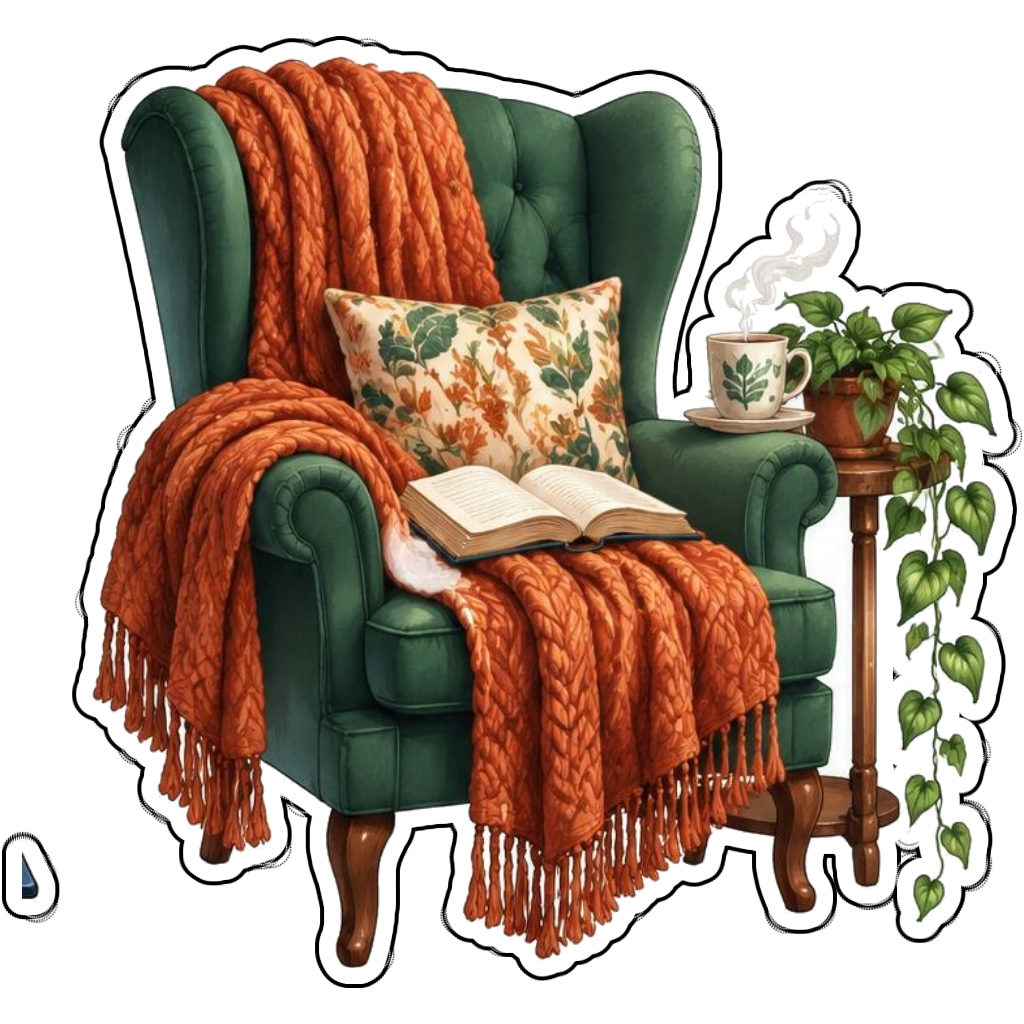
A green reading chair with an orange blanket and novel
A stack of fantasy novels beside a candle
A tiny dragon sleeping around a closed book
How it works
Choose your motif
An open book releasing golden stars. Adapt the pose, colors and details to make the idea your own.
Set style and shape
Open the advanced maker with an idea below. Include a medium such as watercolor or cartoon in the prompt, then choose Square, Circle or Die-Cut.
Review your artwork
Check small details and any lettering. Downloads use the same finished artwork as the preview; print a test at your intended size before preparing a full sheet.
Design ideas for bookish stickers
Choose a reading mood: a candlelit fantasy library, a cozy armchair or a stack of annotated novels. Objects such as bookmarks and mugs can suggest a genre without copying a published book cover.
Build a personal bookish collection
Build a reading-journal set around one shared palette. Use a book stack for completed reads, an open novel for current reading and a cozy chair for quiet evenings. Keep any book-club name short and enter it in the text field.
Tips
- Use original cover decorations rather than famous titles.
- Keep book spines readable through simple contrasting shapes.
- Repeat a palette, not the same composition, across a reading set.
FAQ
Can I make book-club stickers with my club name?
Yes. Describe an original reading motif and add your club name in the advanced maker text field. Review generated lettering before printing or sharing.
How do I start a bookish sticker design?
Tap an idea to open the advanced maker with that prompt filled in. Change the subject details, add optional text and choose a sticker shape before creating.
Which file should I use for contour cutting?
For circle or die-cut artwork, use the PNG to retain the transparent exterior. JPG fills that exterior with white. Import and check the outline in your cutting software; the app does not supply a machine-specific SVG path or registration marks.