Custom Cat Sticker Maker
Create personalized cat stickers for pet journals and gifts in Sticker Flux. Start with an original idea below, then choose an art style and a square, circle or die-cut shape in the advanced sticker maker.
Start designing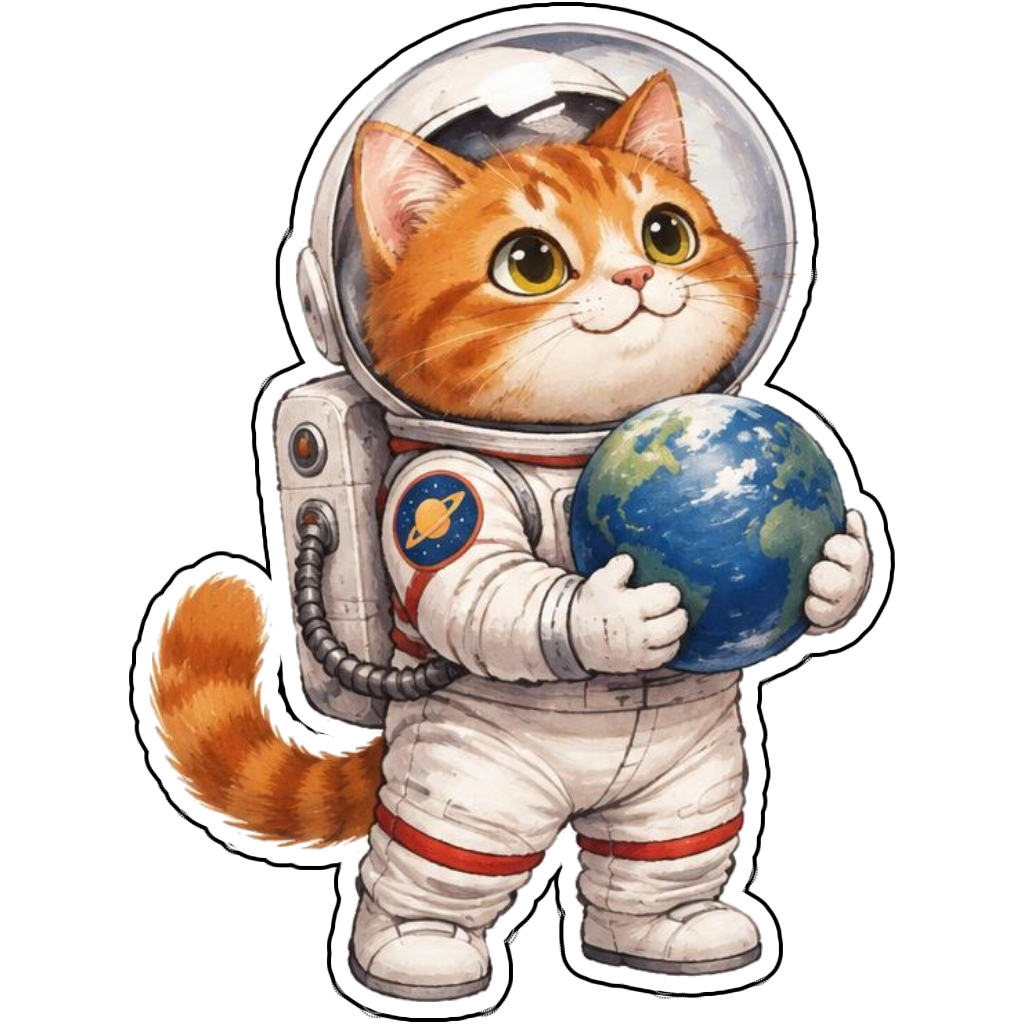


Ideas to try
An orange tabby astronaut holding a tiny planet
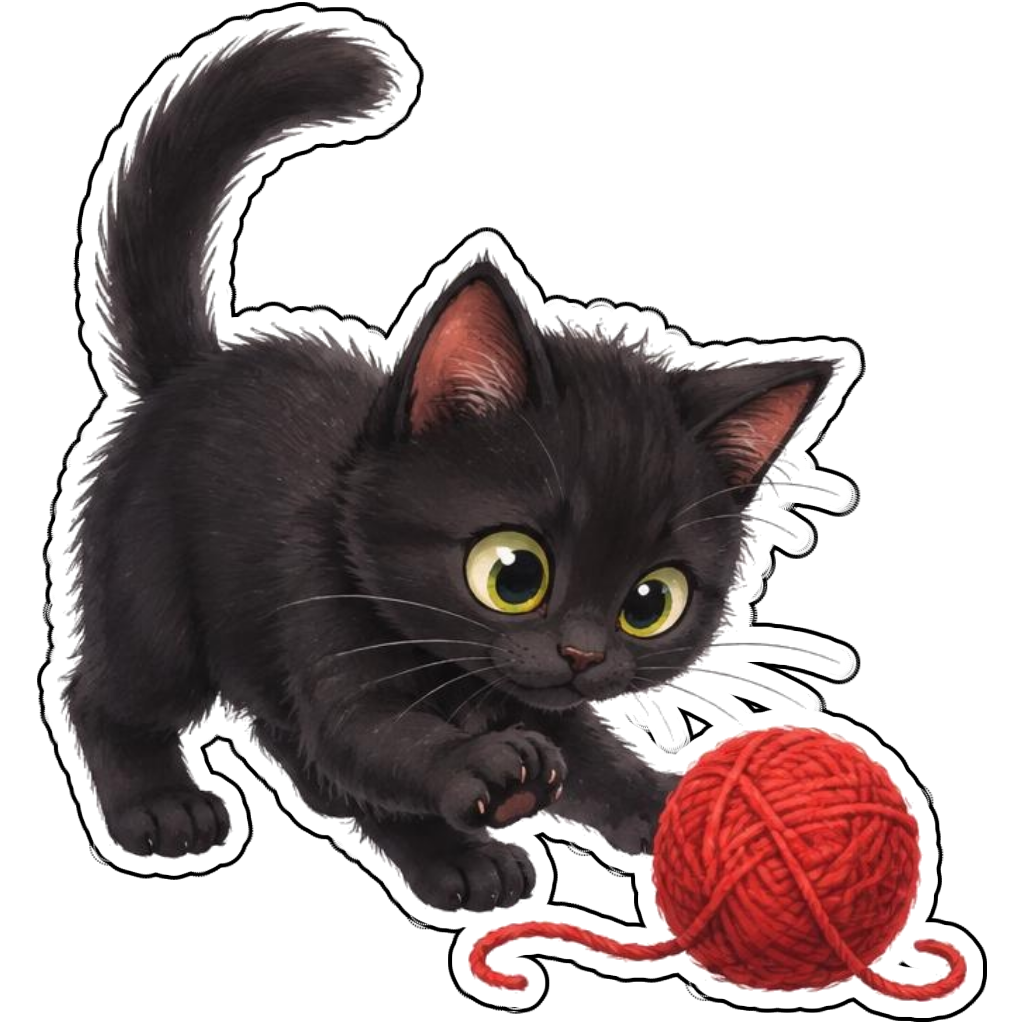
A black kitten batting a red yarn ball
A calico chef carrying a fish-shaped cookie
A fluffy gray cat reading a green book
How it works
Choose your motif
An orange tabby astronaut holding a tiny planet. Adapt the pose, colors and details to make the idea your own.
Set style and shape
Open the advanced maker with an idea below. Include a medium such as watercolor or cartoon in the prompt, then choose Square, Circle or Die-Cut.
Review your artwork
Check small details and any lettering. Downloads use the same finished artwork as the preview; print a test at your intended size before preparing a full sheet.
Design ideas for cat stickers
Specify fur markings, eye color and one recognizable expression. A tabby astronaut and a sleepy black kitten tell very different stories; name the pose instead of asking for a generic cute pet.
Build a personal cat collection
Use a well-lit cat photo in Magic Scanner if you want to start from your own pet. Crop around the complete ears and tail before choosing Cartoon or Watercolor. Stylization may change small markings, so inspect the result before printing.
Tips
- Keep whiskers bold enough to see at a small size.
- Describe the actual coat pattern rather than just the breed.
- Leave space around ears when cropping a pet photo.
FAQ
How can I make custom cat stickers from a photo?
Open Magic Scanner on the home page, upload a clear photo, crop it and select an art style. Check the face and markings after generation; this is a stylized interpretation, not an exact photo copy.
How do I start a cat sticker design?
Tap an idea to open the advanced maker with that prompt filled in. Change the subject details, add optional text and choose a sticker shape before creating.
Which file should I use for contour cutting?
For circle or die-cut artwork, use the PNG to retain the transparent exterior. JPG fills that exterior with white. Import and check the outline in your cutting software; the app does not supply a machine-specific SVG path or registration marks.