Custom Western Sticker Maker
Create western stickers for cowboy journals and country-inspired gifts in Sticker Flux. Start with an original idea below, then choose an art style and a square, circle or die-cut shape in the advanced sticker maker.
Start designing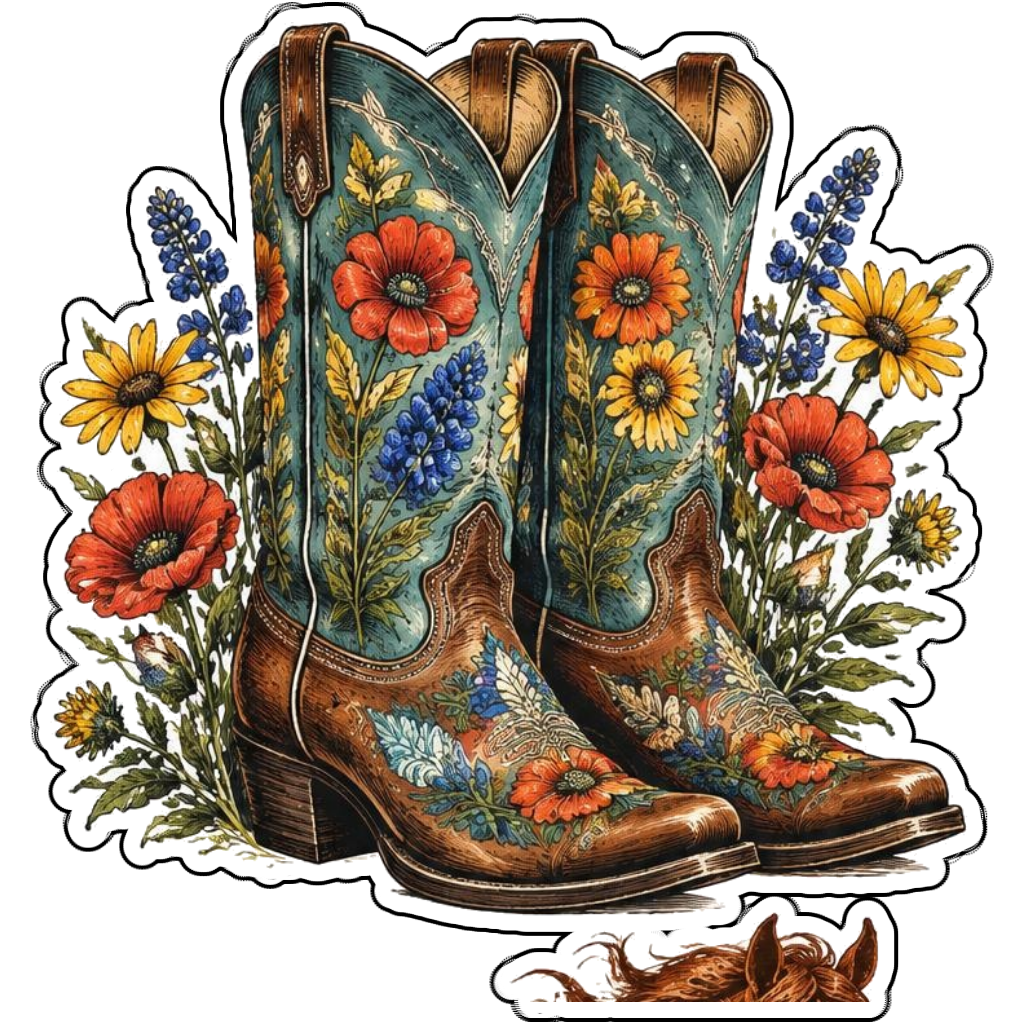
Ideas to try
Embroidered cowboy boots with wildflowers
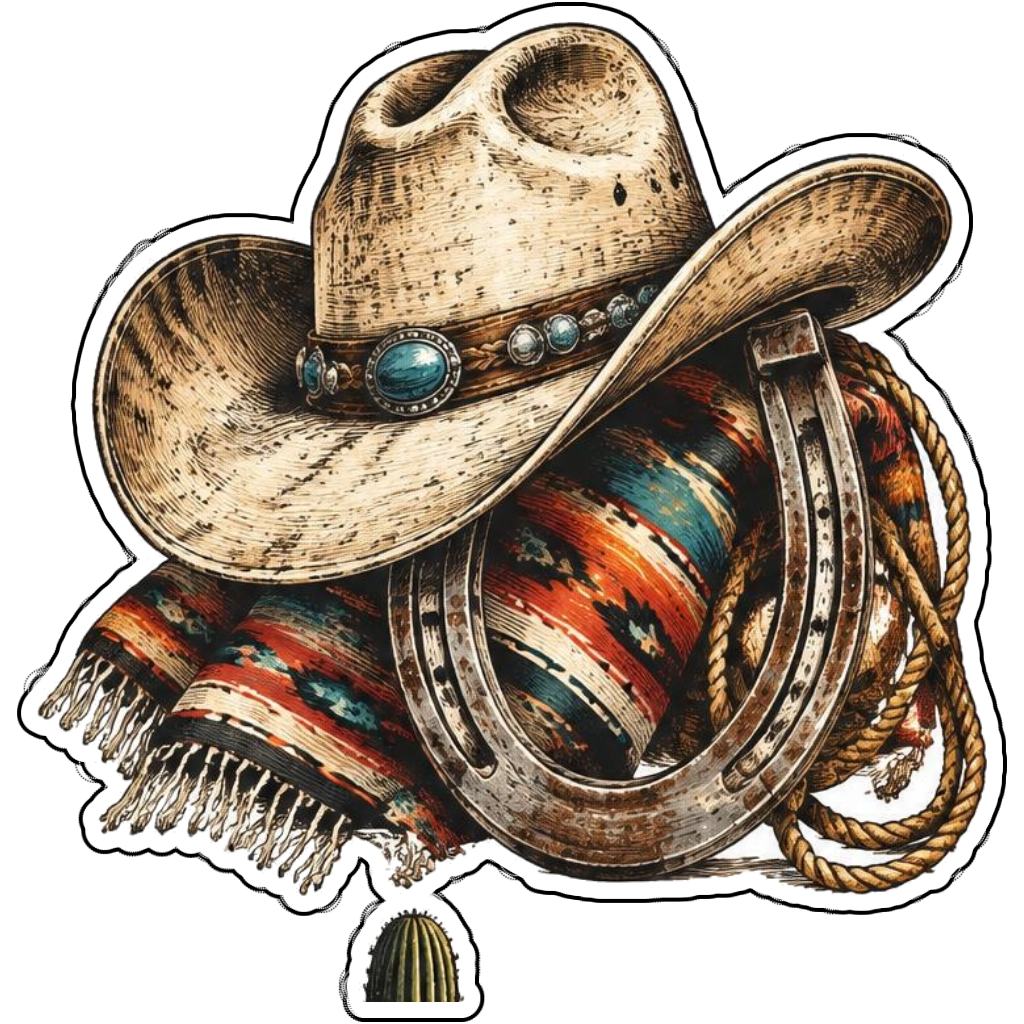
A cowboy hat beside a horseshoe and lasso
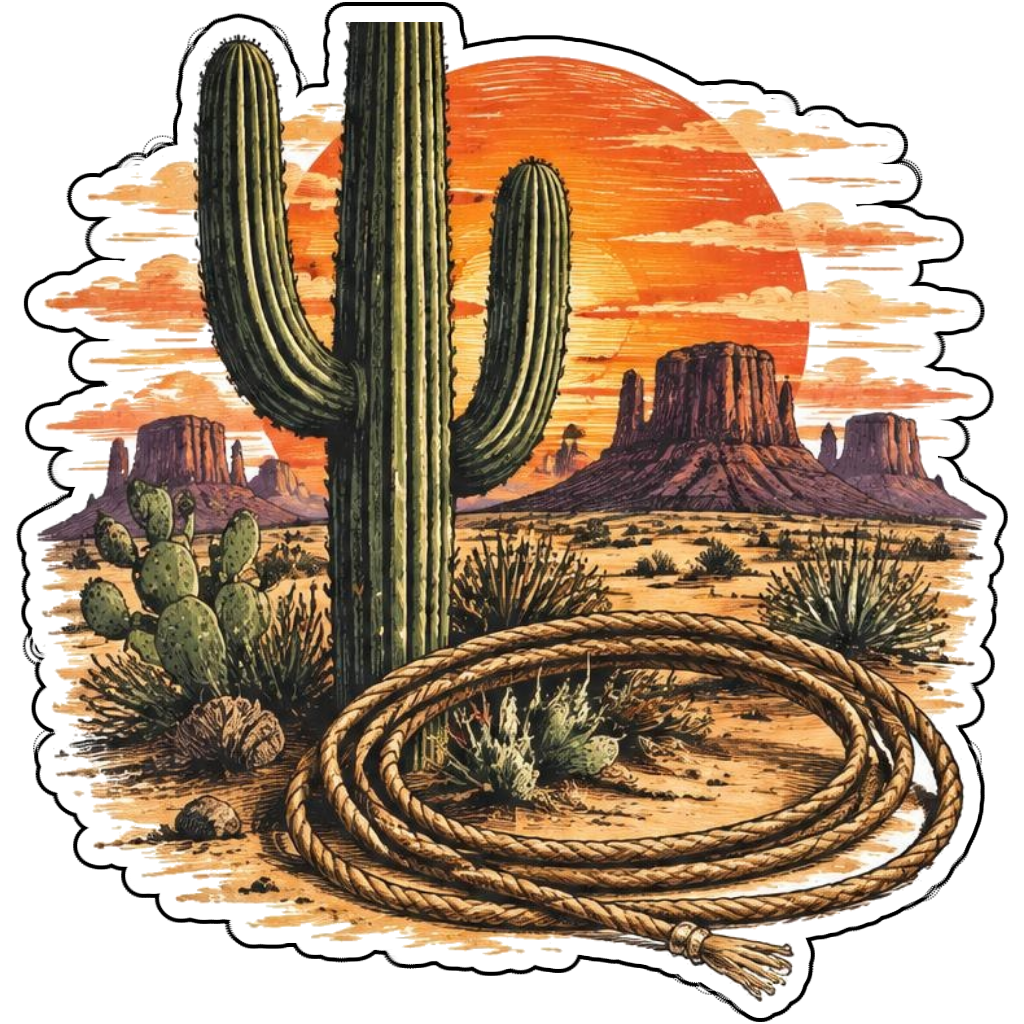
A desert cactus with a sunset and rope motif
How it works
Choose your motif
Embroidered cowboy boots with wildflowers. Adapt the pose, colors and details to make the idea your own.
Set style and shape
Open the advanced maker with an idea below. Include a medium such as watercolor or cartoon in the prompt, then choose Square, Circle or Die-Cut.
Review your artwork
Check small details and any lettering. Downloads use the same finished artwork as the preview; print a test at your intended size before preparing a full sheet.
Design ideas for western stickers
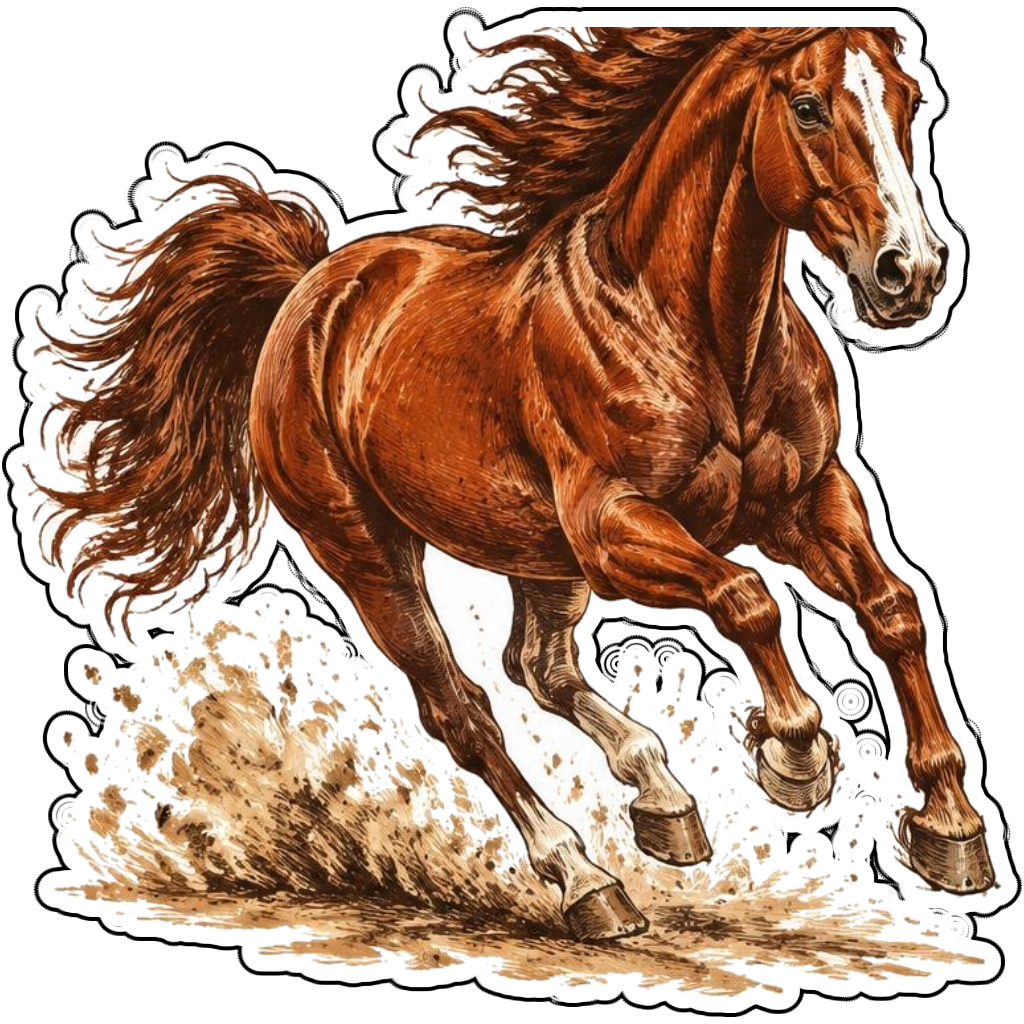
Combine one recognizable western object with a clear visual treatment: embroidered boots, a turquoise-accented hat or a running horse. Distressed illustration and a restrained sunset palette can create a retro western mood without borrowing a brand.
Build a personal western collection
For a country-themed collection, keep decorative patterns consistent across boots, hats and cactus artwork. A die-cut shape follows the object; square keeps desert scenery. Avoid elaborate lettering on tiny designs and check horse anatomy before printing.
Tips
- Use turquoise accents against warm leather colors.
- Keep ropes from becoming loose isolated fragments.
- Check legs and hooves in horse illustrations.
FAQ
Can I make western designs in a retro style?
Yes. Specify a vintage illustration treatment, muted colors and a western object. Create original decorations rather than copying a ranch or clothing-brand mark.
How do I start a western sticker design?
Tap an idea to open the advanced maker with that prompt filled in. Change the subject details, add optional text and choose a sticker shape before creating.
Which file should I use for contour cutting?
For circle or die-cut artwork, use the PNG to retain the transparent exterior. JPG fills that exterior with white. Import and check the outline in your cutting software; the app does not supply a machine-specific SVG path or registration marks.
Related sticker makers
Practical sticker guides
original retro sticker designs