Custom Volleyball Sticker Maker
Create volleyball stickers for team journals and beach-sport gifts in Sticker Flux. Start with an original idea below, then choose an art style and a square, circle or die-cut shape in the advanced sticker maker.
Start designing
Ideas to try
A volleyball player spiking in an orange kit
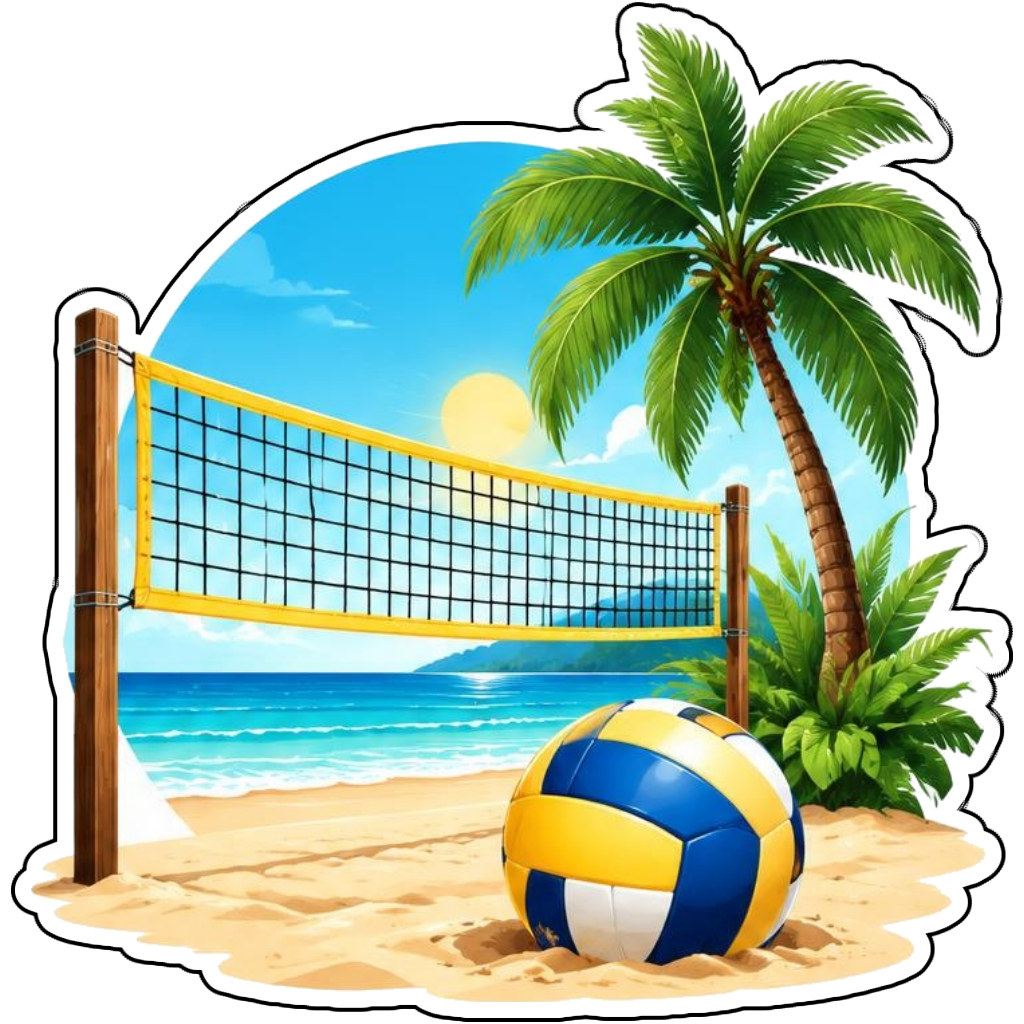
A beach volleyball net with a ball and palm
A blue and yellow volleyball with motion swirls
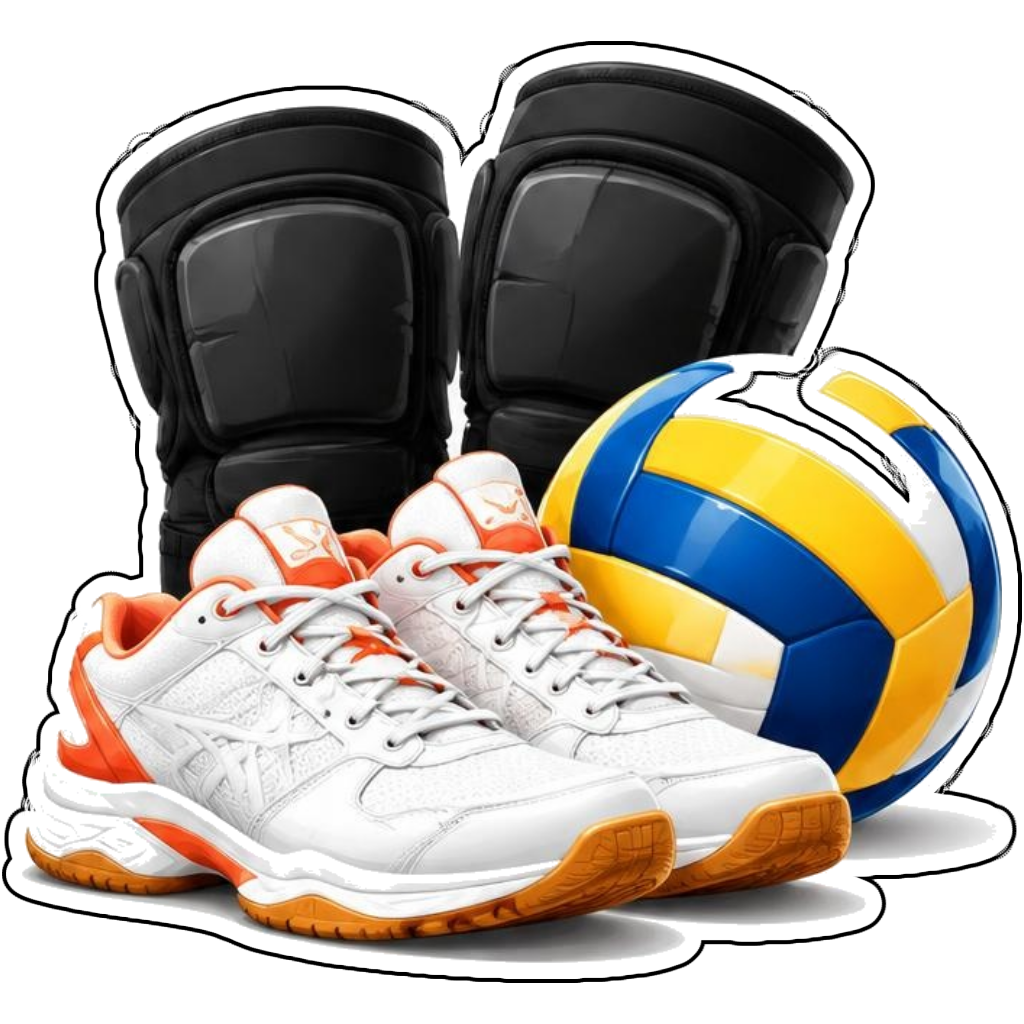
Knee pads and shoes beside a volleyball
How it works
Choose your motif
A volleyball player spiking in an orange kit. Adapt the pose, colors and details to make the idea your own.
Set style and shape
Open the advanced maker with an idea below. Include a medium such as watercolor or cartoon in the prompt, then choose Square, Circle or Die-Cut.
Review your artwork
Check small details and any lettering. Downloads use the same finished artwork as the preview; print a test at your intended size before preparing a full sheet.
Design ideas for volleyball stickers
Specify indoor or beach volleyball and describe a serve, block or spike. A visible net and recognizable ball panels help distinguish the artwork from other ball sports. Choose one athletic moment instead of a crowded full match.
Build a personal volleyball collection
Create a volleyball set with an action player, ball, shoes and a beach-court motif. Shared team colors can tie the images together. For die-cut choose compact silhouettes; square preserves more sand, court or background detail. Review hands and ball placement after generation.
Tips
- Keep ball panels clear and contrasting.
- Describe the arm position for a spike or serve.
- Use team colors without unauthorized logos.
FAQ
Can I make beach volleyball sticker designs?
Yes. Mention sand, a net and beach volleyball equipment. Use a square scene for a full court view or die-cut for a compact player-and-ball motif.
How do I start a volleyball sticker design?
Tap an idea to open the advanced maker with that prompt filled in. Change the subject details, add optional text and choose a sticker shape before creating.
Which file should I use for contour cutting?
For circle or die-cut artwork, use the PNG to retain the transparent exterior. JPG fills that exterior with white. Import and check the outline in your cutting software; the app does not supply a machine-specific SVG path or registration marks.