Custom Goth Sticker Maker
Create goth stickers with bats, roses and skulls in Sticker Flux. Start with an idea below, then choose an art style and a square, circle or die-cut shape in the advanced sticker maker.
Start designing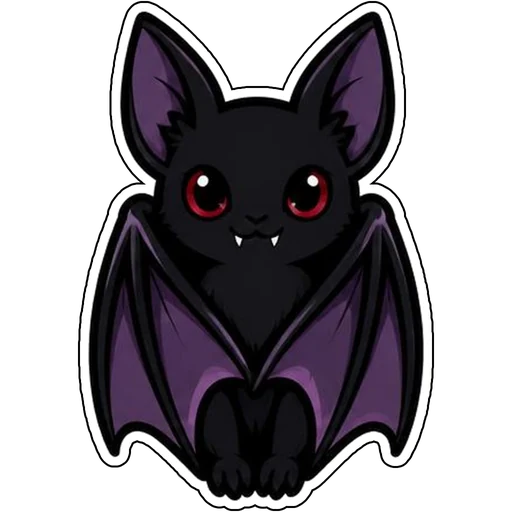

Ideas to try
A skull with a red crescent moon
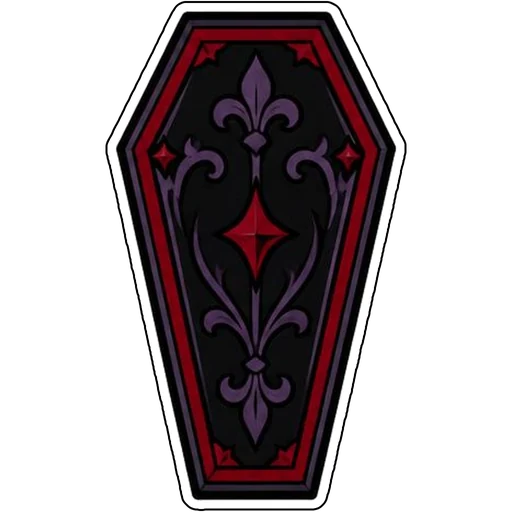
An ornate coffin with red trim
How it works
Describe your idea
A cute bat with folded wings. Change colors, poses and details to make it yours.
Pick a style
Open the advanced maker, choose an art style, then select Square, Circle or Die-Cut.
Download and print
Review details and any lettering, then download a PNG or print a test at 2, 3 or 4 inches.
Design ideas for goth stickers
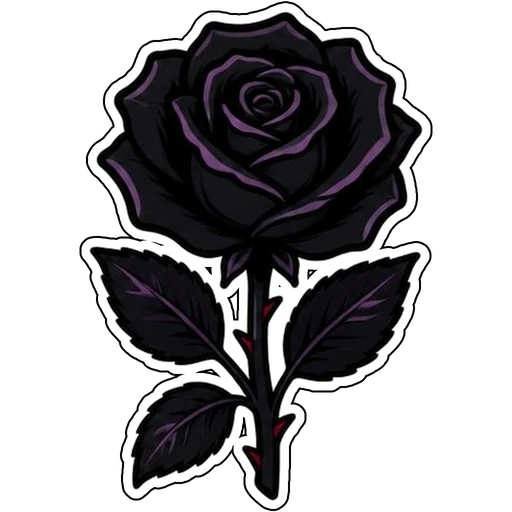
Goth stickers suit laptops, journals, guitar cases and water bottles. Bats, black roses, skulls and coffins carry the mood year-round.
Make your goth stickers print well
Very dark artwork can lose detail on home printers, so lift shadows a little and test print. The white edge helps dark designs stand out.
Tips
- Use deep purples and reds against black.
- Lighten shadows slightly for printing.
- Die-cut keeps dark shapes crisp.
FAQ
Can I add text to goth stickers?
Yes. Include the exact words in your prompt and check spelling before printing.
What size works best for goth stickers?
2, 3 and 4 inch sizes are available for printing; choose based on where the sticker goes.
Can I cut these with a Cricut?
Die-cut designs use one connected outline with a thin white edge, which suits print-then-cut workflows.