Custom Halloween Sticker Maker
Create Halloween stickers for party labels and autumn journals in Sticker Flux. Start with an original idea below, then choose an art style and a square, circle or die-cut shape in the advanced sticker maker.
Start designing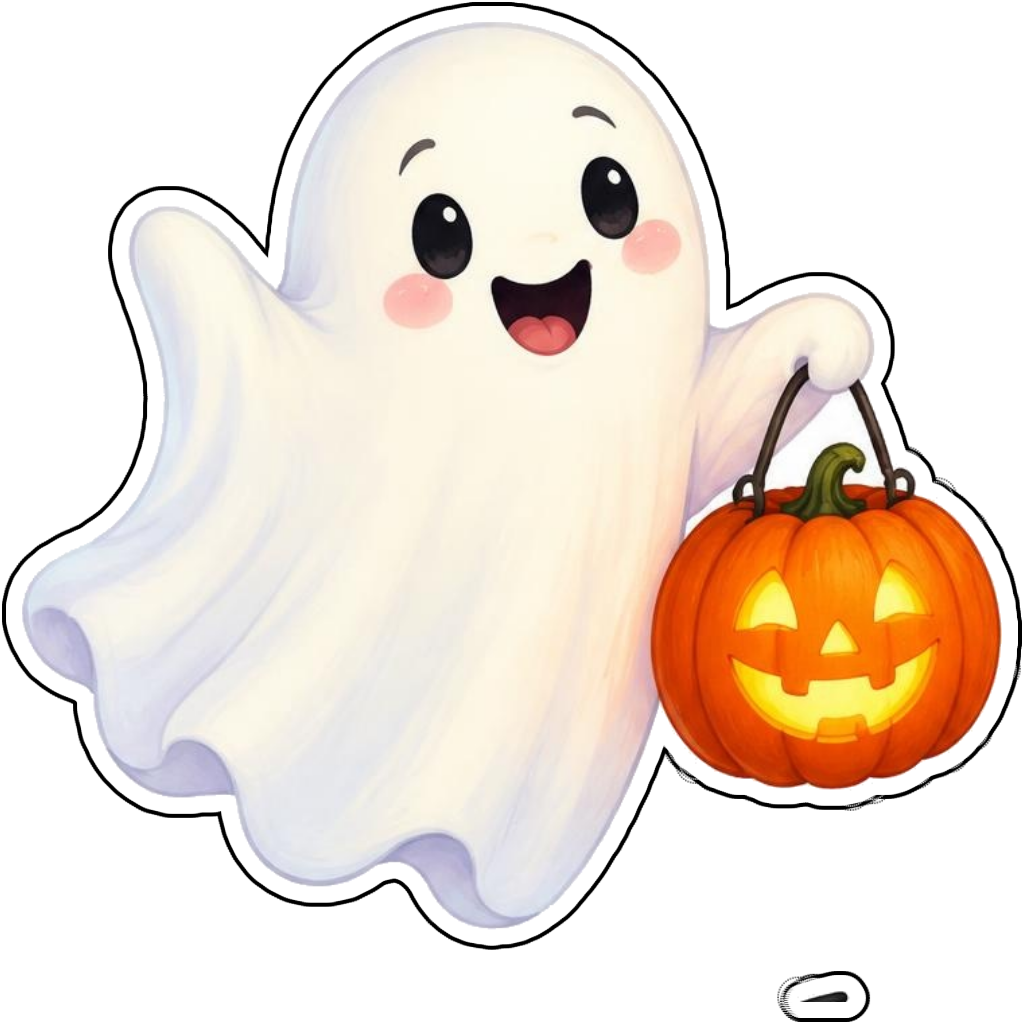
Ideas to try
A friendly ghost holding a pumpkin lantern
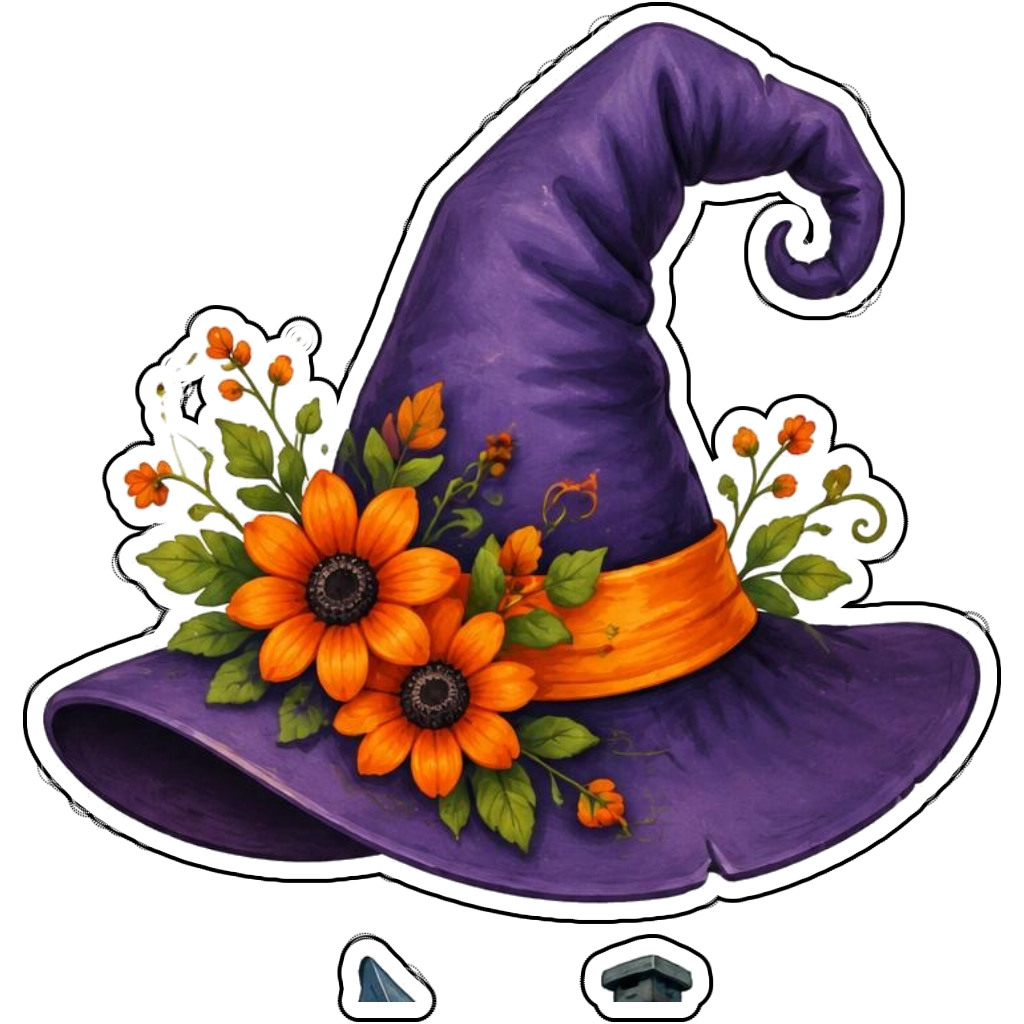
A purple witch hat decorated with orange flowers
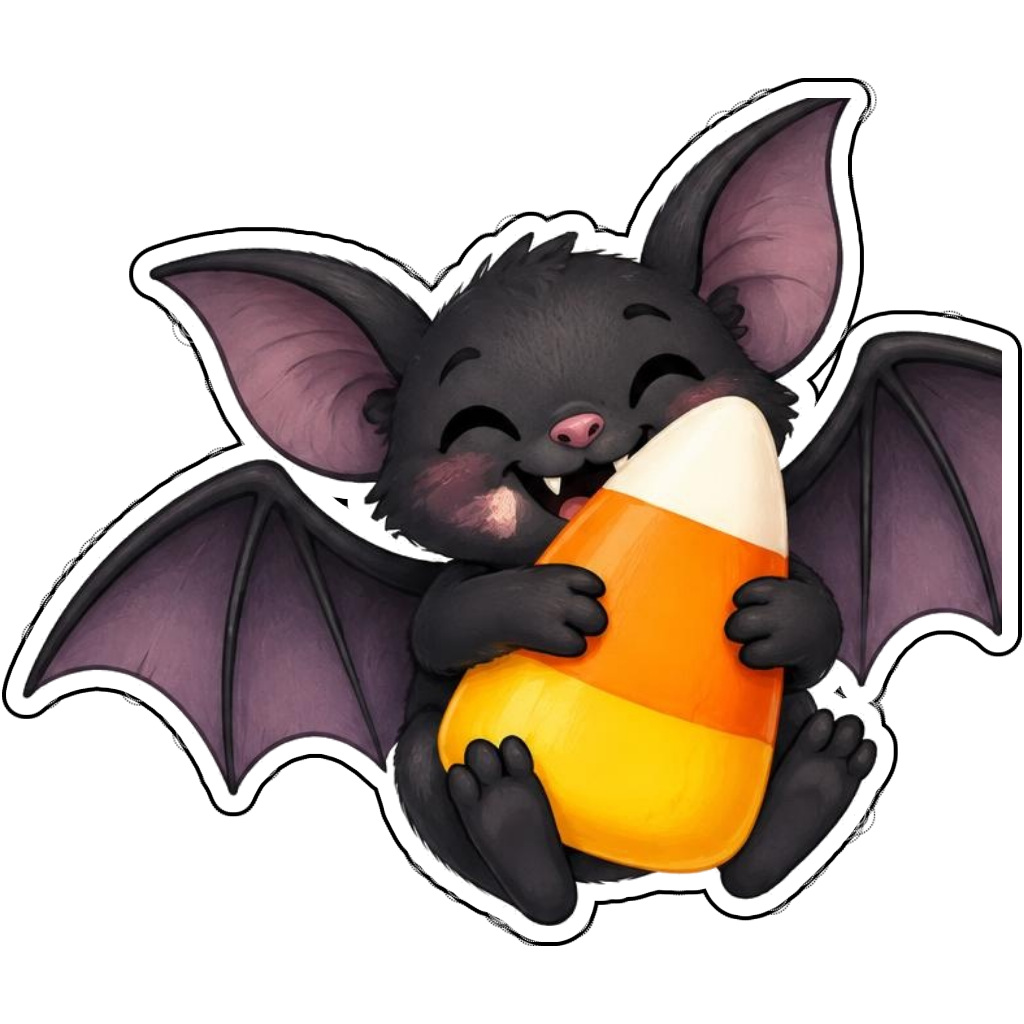
A smiling bat hugging candy corn
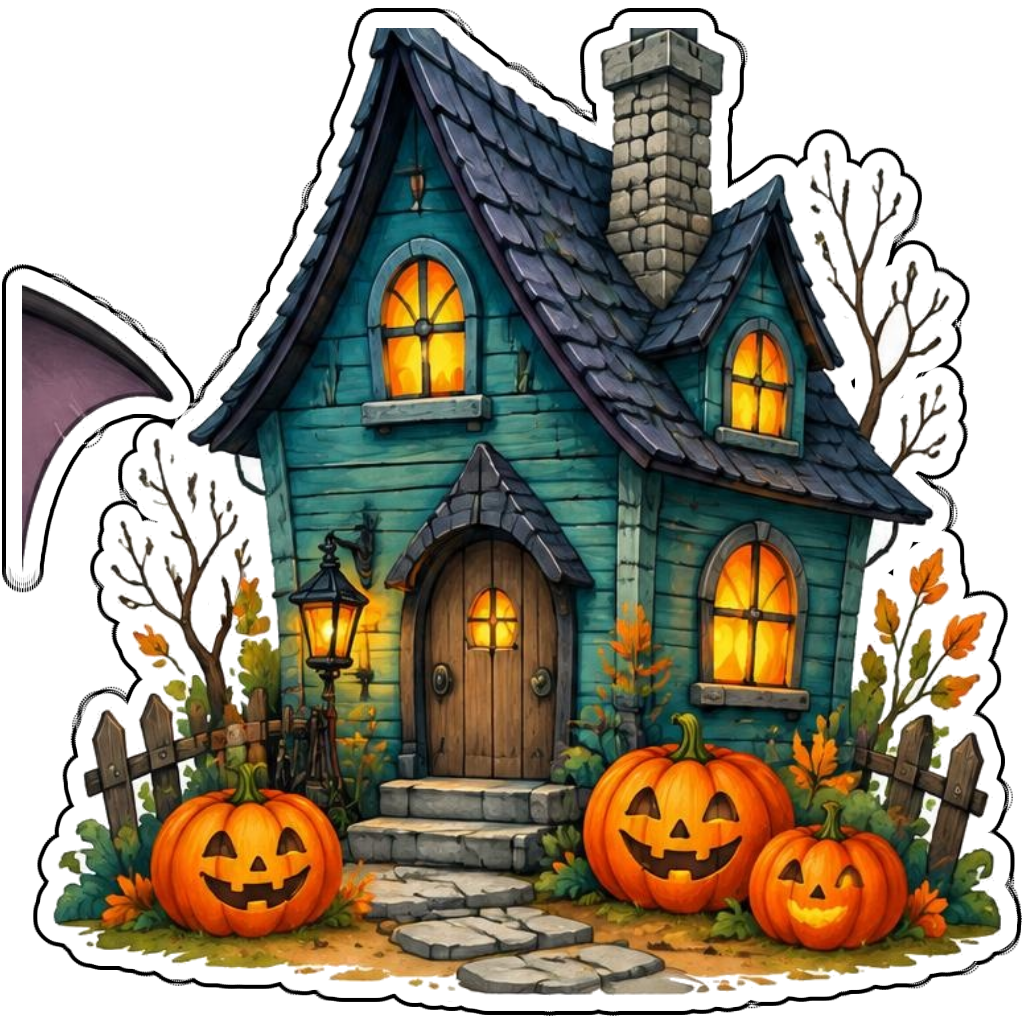
A teal haunted cottage surrounded by pumpkins
How it works
Choose your motif
A friendly ghost holding a pumpkin lantern. Adapt the pose, colors and details to make the idea your own.
Set style and shape
Open the advanced maker with an idea below. Include a medium such as watercolor or cartoon in the prompt, then choose Square, Circle or Die-Cut.
Review your artwork
Check small details and any lettering. Downloads use the same finished artwork as the preview; print a test at your intended size before preparing a full sheet.
Design ideas for halloween stickers
Choose a friendly seasonal subject such as a smiling ghost, decorated witch hat or bat holding candy. Describe the expression explicitly if you want cheerful Halloween art rather than a frightening design.
Build a personal halloween collection
Coordinate teal, orange and purple across a party collection. Short names or a brief greeting can make treat-bag artwork personal. Printed sticker labels are decorative: do not let them cover ingredient, allergy or safety information on food packaging.
Tips
- Ask for friendly expressions for younger audiences.
- Keep treat-bag lettering short and easy to inspect.
- Leave food allergy and safety labels uncovered.
FAQ
Can I make friendly Halloween stickers for children?
Yes. Describe smiling ghosts, playful pumpkins and cheerful colors. The maker uses family-friendly content; review your designs before sharing them with a particular age group.
How do I start a halloween sticker design?
Tap an idea to open the advanced maker with that prompt filled in. Change the subject details, add optional text and choose a sticker shape before creating.
Which file should I use for contour cutting?
For circle or die-cut artwork, use the PNG to retain the transparent exterior. JPG fills that exterior with white. Import and check the outline in your cutting software; the app does not supply a machine-specific SVG path or registration marks.