Custom Gaming Sticker Maker
Create gaming stickers with neon gamer and arcade designs in Sticker Flux. Start with an idea below, then choose an art style and a square, circle or die-cut shape in the advanced sticker maker.
Start designing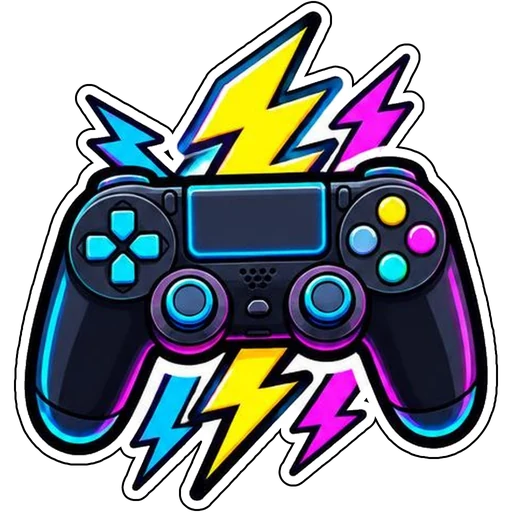


Ideas to try
A controller surrounded by neon lightning
A cat-ear gaming headset with neon lights
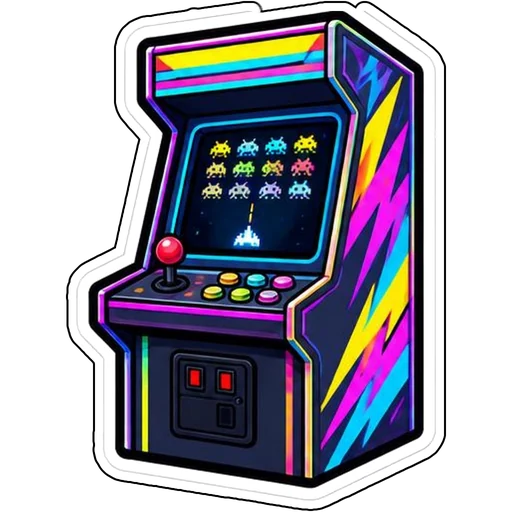
A retro arcade cabinet with space invaders
How it works
Describe your idea
A controller surrounded by neon lightning. Change colors, poses and details to make it yours.
Pick a style
Open the advanced maker, choose an art style, then select Square, Circle or Die-Cut.
Download and print
Review details and any lettering, then download a PNG or print a test at 2, 3 or 4 inches.
Design ideas for gaming stickers
Gamers decorate consoles, controllers and laptops. Controllers, pixel hearts, headsets and arcade cabinets read clearly across genres.
Make your gaming stickers print well
Neon looks best with a dark outline so colors pop on light surfaces. Pixel art is naturally chunky, which makes clean die-cut edges easy.
Tips
- Use neon accents on dark shapes for contrast.
- Try pixel art for retro looks.
- Size console and laptop stickers at 2 to 3 inches.
FAQ
Can I add text to gaming stickers?
Yes. Include the exact words in your prompt and check spelling before printing.
What size works best for gaming stickers?
2, 3 and 4 inch sizes are available for printing; choose based on where the sticker goes.
Can I cut these with a Cricut?
Die-cut designs use one connected outline with a thin white edge, which suits print-then-cut workflows.