Custom Car Window Sticker Maker
Create car window stickers and decals for road trips and rear windows in Sticker Flux. Start with an idea below, then choose an art style and a square, circle or die-cut shape in the advanced sticker maker.
Start designing


Ideas to try
A cat peeking over a car window
Smiling stick-figure mountains with a sun
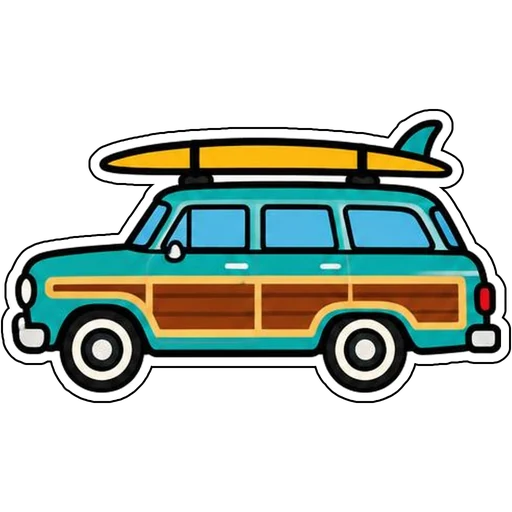
A retro surf wagon with a board on top
A paw print inside a red heart
How it works
Describe your idea
A cat peeking over a car window. Change colors, poses and details to make it yours.
Pick a style
Open the advanced maker, choose an art style, then select Square, Circle or Die-Cut.
Download and print
Review details and any lettering, then download a PNG or print a test at 2, 3 or 4 inches.
Design ideas for car window stickers
Drivers put stickers on rear windows, side glass and bumpers to show pets, hobbies and family trips.
Make your car window stickers print well
Window stickers are seen from several feet away, so simple silhouettes and thick outlines matter more than small detail. Print a test and check it against your glass before committing.
Tips
- Use bold shapes that read from a distance.
- Keep colors high-contrast against tinted glass.
- Choose die-cut so only the design shows on the window.
FAQ
Can I add text to car window stickers?
Yes. Include the exact words in your prompt and check spelling before printing.
What size works best for car window stickers?
2, 3 and 4 inch sizes are available for printing; choose based on where the sticker goes.
Can I cut these with a Cricut?
Die-cut designs use one connected outline with a thin white edge, which suits print-then-cut workflows.