Custom Bumper Sticker Maker
Create bumper stickers with bold road-ready car designs in Sticker Flux. Start with an idea below, then choose an art style and a square, circle or die-cut shape in the advanced sticker maker.
Start designing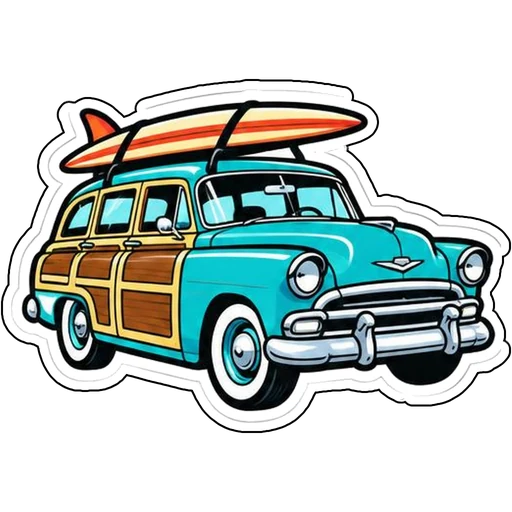

Ideas to try
A retro station wagon carrying a surfboard
A grinning sun wearing palm-tree sunglasses
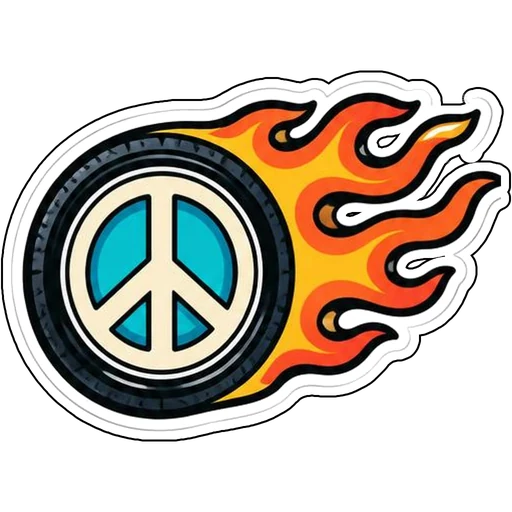
A peace-sign wheel trailing orange flames
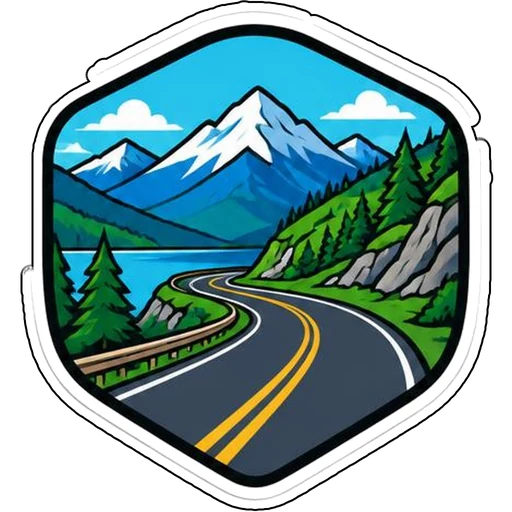
A winding mountain highway inside a hexagon badge
How it works
Describe your idea
A retro station wagon carrying a surfboard. Change colors, poses and details to make it yours.
Pick a style
Open the advanced maker, choose an art style, then select Square, Circle or Die-Cut.
Download and print
Review details and any lettering, then download a PNG or print a test at 2, 3 or 4 inches.
Design ideas for bumper stickers
Bumper art is viewed from several car lengths away, so simple shapes beat tiny detail. A vintage wagon, a sunny face or a flaming wheel stays recognizable at a glance.
Make your bumper stickers print well
Sticker Flux creates the artwork; durable outdoor use depends on your vinyl, laminate and printer. For curved bumpers, a die-cut shape often looks cleaner than a large rectangle.
Tips
- Choose one bold subject that reads from a distance.
- Use high-contrast colors and thick outlines.
- Print a long test strip before committing to vehicle use.
FAQ
Can I add text to bumper stickers?
Yes. Include the exact words in your prompt and check spelling before printing.
What size works best for bumper stickers?
2, 3 and 4 inch sizes are available for printing; choose based on where the sticker goes.
Can I cut these with a Cricut?
Die-cut designs use one connected outline with a thin white edge, which suits print-then-cut workflows.