Custom Surfing Sticker Maker
Create custom surf stickers for beach journals and board-inspired art in Sticker Flux. Start with an original idea below, then choose an art style and a square, circle or die-cut shape in the advanced sticker maker.
Start designing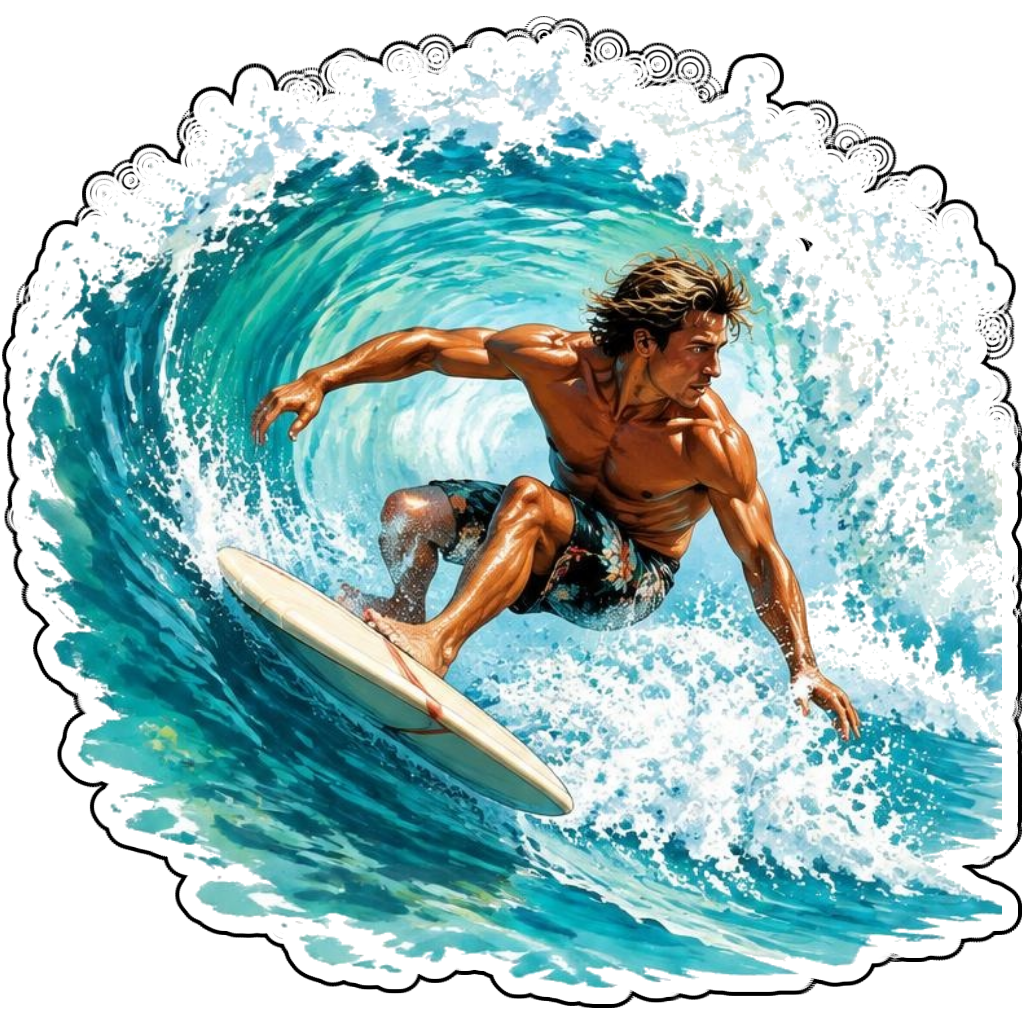
Ideas to try
A surfer carving a turquoise wave
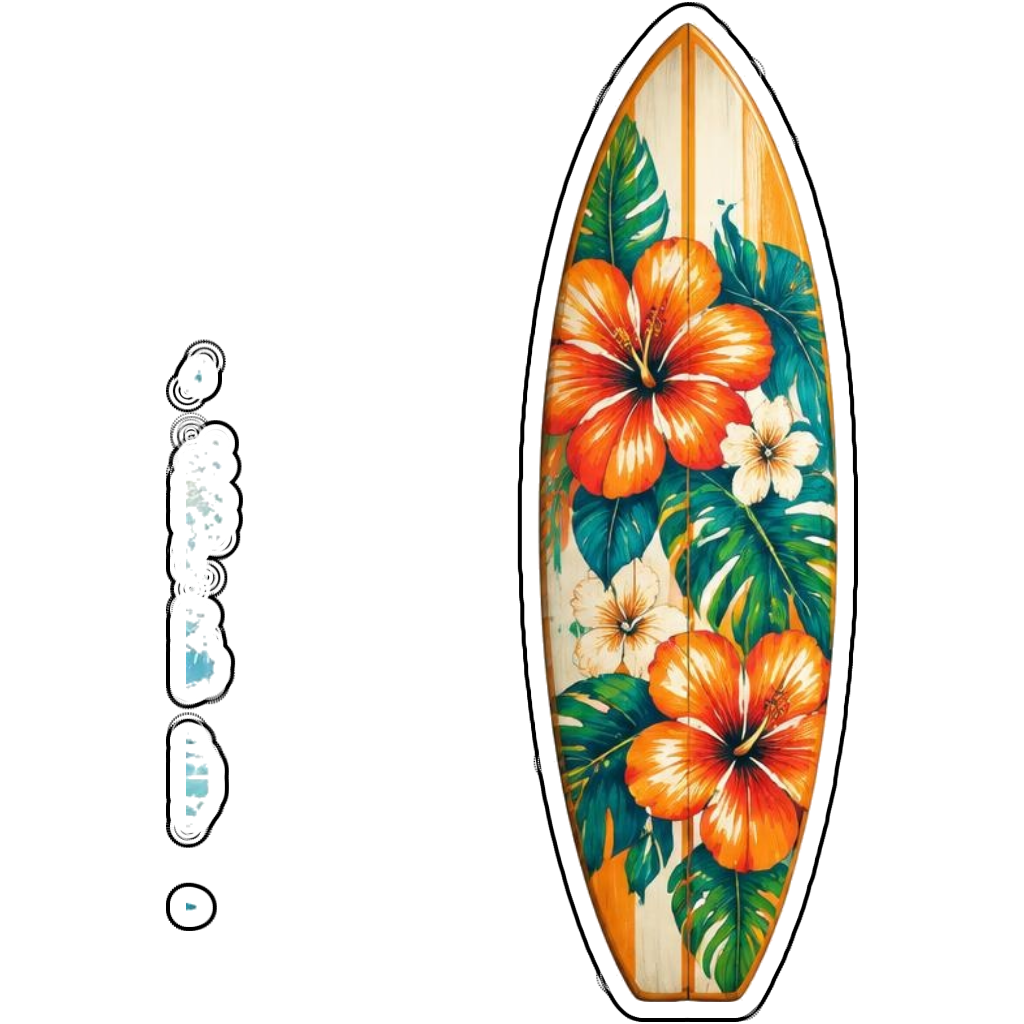
A floral longboard standing upright
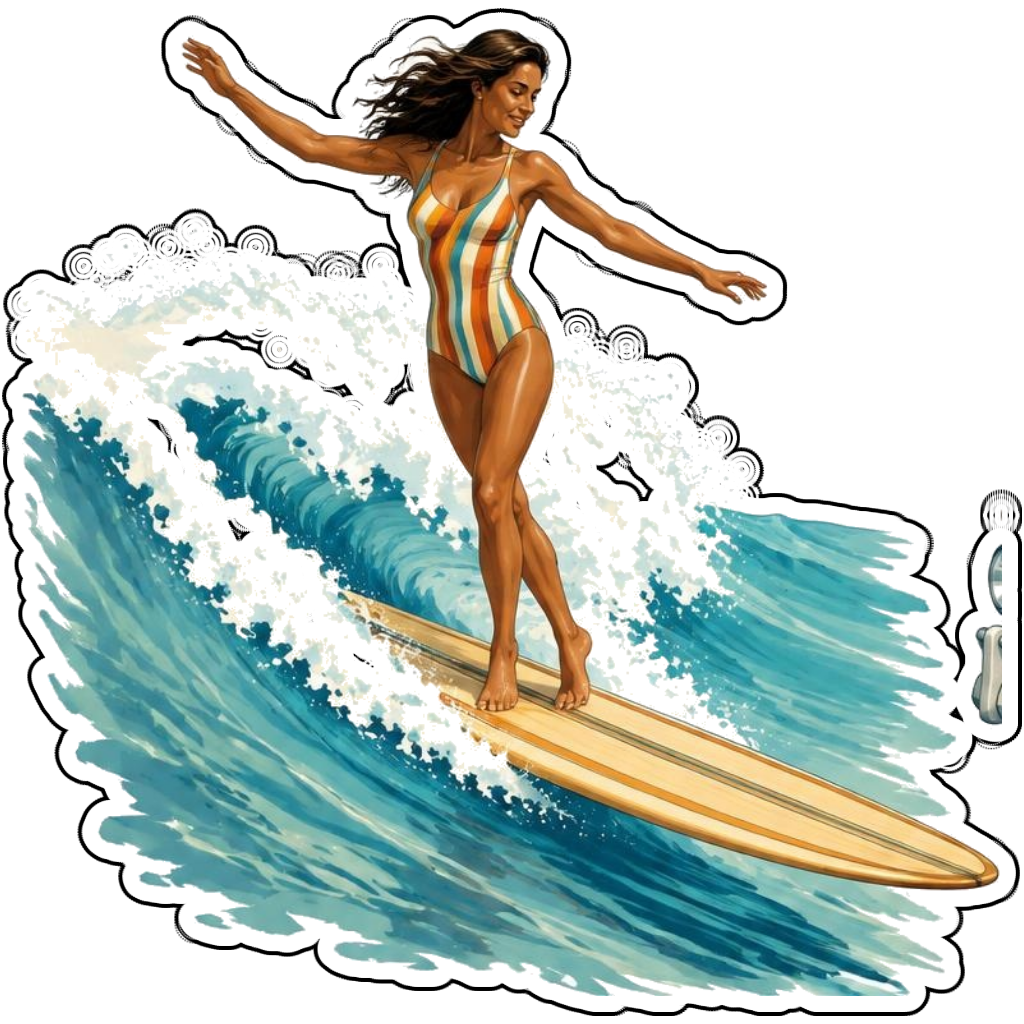
A longboard surfer hanging ten
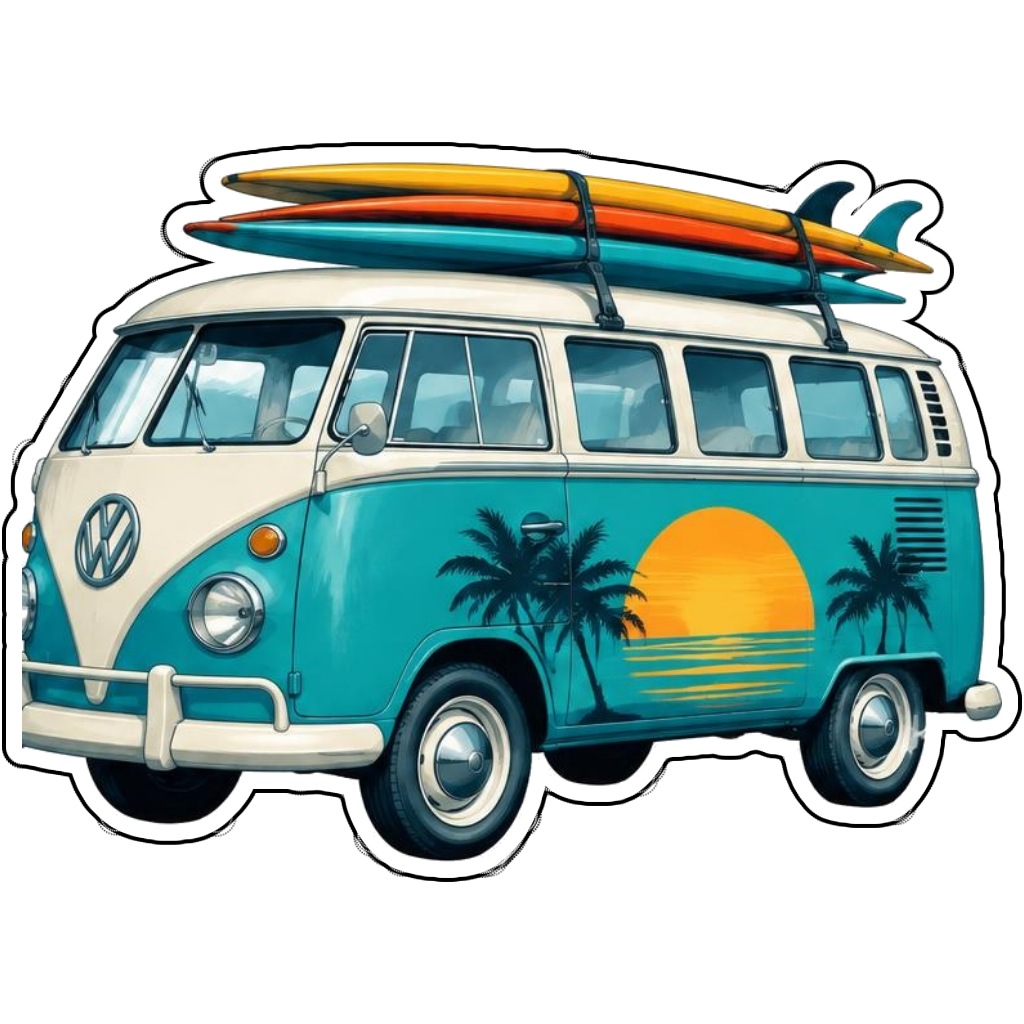
A beach van carrying colorful surfboards
How it works
Choose your motif
A surfer carving a turquoise wave. Adapt the pose, colors and details to make the idea your own.
Set style and shape
Open the advanced maker with an idea below. Include a medium such as watercolor or cartoon in the prompt, then choose Square, Circle or Die-Cut.
Review your artwork
Check small details and any lettering. Downloads use the same finished artwork as the preview; print a test at your intended size before preparing a full sheet.
Design ideas for surfing stickers
Describe the wave, board and movement together. A longboard nose ride needs a gentler wave and elongated stance; a shortboard carve calls for a tight turn and visible spray. These details help the artwork feel surf-specific.
Build a personal surfing collection
Try a retro surf-poster palette for travel journals or bold cartoon shapes for a surf-club design. Sticker Flux creates digital artwork, not a certified waterproof board decal. Adhesion, water resistance and durability depend on the materials you print on.
Tips
- Keep the board visible beneath the rider.
- Ask for a compact wave silhouette for die-cut designs.
- Do not apply home-printed paper stickers to wet equipment.
FAQ
Are surf sticker designs automatically waterproof?
No. The app makes artwork. Water resistance comes from suitable printable material, compatible ink and protection, not from the image file.
How do I start a surfing sticker design?
Tap an idea to open the advanced maker with that prompt filled in. Change the subject details, add optional text and choose a sticker shape before creating.
Which file should I use for contour cutting?
For circle or die-cut artwork, use the PNG to retain the transparent exterior. JPG fills that exterior with white. Import and check the outline in your cutting software; the app does not supply a machine-specific SVG path or registration marks.