Custom Packaging Sticker Maker
Create packaging stickers with branded designs for small business orders in Sticker Flux. Start with an idea below, then choose an art style and a square, circle or die-cut shape in the advanced sticker maker.
Start designing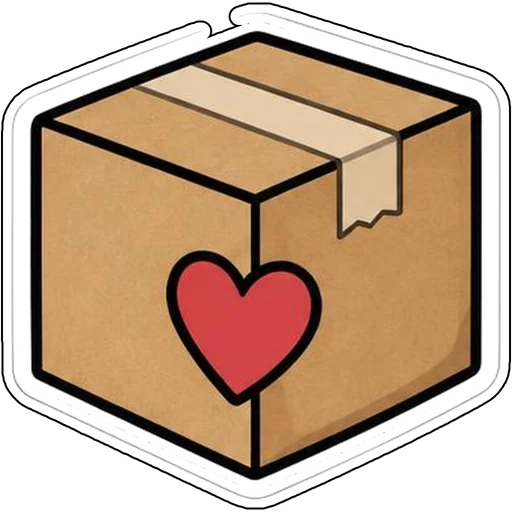

Ideas to try
A kraft shipping box with a red heart
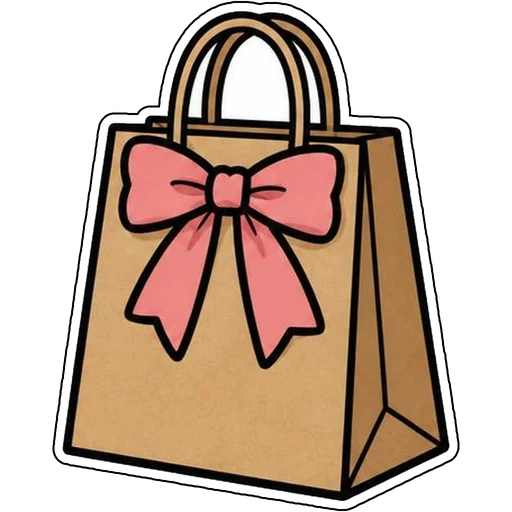
A kraft shopping bag tied with a pink bow
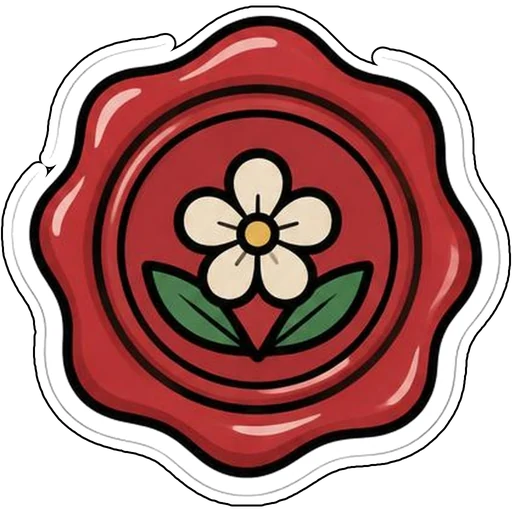
A red wax seal with a white flower
A paper airplane trailing a red ribbon
How it works
Describe your idea
A kraft shipping box with a red heart. Change colors, poses and details to make it yours.
Pick a style
Open the advanced maker, choose an art style, then select Square, Circle or Die-Cut.
Download and print
Review details and any lettering, then download a PNG or print a test at 2, 3 or 4 inches.
Design ideas for packaging stickers
Packaging stickers seal mailers, tissue paper and bags. Boxes, bows, wax seals and paper planes signal care and delivery.
Make your packaging stickers print well
Repeat brand colors so every order feels recognizable. Circle and square shapes are faster to cut in bulk than complex contours.
Tips
- Keep one signature color across your packaging set.
- Use circle or square shapes for consistent seals.
- Add a shop name as text and check it before printing.
FAQ
Can I add text to packaging stickers?
Yes. Include the exact words in your prompt and check spelling before printing.
What size works best for packaging stickers?
2, 3 and 4 inch sizes are available for printing; choose based on where the sticker goes.
Can I cut these with a Cricut?
Die-cut designs use one connected outline with a thin white edge, which suits print-then-cut workflows.