Custom Mountain Sticker Maker
Create mountain stickers for alpine journals and scenic gifts in Sticker Flux. Start with an original idea below, then choose an art style and a square, circle or die-cut shape in the advanced sticker maker.
Start designing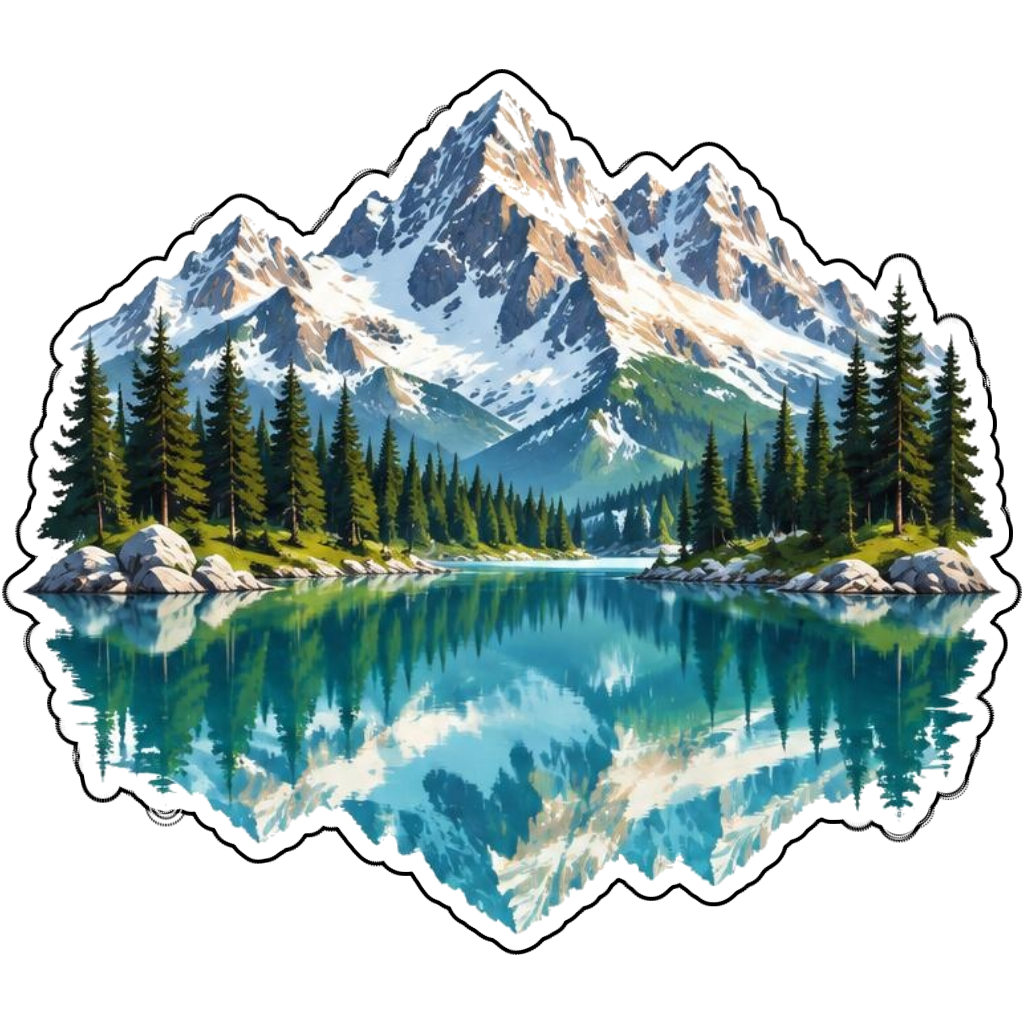
Ideas to try
Alpine peaks reflected in a turquoise lake
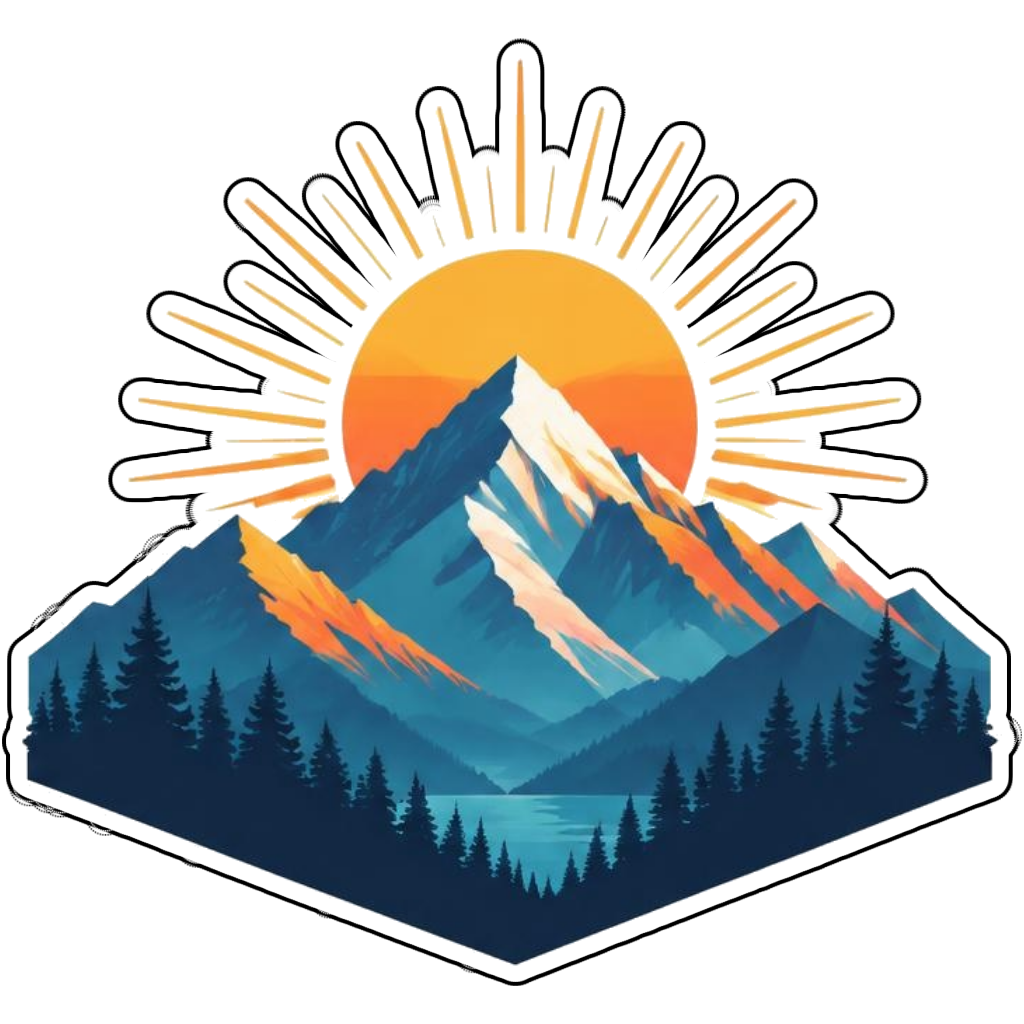
Geometric mountain peaks below a golden sunrise
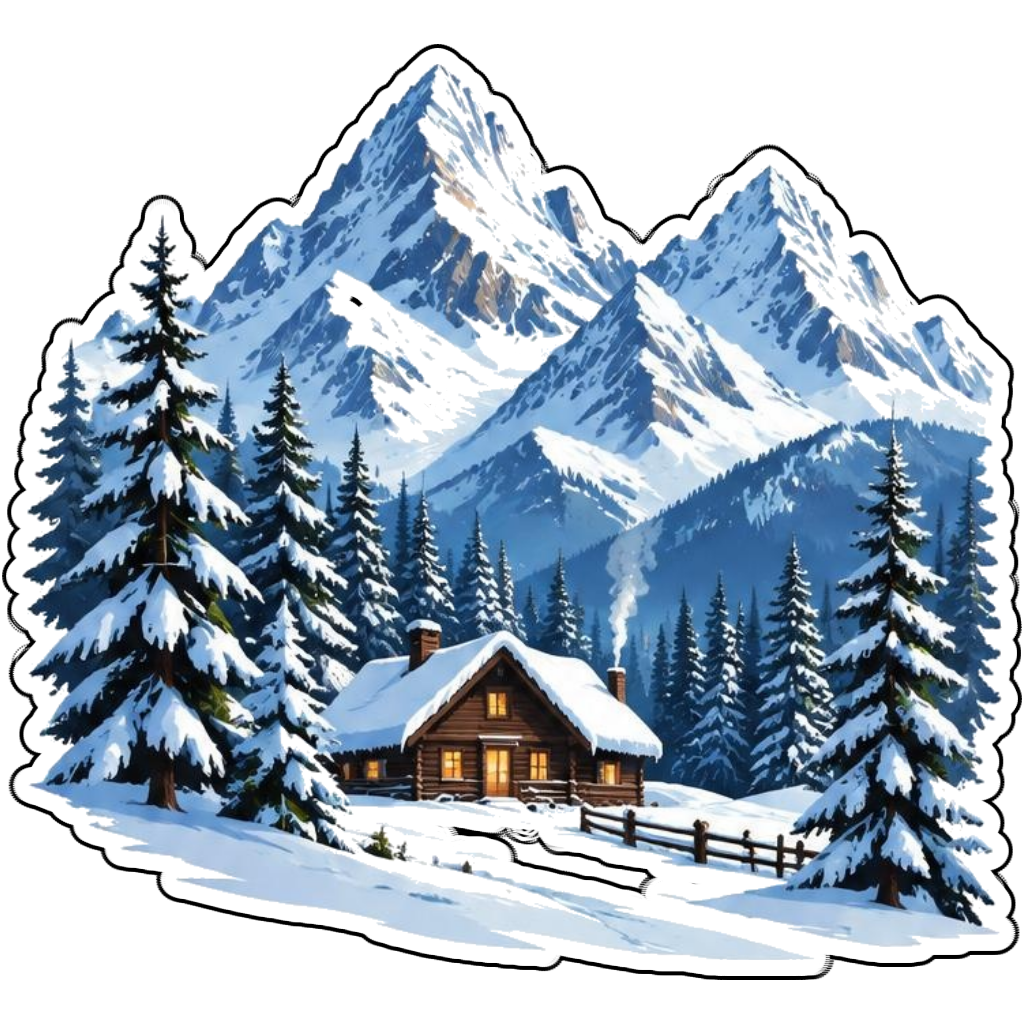
A snowy cabin beneath rugged peaks
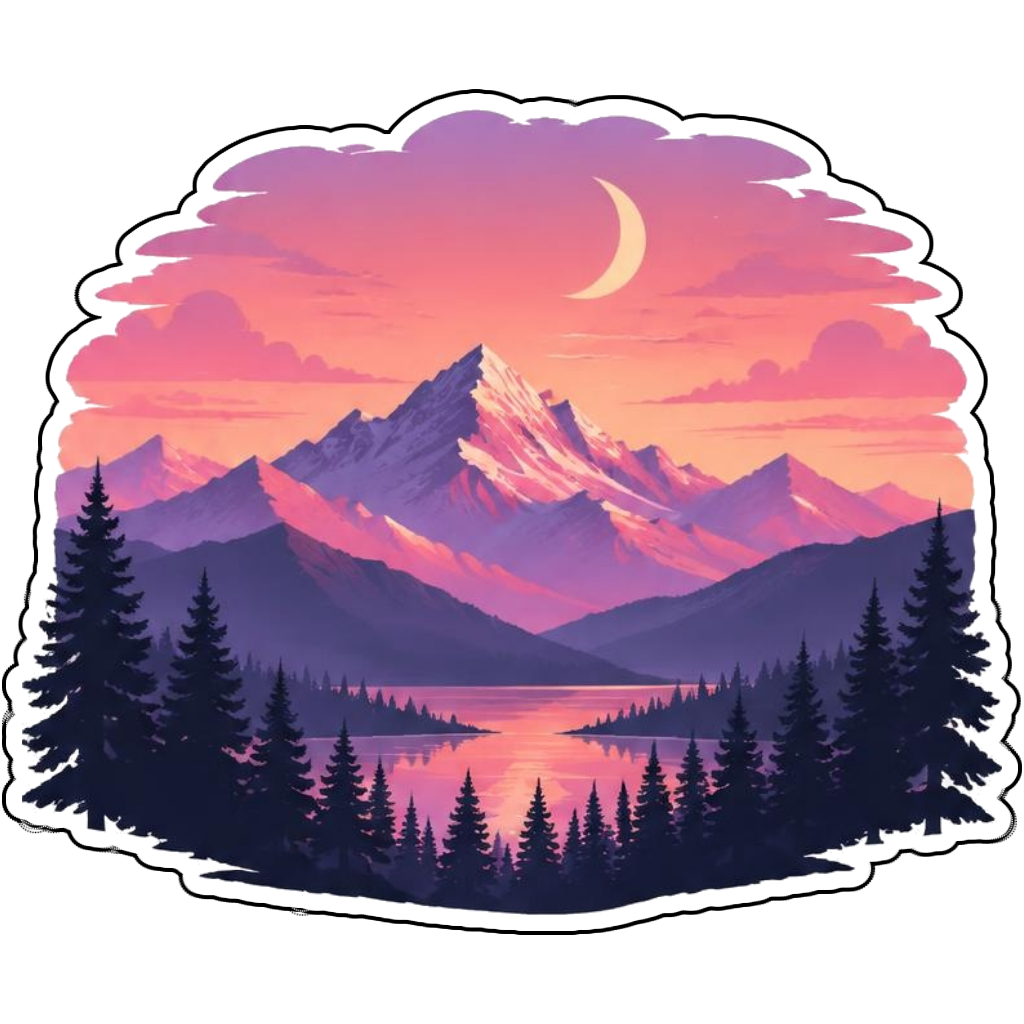
Pink sunset mountains beneath a crescent moon
How it works
Choose your motif
Alpine peaks reflected in a turquoise lake. Adapt the pose, colors and details to make the idea your own.
Set style and shape
Open the advanced maker with an idea below. Include a medium such as watercolor or cartoon in the prompt, then choose Square, Circle or Die-Cut.
Review your artwork
Check small details and any lettering. Downloads use the same finished artwork as the preview; print a test at your intended size before preparing a full sheet.
Design ideas for mountain stickers
Describe the silhouette of the peaks and the time of day. Jagged alpine summits, rounded foothills and a snowy cabin scene produce different artwork. A foreground tree helps communicate scale without filling the design with tiny details.
Build a personal mountain collection
Use a circle for a compact mountain badge, die-cut for a shaped peak cluster or square for a continuous landscape. Sunset coral, forest green and icy turquoise offer different moods. Keep a family-trip label brief so it does not compete with the scenery.
Tips
- Keep the tallest peak away from a circle crop edge.
- Choose one light direction for a coherent scene.
- Simplify tree clusters for small printed designs.
FAQ
Which sticker shape suits mountain artwork?
Circle works for badges, square keeps a full landscape and die-cut follows a compact mountain silhouette. Choose based on the scenery you want to keep.
How do I start a mountain sticker design?
Tap an idea to open the advanced maker with that prompt filled in. Change the subject details, add optional text and choose a sticker shape before creating.
Which file should I use for contour cutting?
For circle or die-cut artwork, use the PNG to retain the transparent exterior. JPG fills that exterior with white. Import and check the outline in your cutting software; the app does not supply a machine-specific SVG path or registration marks.