Custom Graffiti Sticker Maker
Create graffiti street-art stickers for skateboards and laptops in Sticker Flux. Start with an idea below, then choose an art style and a square, circle or die-cut shape in the advanced sticker maker.
Start designing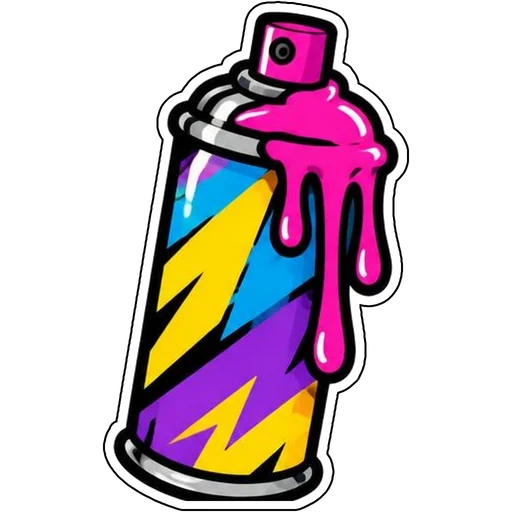


Ideas to try
A spray can with a pink paint drip
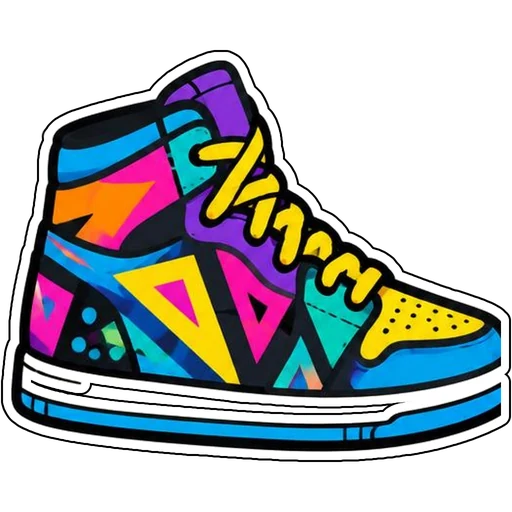
A high-top sneaker with a bold pattern
How it works
Describe your idea
A spray can with a pink paint drip. Change colors, poses and details to make it yours.
Pick a style
Open the advanced maker, choose an art style, then select Square, Circle or Die-Cut.
Download and print
Review details and any lettering, then download a PNG or print a test at 2, 3 or 4 inches.
Design ideas for graffiti stickers
Graffiti stickers decorate skateboards, laptops, helmets and notebooks. Spray cans, boomboxes and sneakers bring street energy.
Make your graffiti stickers print well
Bright neon colors may print softer than on screen, so test first. Keep drips attached to the main shape so the cut line stays simple.
Tips
- Use neon pinks, blues and yellows.
- Thick black outlines give street style.
- Add your tag name as text.
FAQ
Can I add text to graffiti stickers?
Yes. Include the exact words in your prompt and check spelling before printing.
What size works best for graffiti stickers?
2, 3 and 4 inch sizes are available for printing; choose based on where the sticker goes.
Can I cut these with a Cricut?
Die-cut designs use one connected outline with a thin white edge, which suits print-then-cut workflows.