Custom Fishing Sticker Maker
Create fishing stickers for angler journals and tackle-box themes in Sticker Flux. Start with an original idea below, then choose an art style and a square, circle or die-cut shape in the advanced sticker maker.
Start designing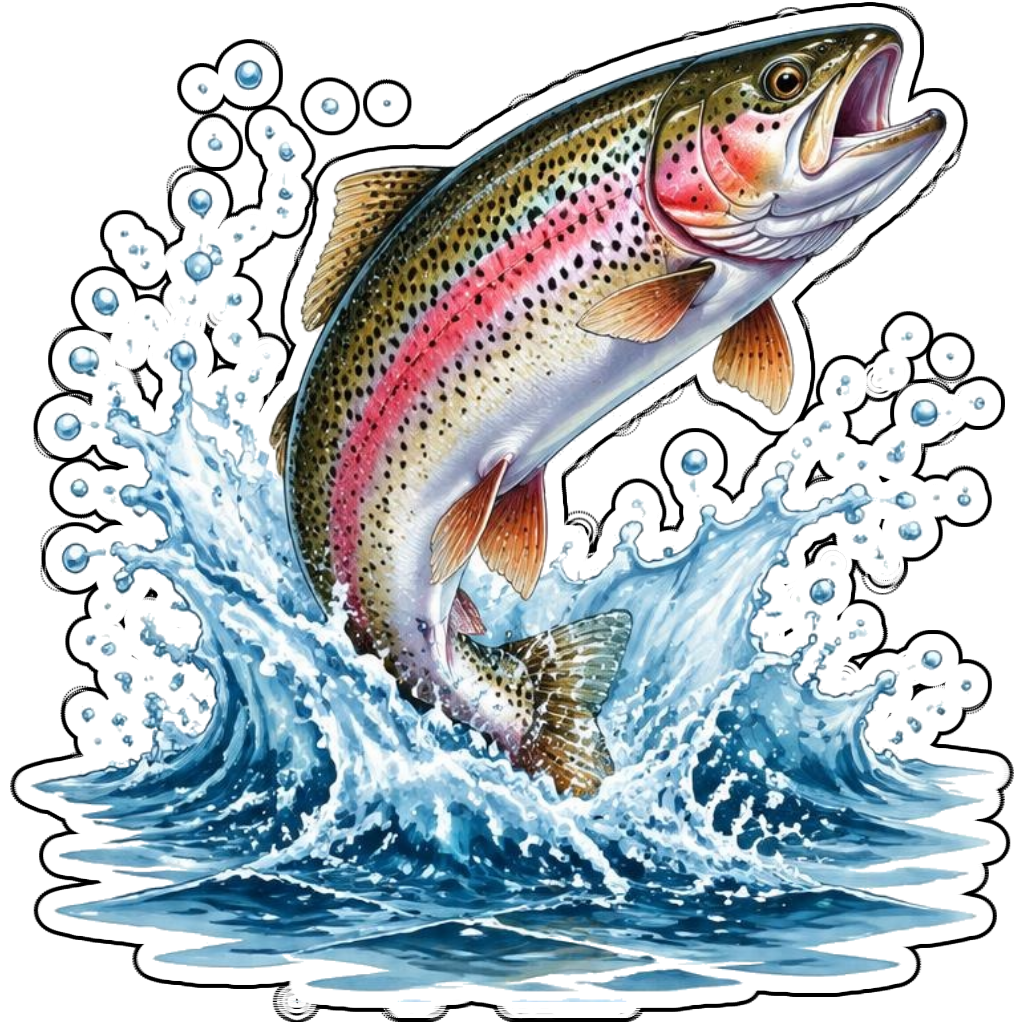
Ideas to try
A rainbow trout leaping through a splash
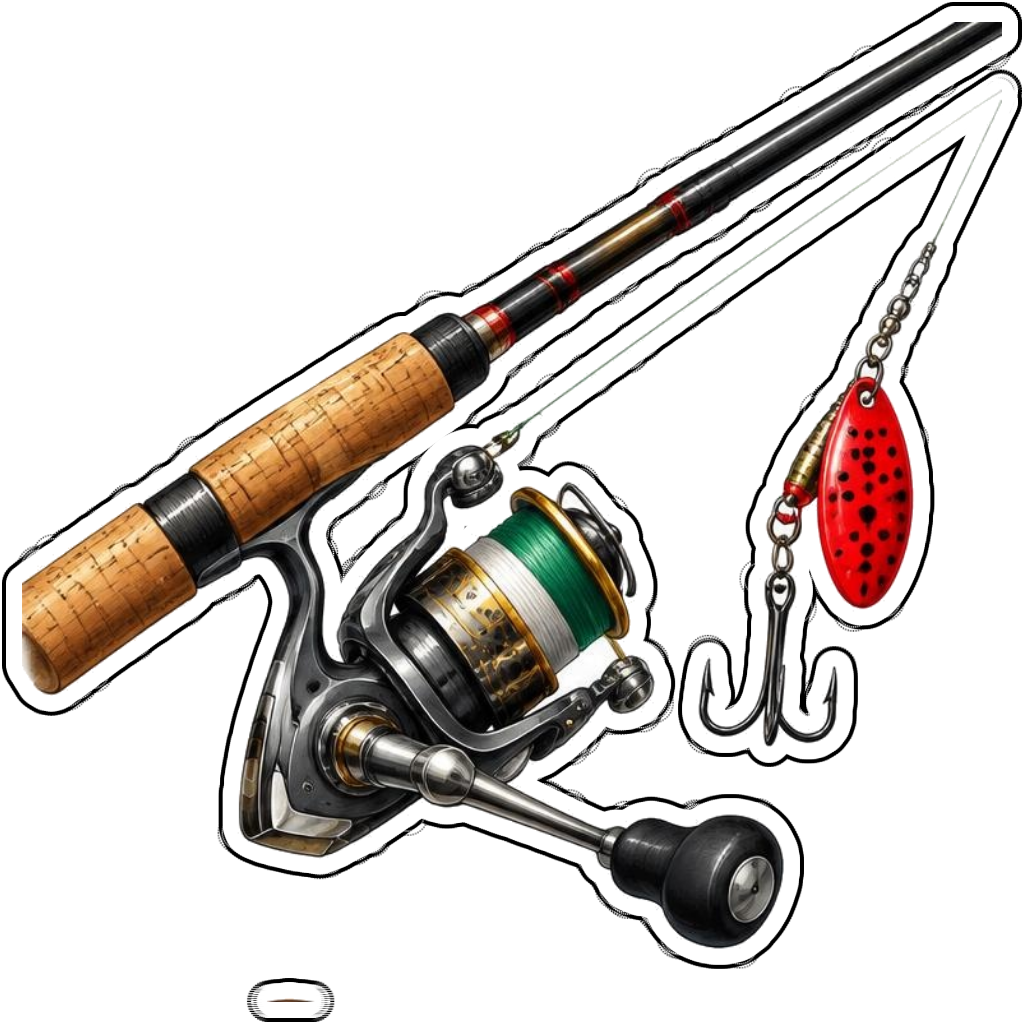
A fishing rod with a red lure and reel
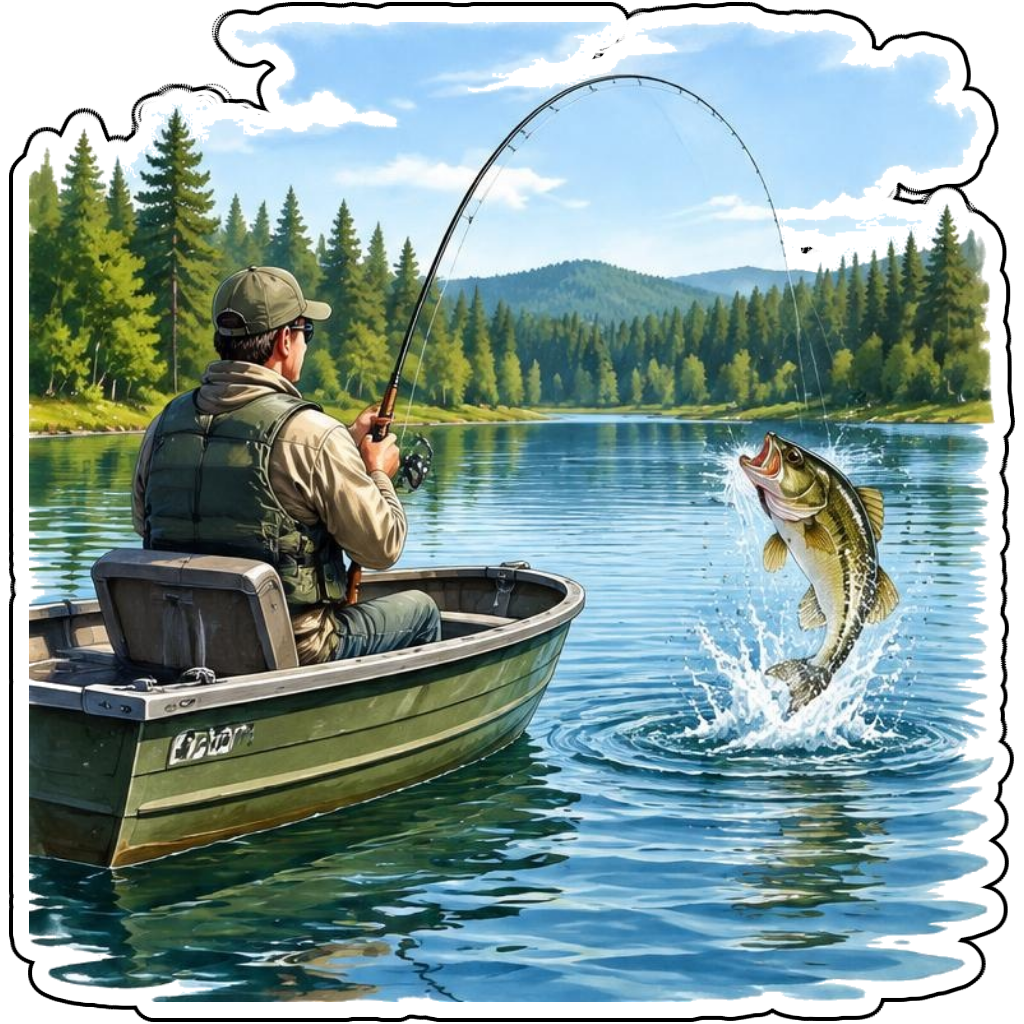
An angler in a small boat catching a bass
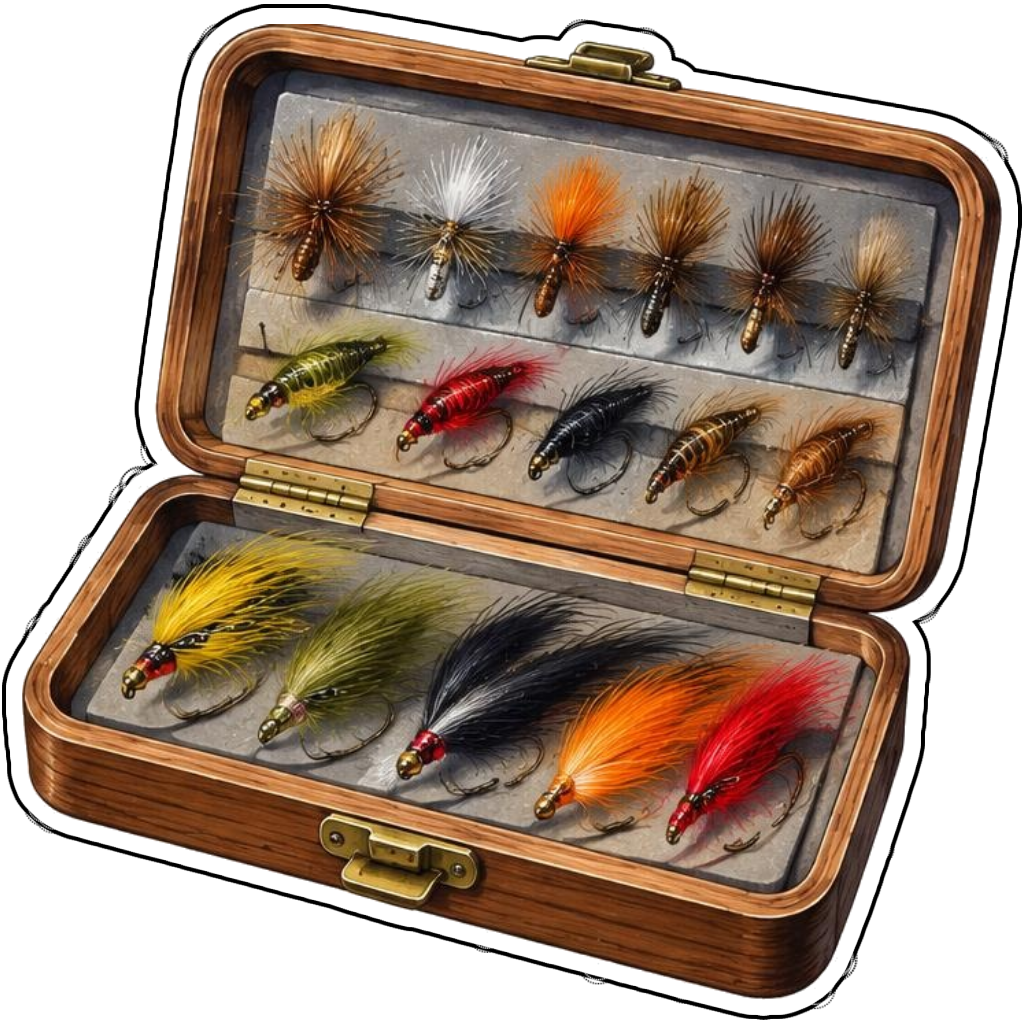
A fly-fishing tackle box with colorful flies
How it works
Choose your motif
A rainbow trout leaping through a splash. Adapt the pose, colors and details to make the idea your own.
Set style and shape
Open the advanced maker with an idea below. Include a medium such as watercolor or cartoon in the prompt, then choose Square, Circle or Die-Cut.
Review your artwork
Check small details and any lettering. Downloads use the same finished artwork as the preview; print a test at your intended size before preparing a full sheet.
Design ideas for fishing stickers
Name the fish, fishing method and gear. A trout jumping near a fly rod feels different from bass fishing in a boat. Specify a compact composition if you want the rod, fish and line to fit inside a clean sticker silhouette.
Build a personal fishing collection
Create a trip-themed collection using a fish portrait, lure, boat scene and tackle box. Watercolor suits nature journals; bold graphic art suits a larger gear label. Avoid implying that a digital file makes a printed sticker weatherproof or suitable for every tackle-box surface.
Tips
- Keep fishing lines bold enough to remain visible.
- Use a compact rod angle for die-cut designs.
- Check fish fins and species markings if accuracy matters.
FAQ
Can I personalize a fishing-trip sticker?
Yes. Describe the fish or gear and add a short trip name as text. Review lettering and details before using the design in a journal or printed collection.
How do I start a fishing sticker design?
Tap an idea to open the advanced maker with that prompt filled in. Change the subject details, add optional text and choose a sticker shape before creating.
Which file should I use for contour cutting?
For circle or die-cut artwork, use the PNG to retain the transparent exterior. JPG fills that exterior with white. Import and check the outline in your cutting software; the app does not supply a machine-specific SVG path or registration marks.