Custom Capybara Sticker Maker
Create capybara stickers for cozy notebooks and animal gifts in Sticker Flux. Start with an original idea below, then choose an art style and a square, circle or die-cut shape in the advanced sticker maker.
Start designing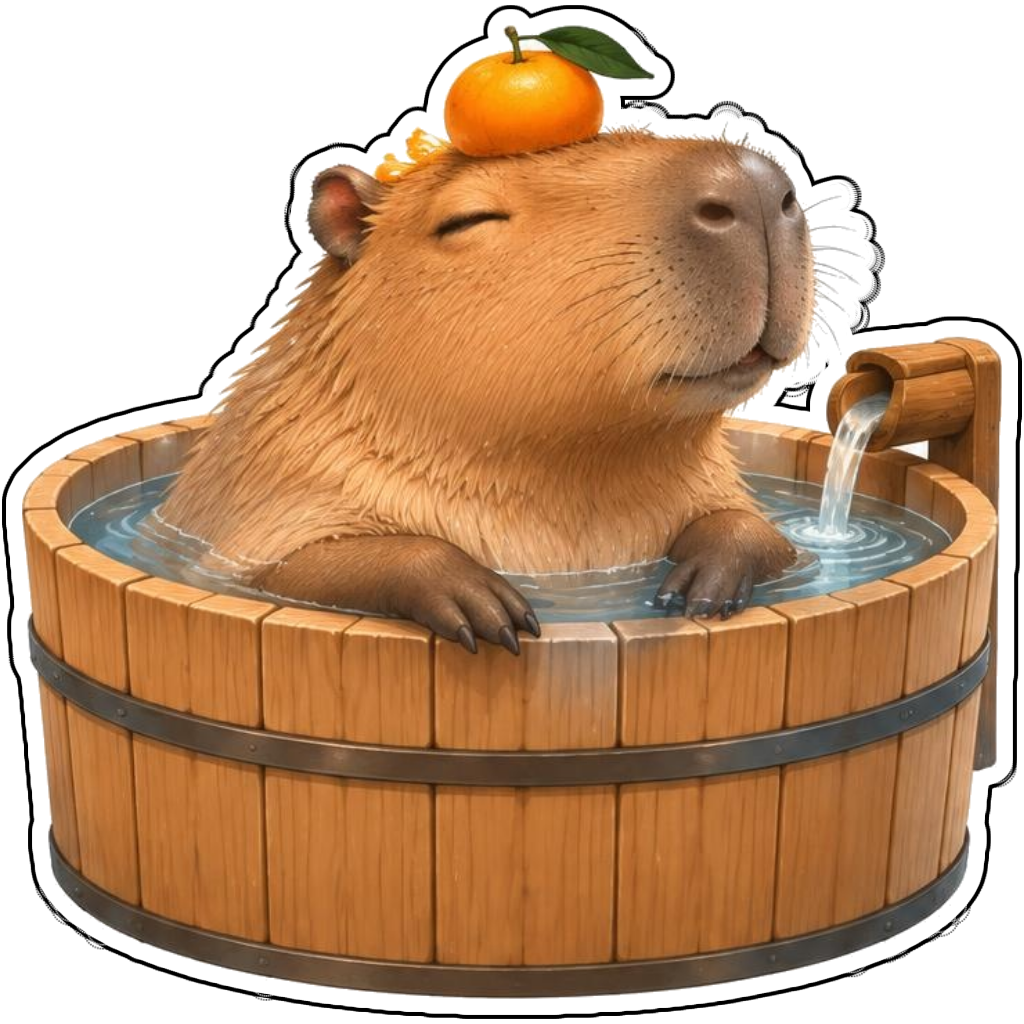

Ideas to try
A capybara in a wooden bath with an orange on its head
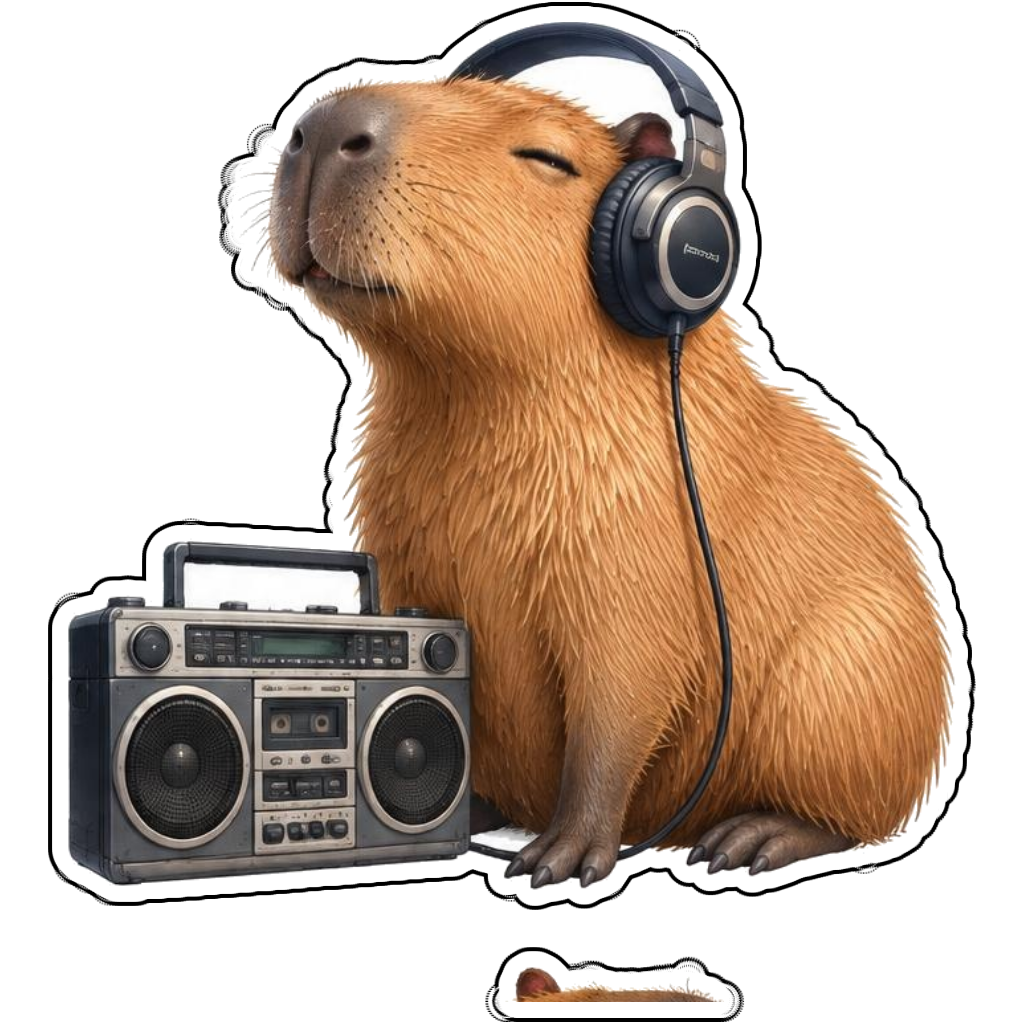
A capybara wearing headphones beside a boombox
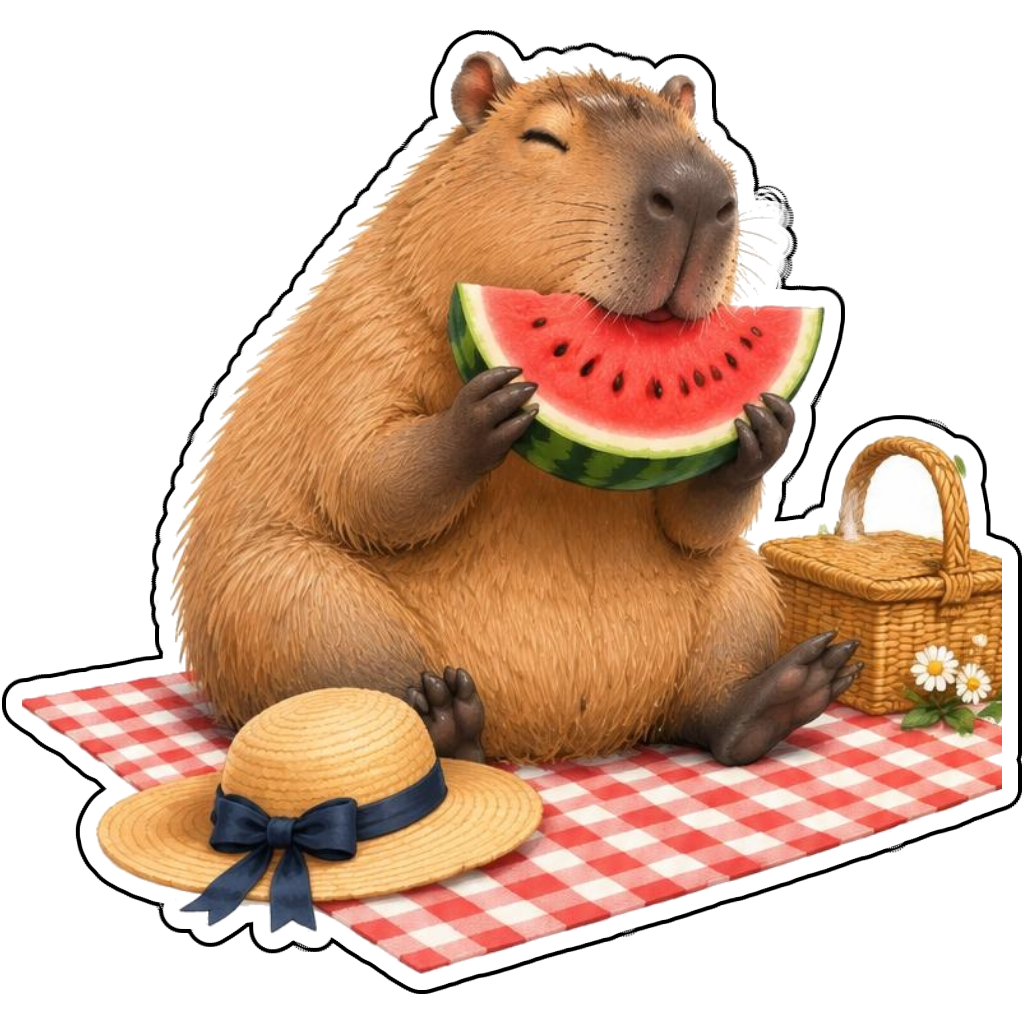
A capybara enjoying watermelon at a picnic
A capybara barista holding a latte
How it works
Choose your motif
A capybara in a wooden bath with an orange on its head. Adapt the pose, colors and details to make the idea your own.
Set style and shape
Open the advanced maker with an idea below. Include a medium such as watercolor or cartoon in the prompt, then choose Square, Circle or Die-Cut.
Review your artwork
Check small details and any lettering. Downloads use the same finished artwork as the preview; print a test at your intended size before preparing a full sheet.
Design ideas for capybara stickers
Mention the broad snout, small rounded ears and relaxed expression that make a capybara recognizable. A bath tub, picnic blanket or coffee apron offers a clear activity while keeping the calm personality of the animal.
Build a personal capybara collection
Try warm tan fur against teal props or orange fruit for gentle contrast. Cartoon style can exaggerate the expression while a painted style highlights fur texture. Keep side characters out if you want one simple contour around the capybara and its prop.
Tips
- Describe rounded ears and a broad snout.
- Keep the main prop close to the body.
- Use calm expressions for a relaxed mood.
FAQ
Which style works for capybara stickers?
Cartoon gives a playful expression, Watercolor gives soft texture and a custom style brief can request a more detailed painted look. Check the silhouette for recognizable capybara features.
How do I start a capybara sticker design?
Tap an idea to open the advanced maker with that prompt filled in. Change the subject details, add optional text and choose a sticker shape before creating.
Which file should I use for contour cutting?
For circle or die-cut artwork, use the PNG to retain the transparent exterior. JPG fills that exterior with white. Import and check the outline in your cutting software; the app does not supply a machine-specific SVG path or registration marks.